

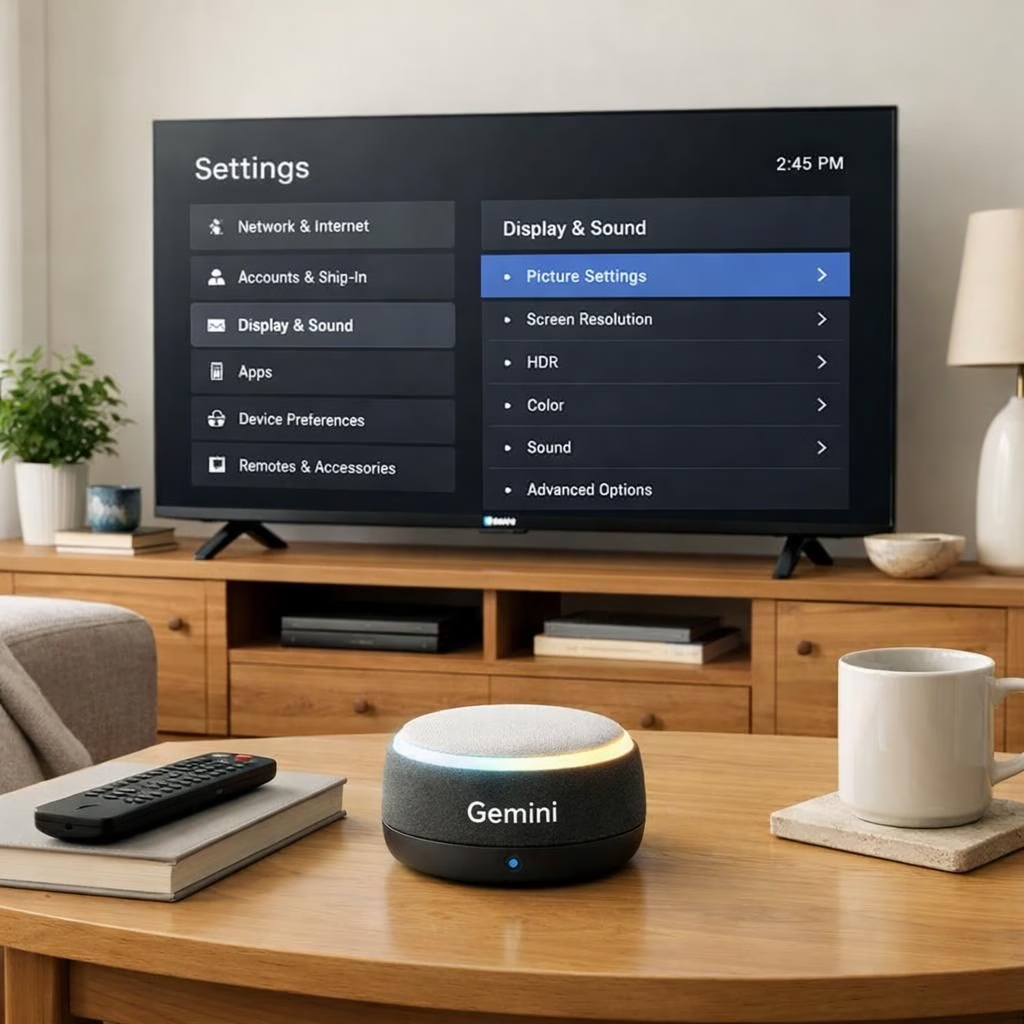
If you own a TCL TV that runs Tag B, Gemini is now ready to adjust picture and sound with simple voice commands. This isn’t science fiction; it’s a practical upgrade that makes your home theater feel less puzzled by your preferences. In short: Gemini on Tag B pairing with TCL begins a friendlier, more responsive viewing journey.
Gemini on Google TV: TCL Collaboration Explained
Here’s the gist: Gemini can nudge picture and sound settings on select TCL models. It isn’t across every TCL TV, but a targeted rollout TCL users can rely on. The goal is simple: reduce menu hunting by letting you describe your ideal viewing vibe and have the TV adjust brightness, contrast, color temperature, and volume. The collaboration uses Tag B with Gemini as a natural-language control layer, acting like a friendly editor that can tweak the picture and audio with a few spoken phrases.
- Brightness
- Contrast
- Color temperature
- Volume and dialogue balance
The rollout is notable for its timing and scope. Android Authority and Android Police flagged a staged distribution that started with TCL models and later expanded. There’s also a 60-day exclusivity window for TCL, giving devices a brief head-start to showcase the Gemini-Tag B synergy. After that window, other Google TV-enabled TVs may gain the same voice-driven control, opening the door for broader adoption. This isn’t a one-size-fits-all update; it’s a move toward more voice-driven settings across ecosystems, starting with TCL.
Google TV Quality? TCL and Gemini Make It Conversational
How does it work in practice? You speak, Gemini interprets, and the TV applies changes. You can request brightness adjustments like, “Gemini, make the picture warmer,” or tweak the sound with, “Gemini, boost dialogue and reduce bass.” The commands target common pain points: brightness for glare, contrast for dark scenes, and sound modes that prioritize speech clarity. The TCL integration means you don’t have to wander into the Settings menu and mutter at your remote; you converse with Gemini and let the TV respond. The result is a more intuitive, less fiddly viewing experience, especially for mixed content—sports, movies, and streaming where sight and sound need to stay in sync.
For tech-minded readers, the magic is in natural-language processing: Gemini translates everyday requests into precise on-screen changes. It covers picture quality (brightness, contrast, color temperature) and audio profiles (volume leveling, dialogue enhancement, balance). The integration with Tag B allows context-aware commands—your TV can know whether you’re watching a movie or a documentary and adapt accordingly. The practical upshot is a smoother, less fiddly experience with less mindless button-pressing, exactly the improvement many households crave.
Two notes: first, the feature is model- and region-specific; second, the initial wave is TCL-first with a roadmap for others. If your TCL TV is eligible, look for onboarding prompts that explain enabling Gemini’s voice-driven tweaks. If you miss a prompt, you can still prompt Gemini directly using supported phrases, and the system will learn your preferences over time. This isn’t a one-size-fits-all update; it’s a step toward a smarter, more responsive Tag B experience that respects your viewing habits with minimal friction.
From a user-experience perspective, the Gemini-Tag B-TCL collaboration highlights a trend toward on-device AI helpers that speak in plain language and act with visual precision. The more you use this feature, the more refined your preferences become, and the less you need to fiddle with menus. It’s a small shift, but one that makes nightly viewing smoother and less tiring. This upgrade also signals a broader industry move: voice-first control isn’t a gimmick; it’s a real enhancement that rewards clear commands and consistent habits. If you’re a TCL owner, you’ve got an opportunity to shape how you watch, listen, and enjoy content with less friction and more personality.
In case you’re curious about the reporting landscape, 9to5Google provided early coverage, corroborated by Thurrott, Android Authority, Android Police, and Android Headlines. This article stitches those angles into a practical, lighthearted guide to what this means for living room tech. And yes, the future likely holds broader availability, more nuanced commands, and smarter auto-adjustments that anticipate needs before you finish speaking. For now, TCL users on Tag B get the benefit first, and that feels fair—and quite useful.
We’d love to hear your experience with Gemini on Tag B. Do you notice quicker, smarter picture and sound adjustments on your TCL setup? Which commands feel most natural, and which feel awkward? Share your thoughts in the comments and tell us how this changes your daily viewing routine.
Original attribution and thanks: A big shout-out to the original reporting from 9to5Google for kicking off this conversation, with additional context from Thurrott, Android Authority, Android Police, and Android Headlines. Original article: 9to5Google coverage on Gemini for Google TV and TCL. We appreciate the work of the original writers and contributors for sparking this discussion.
Gemini Tips for TCL Owners
To get the most from Gemini, start with short, precise commands. Keep requests focused on lighting and sound adjustments. Over time, the system learns your phrasing and adapts to your preferences across scenes.