

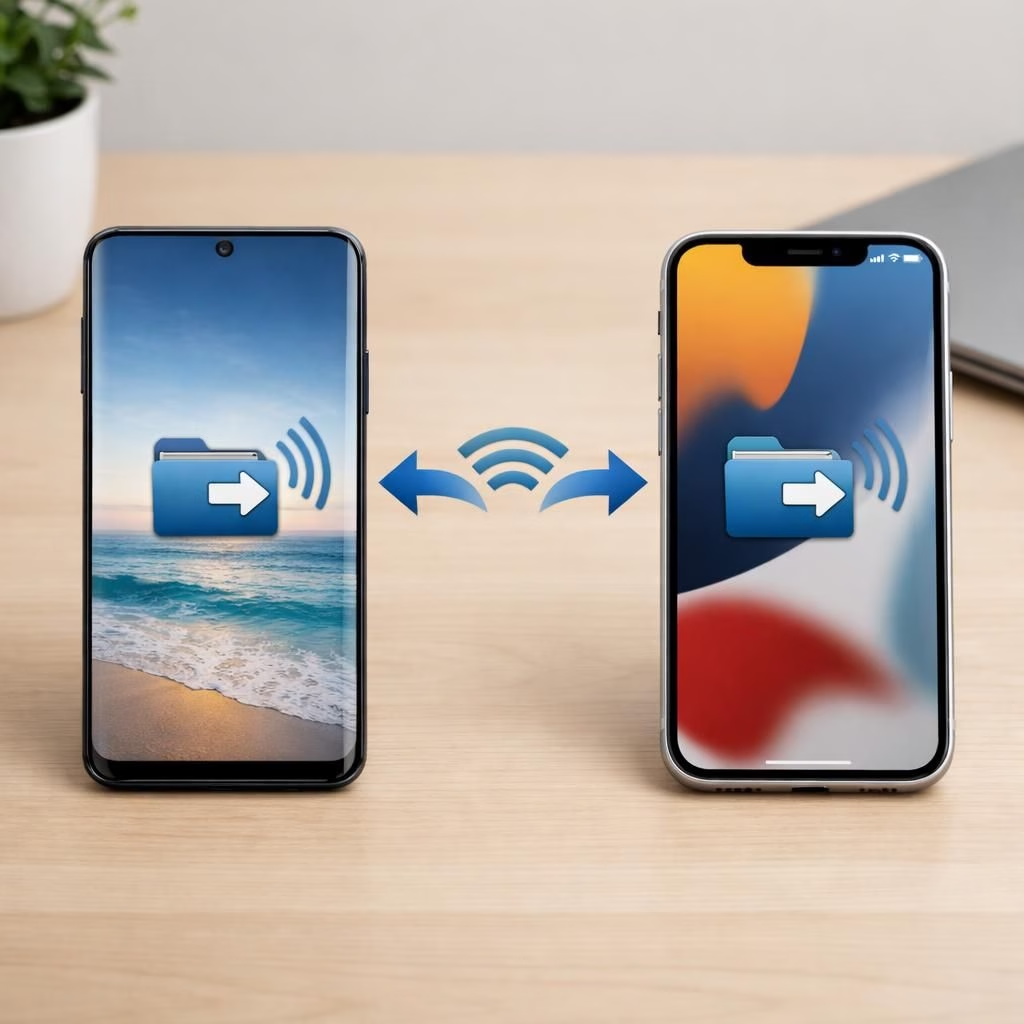
AirDrop meets Quick Share as Galaxy S26 begins cross‑device file sharing with iPhone, while Pixel 10 quietly showed the same path. AirDrop’s influence is clear in Samsung’s rollout, which promises a friendlier way to move photos, videos, and documents between devices without cables or cable-adjacent headaches. The initial roll‑out kicks off in Korea on March 23, with plans to expand to Europe, Hong Kong, Japan, Latin America, North America, Southeast Asia, and Taiwan as the company lines up tests and updates. If you own both a Galaxy and an iPhone, you will appreciate this feature more than most of your app notifications.
AirDrop meets Quick Share: Galaxy S26 cross‑device file sharing
The user experience mirrors the familiar cross‑device sharing pattern: open Quick Share on your Galaxy, then select an Apple device from the nearby pool. This mirrors AirDrop’s approach to cross‑device sharing. The moment a nearby iPhone appears, you send, and the file travels as if by magic, with minimal prompts and no fiddly pairing. Files can include photos, videos, and other supported documents, with the transfer running over the usual Wi‑Fi or Bluetooth pathways depending on the hardware and OS configurations.
AirDrop and Quick Share across ecosystems: regional rollout and use cases
Samsung highlighted the multi‑region expansion in a press release, noting that additional devices will join later. The regions listed include Europe, Hong Kong, Japan, Latin America, North America, Southeast Asia, and Taiwan.
In practice, this means you can tell a coworker in another country to just send the file and relax while the cloud takes the rest of the day off. For iPhone users, the procedure is similar to AirDrop: when Quick Share is visible, the Galaxy device can be selected as a target. Pixel 10 users gained the opposite cross‑compatibility last year, and the ecosystem watchers applaud the trend toward universal shareability, even if it creates a new term to memorize before coffee. The bridge between Android and iPhone share is growing, with Quick Share providing a practical alternative to cables.
AirDrop and Quick Share tips: a quick-start guide
To get started, Galaxy users open Quick Share and look for iPhone devices in the nearby list. Apple devices must have AirDrop visibility set to Everyone for 10 minutes, so the Galaxy phone can see them. Pixel owners can receive files from iPhones with a similar visibility setting on Quick Share. The feature works with iPhone, iPad, and Macs, making this a cross‑device convenience rather than a one‑brand gimmick.
Practical steps for a cross‑ecosystem share
- On Galaxy: open Quick Share and pick the nearby iPhone from the list.
- On iPhone: set AirDrop visibility to Everyone for 10 minutes to receive files.
- Tap Send; accept the transfer on the other device as prompted.
As with all things technology, the best experience comes from a little planning and a dash of optimism. If you have experimented with cross‑device sharing, tell us about your setup, your favorite file type to share, and whether Quick Share finally dethrones your messy local folder of random cables. We want to hear your stories in the comments, and a big thanks again to the original source for sparking this conversation: the Samsung press release linked below. AirDrop makes cross‑device sharing feel almost familiar.
Original article: Thank you to Samsung for the original material. Source: Samsung Global Press Release.