

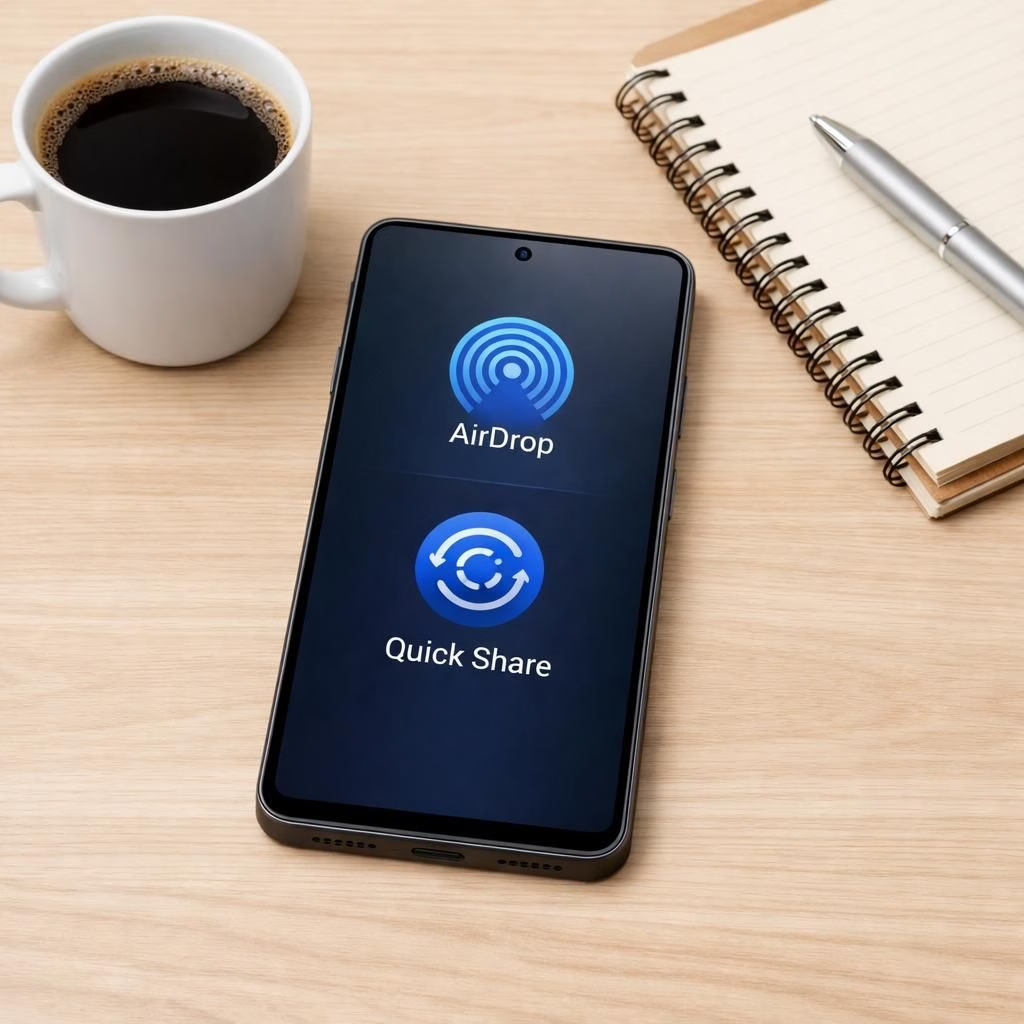
In 2026, Samsung’s Galaxy S26 adds AirDrop through Quick Share. The goal is simple: seamless transfers with less fuss. The plan is to roll out soon, says Samsung. AirDrop and Quick Share aim to calm the sharing chaos across devices. More devices will follow as the year progresses. It is a fun, practical step toward ecosystem harmony.
AirDrop arrives on Galaxy devices via Quick Share
Samsung says AirDrop will work by extending Quick Share. The combo uses nearby connections to move files quickly. Expect photos, documents, and links to transfer without opening extra apps. The flow should feel familiar to Apple fans and Android fans alike. A staged rollout will reach a few Galaxy devices first, then widen later in 2026.
Quick Share refines AirDrop transfers
Quick Share gains an AirDrop flavor without a separate app. The UI stays clean, and settings stay simple. A tap and a confirm should suffice to share with nearby devices. Reporters note that Pixel 10 and Apple AirDrop explore similar ideas. Samsung keeps its own design and security, which many users will appreciate.
Beyond speed, the transfers feel more natural. The approach fits a broader move toward interoperability. Android users gain a trusted method to send files to nearby devices. Apple fans may find familiar comfort when devices talk across ecosystems. The number of supported devices should grow as updates roll out. Samsung may add quality-of-life tweaks along the way–notifications, permissions, and little delights to make sharing feel effortless. With Quick Share, Samsung aims to refine the cross-device experience and keep data secure.
From a practical angle, here are expected steps: 1) enable Quick Share on your Galaxy S26 or compatible device. 2) set visibility to your audience. 3) choose a file (photos, documents, or links). 4) pick a nearby recipient that appears in the share sheet. 5) confirm the transfer when prompted.
The experience should save time and reduce the mental load of file paths across devices. It may rescue moments where sharing feels more like a chore than a breeze.
Industry coverage frames this as the next wave of cross-platform sharing. CNET notes AirDrop compatibility on the Galaxy S26, while IGN notes the coming support, and Quick Share-like rollout details are highlighted by 9to5Google. ZDNet offers a practical guide to Quick Share-like transfers on Android and a few capable models.
As 2026 unfolds, Samsung’s strategy crafts a more cohesive wireless sharing experience. Expect closer integration with Secure Folder, Smart Switch, and better Bluetooth wakeups. The ecosystem aims for fewer taps and fewer apps, more intuitive interactions. This helps casual users and power users alike. It may nudge skeptics toward devices that handle cross-device tricks more gracefully.
Have thoughts? Share them in the comments below. Our thanks go to 9to5Google for the original reporting.
FAQ: AirDrop and Quick Share on Galaxy S26
- Q: Will AirDrop work cross-platform with non-Samsung devices?
- A: The initial focus is on Galaxy devices and nearby Android users, with cross-ecosystem sharing evolving over time.
- Q: How do I enable Quick Share on the Galaxy S26?
- A: Open Quick Settings, turn on Quick Share, and set visibility as you prefer.
- Q: Is the transfer secure?
- A: Samsung emphasizes device-to-device authentication and user permissions in the flow.
References
Original reporting: 9to5Google