

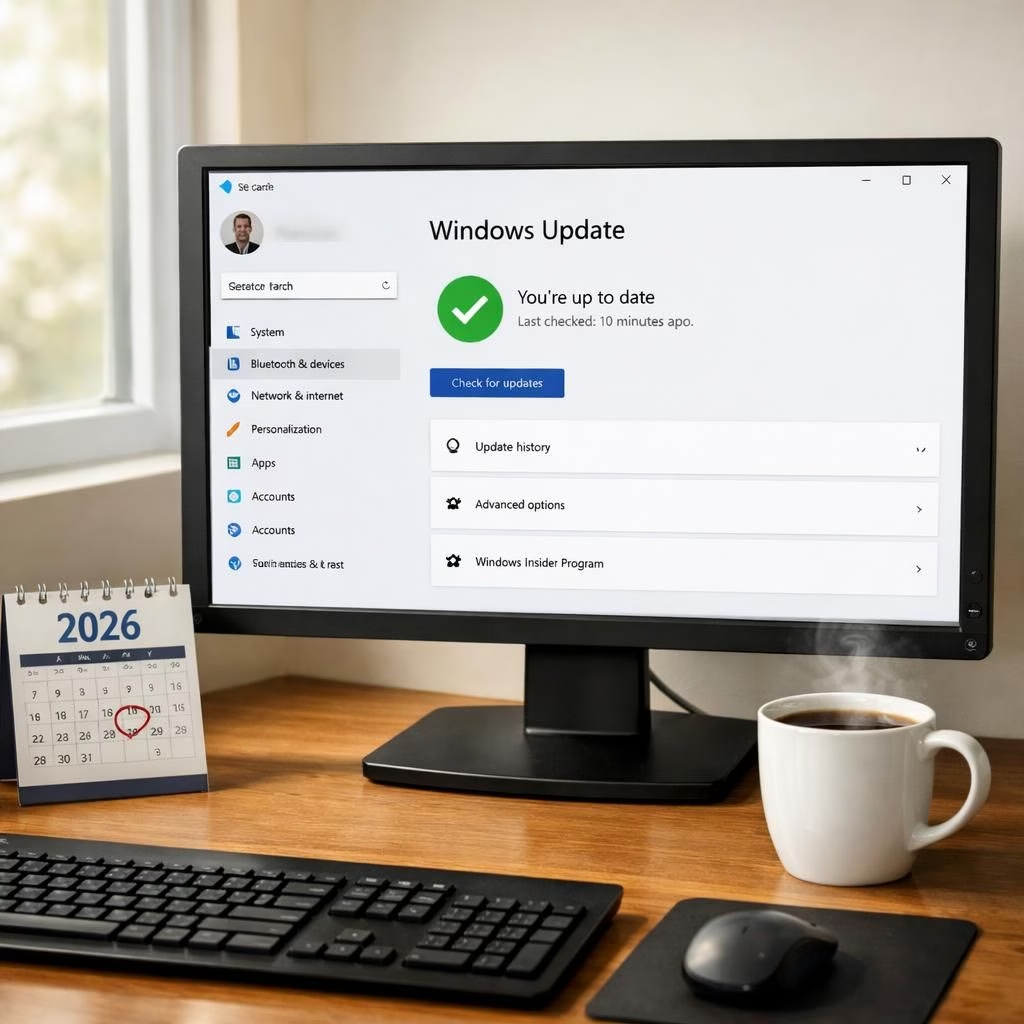
Welcome to 2026, where Windows Update meets Pause in a way that gives you real control, a touch of humor, and a clear path to staying secure without every reboot feeling like a surprise party. This post explores what the changes mean for everyday computing, with practical tips and a light-hearted spin.
Windows Update: A companion with a calendar
Microsoft recently clarified that you can Pause Windows Update for an extended stretch, effectively indefinitely in 35-day blocks. This cadence lets you delay updates during busy periods while planning a deployment window that fits your schedule. The Verge captured the relief around the 35-day pause, framing the control as a way to align updates with real-life timelines. The result is straightforward: Windows Update stops hijacking your afternoon when you need calm, and it nudges you toward keeping your device secure on your terms.
With this cadence, Windows Update remains in your toolbox, not in your face. You decide when to apply security patches, driver updates, or feature tweaks. The PC remains usable, your workflow stays intact, and your calendar stays sane. The phrase Windows Update becomes less of a house rule and more of a cooperative partner that respects your time and your deadlines. In 2026, this is good design: a balance between security and productivity, with a little humor thrown in.
For readers who like data, there are practical implications. Admins in homes and small offices can schedule update windows to avoid critical hours, while casual users benefit from fewer popups during gaming sessions or video calls. The policy’s focus is not on hiding settings but on clarifying them, so people can pick a rhythm that fits. In this sense, Windows Update is less a storm and more a metronome that helps you keep pace.
In 2026, the update cadence works as a practical tool rather than a tyranny; it respects time while preserving security. This approach aligns well with modern computing needs, where balance matters as much as protection.
Pause: control without chaos
The Pause feature is where user autonomy shines. By allowing a pause for up to the 35-day mark, Pause offers a predictable downtime for updates, letting you decide when to resume. It’s not about stalling forever; it’s about buying breathing room. In 2026, this design choice makes life easier for remote workers, students, IT admins, and busy parents who juggle devices, deadlines, and dinner plans. The Pause control is accessible, intuitive, and surprisingly comforting when you need to focus.
From the user perspective, Pause is a practical tool for maintaining momentum. You can pause during a project deadline, a trip, or a family event and then resume with a single click. No more endless reminders, no more forced restarts at inopportune moments. The real power lies in the clarity: you own the update schedule, and the PC respects your pace. The combination of Windows Update flexibility and Pause awareness makes the system friendlier without sacrificing security or performance.
Pause in daily life
In daily life, these features translate into fewer surprises, more predictability, and better planning. The Windows Update and Pause pairing helps you decide when to apply patches, firmware updates, or feature changes. It reduces the cognitive load of constantly monitoring updates and allows focus on what matters most—work, study, or play. For developers, gamers, and professionals testing new software, the cadence means fewer stalled sessions and fewer restarts interrupting flow. For families, it means less automation drama and more shared time around the same screen.
Educational and enterprise readers will appreciate the alignment between security goals and user needs. The 2026 approach to Windows Update and Pause acknowledges that updates must arrive, but not at the worst possible moment. A well-timed update is a sign of a mature ecosystem, not a nuisance. The changes ripple through the Windows 11 pipeline, into Insider previews and mainstream releases, signaling a steady commitment to smoother experiences even as the software evolves. The community can celebrate incremental gains that improve reliability, not just new features with a list of caveats.
Practical tips to maximize benefits:
- Set a regular update window that matches your peak productivity hours and plan updates around it. This keeps Windows Update from derailing your day.
- Use Pause to suspend updates during critical projects, conferences, or travel, then resume when you’re ready.
- Coordinate with IT or family members if several devices share a network; synchronized pauses can reduce simultaneous restarts.
- Keep an eye on the security posture; even with Pause, ensure you apply patches before they expire or when you have time to test compatibility.
For those who chase insider knowledge, Windows Update and Pause management is not merely cosmetic. It signals a broader shift to user-centric control in Windows, reinforcing a culture where systems are helpful partners rather than unpredictable editors. The latest Windows Update rework and the ongoing Windows Insider program demonstrate a disciplined approach to testing, feedback, and gradual improvements. In this ecosystem, Windows Update and Pause are two tools in a toolkit that keeps devices secure, reliable, and easy to manage in the real world.
As with any major change, readers should approach with curiosity, not fear. The updates may nudge toward new configuration paths, but they also simplify previously opaque choices. The combination of Windows Update and Pause offers a balanced strategy that respects both security and personal schedules. If you enjoy a lighter touch without losing control, this 2026 approach might feel like a minor miracle wrapped in a calendar invitation.
What do you think about Windows Update and Pause? Do you prefer a strict update rhythm, or a more relaxed approach that still keeps security in sight? Share your thoughts in the comments below to spark a practical, friendly discussion.
Special thanks to The Verge for the original reporting and for drawing attention to the 35-day pause and the evolving update controls. You can read the original article here: Microsoft will let you pause Windows Updates indefinitely, 35 days at a time. Thank you for the great material that inspired this post.