

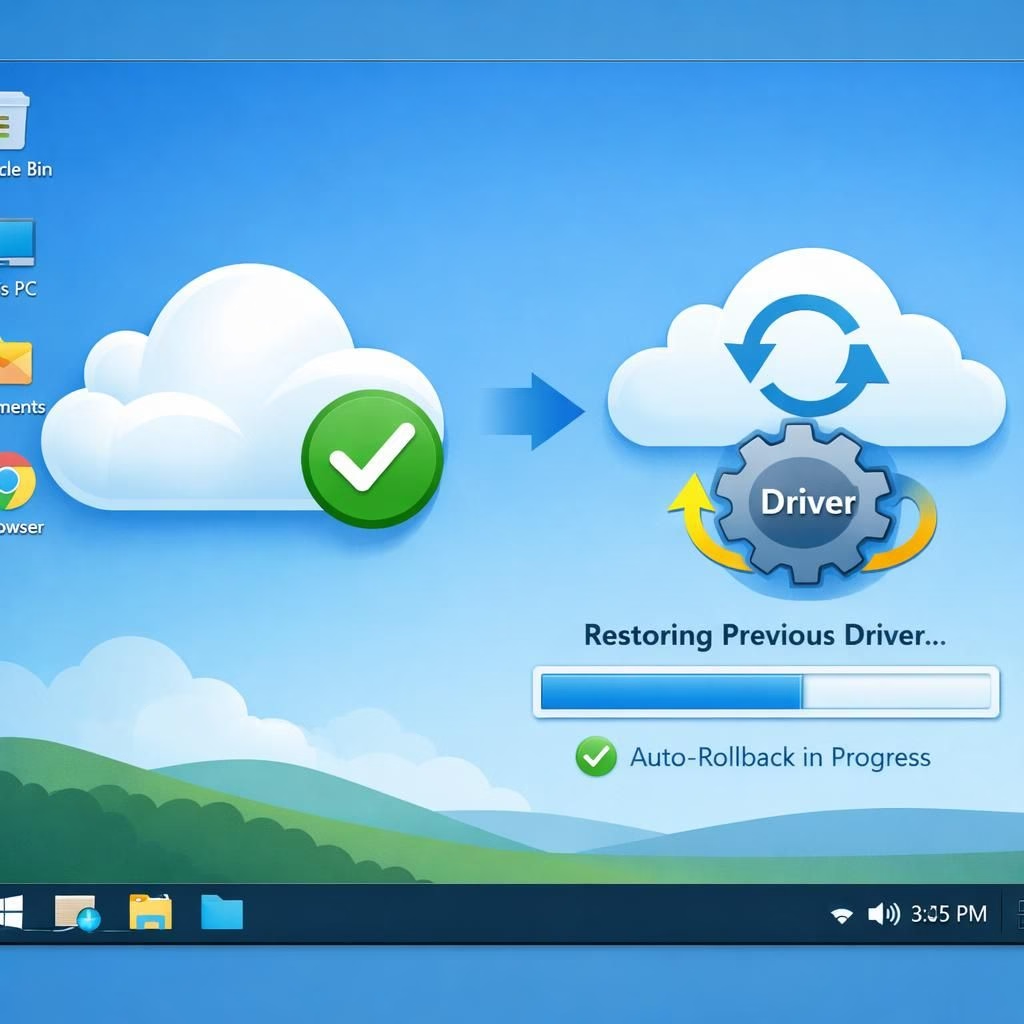
In 2026, Microsoft aims to soften the rough edges of Windows Update. The new Cloud-Initiated Driver Recovery feature can replace a faulty driver installed via Windows Update with a previously working version, and it does so without you lifting a finger. The cloud-driven mechanism targets the problems caused by Windows Update and its Driver Recovery workflow, so you won’t have to roll back drivers manually or chase a vendor patch. Microsoft test-drives this capability with hardware partners and plans a gradual rollout in September 2026.
Windows Update and Driver Recovery: A New Kind of Self-Healing PC
When a driver surfaces as problematic during shiproom evaluation, Microsoft can trigger a recovery action from the cloud, replacing the faulty driver on affected devices without user intervention or a vendor push. This keeps the PC usable while the fix lands, cutting downtime and the usual cycle of download, install, reboot, and pray. Windows Update handles delivery, while Driver Recovery handles the rollback in the background, coordinating to minimize disruption. In practical terms, Windows Update remains the delivery engine, and Driver Recovery acts as the safety net that steps in when things go sideways.
Driver Recovery in Windows Update: How It Feels in Real Life
The plan is being tested with Microsoft’s hardware partners, with a gradual rollout expected to begin in September 2026. The update experience gets friendlier with controls to pause updates indefinitely, skip updates during initial device setup, and restart or shut down a PC without forcing a pending install. These options reduce disruption and give users time to prepare for changes, especially when a new driver line arrives through Windows Update and triggers a cautious rollback by Driver Recovery.
For IT teams, this approach lowers the fire-fighting tempo during a crisis. For everyday users, it translates to a calmer update cycle with fewer dreaded Driver Recovery hiccups. The blend of Windows Update delivery and Driver Recovery automation aims to shrink the time between problem detection and resolution, keeping devices productive rather than clocking error messages on screen.
Microsoft promises clearer controls and more transparency around what updates come through Windows Update, what gets rolled back by Driver Recovery, and when those actions take place. Windows Update remains the primary path for new drivers, while Driver Recovery serves as the safety net. By separating duties—the delivery role of Windows Update and the safety net role of Driver Recovery—the process avoids forcing a full reboot for every change.
What This Means for You: Practical Tips for the Update Experience
If you like scheduling updates at night, you’ll appreciate the indefinite pause feature. Extend a pause date as needed, especially when deadlines loom and you don’t want an unexpected reboot interrupting work. If you’re setting up a new device, skip updates during the initial setup so first boot doesn’t overwhelm you with driver prompts. And if you’re racing to finish a task, you can restart or shut down a PC without forcing a pending update from Windows Update.
Of course, cloud-driven improvements come with caveats. Cloud-initiated Driver Recovery depends on solid signals from Microsoft’s infrastructure, and there may be edge cases where a driver behaves oddly after a rollback. Still, the aim remains to reduce manual intervention and keep the system usable while the new driver lands via Windows Update.
For hobbyists and IT pros alike, this shift positions Windows Update as more than a delivery channel. It becomes a smarter partner that nudges you toward smoother, less disruptive changes. With Driver Recovery in the mix, the system can rebound from driver hiccups without you hunting the right version or fiddling with device managers.
As always, readers will want practical context. This article presents what to expect as Windows Update evolves and how the Driver Recovery feature works behind the scenes.
Frequently asked questions
- What is Driver Recovery? In Windows Update, the cloud-driven rollback helps replace an identified faulty driver with a known-good version, reducing downtime and frustration.
- Will Driver Recovery automatically revert driver updates on my PC? The system is designed to intervene when quality signals indicate a problem, but you’ll still have controls for major changes.
- Can I still pause Windows Update indefinitely? Yes, the new controls let you extend a pause date as needed, giving you room to plan.
- How do I skip updates during initial device setup? Use the setup options to avoid driver prompts during first boot.
Takeaway: Windows Update is evolving into a more proactive partner, with Driver Recovery quietly handling hiccups so you stay productive without wrestling with drivers.