

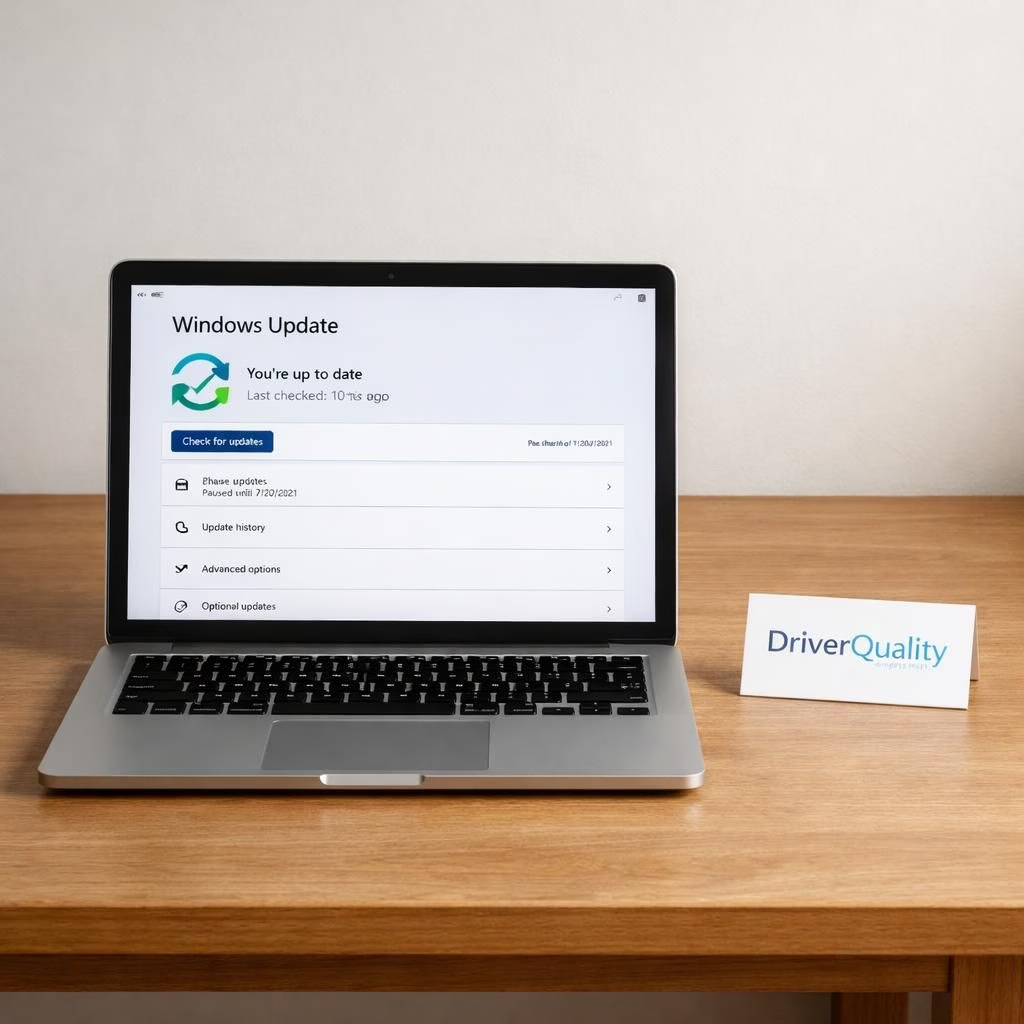
In 2026, Microsoft meets a stubborn truth: drivers can misbehave and WindowsUpdate can stumble. The industry calls this a chance to improve reliability, not a dare to be perfect. Enter DriverQuality, a practical, no-nonsense push to test, roll back, and repair drivers before they crash the party. At WinHEC 2026, the DriverQuality Initiative got a spotlight, paired with a quiet pledge to let WindowsUpdate do the hard work of keeping devices stable without turning end-users into sysadmins. This is not hype; it’s a shift toward predictable updates, safer rollbacks, and fewer blue screens that yell, ‘Not again!’
DriverQuality and WindowsUpdate are not competing with each other; they are coordinating. Microsoft positions DriverQuality as a rigorous, developer-facing effort to validate driver code against real-world stress tests, compatibility checks, and telemetry-informed test harnesses. The idea is straightforward: catch defects early, document them clearly, and provide clean, reversible changes when a driver misbehaves. In practice, that means better telemetry, faster triage, and a culture that treats a botched driver as a probability, not a personal attack on your hardware. The DriverQuality program is not a mythical beast; it’s a streamlining of existing workflows with a transparent, developer-friendly framework that encourages faster fixes and safer releases.
On the other side of the coin, WindowsUpdate is stepping up to the plate with automated repair tricks. Expect updates that can identify a problematic driver, roll it back to a known-good state, and try a safer alternative without forcing users into manual troubleshooting. The engineering logic is simple and user-centric: if a patch causes problems, reverse the change, test the rollback, and reattempt with a corrected update strategy. It’s not about lazy automation; it’s about resilient, repeatable updates that respect power users and casual users alike. The two strands—DriverQuality and WindowsUpdate—complement each other by turning a noisy, frightening process into a calmer, more predictable one.
DriverQuality Initiative at WinHEC 2026: a practical roadmap
DriverQuality arrives with a toolkit that reads like a well-organized lab notebook. Engineers gain access to tighter validation gates, more meaningful test cases, and standardized rollback points. The goal is not to punish drivers that fail; it’s to ensure that failures are detected early, diagnosed quickly, and rolled back safely with minimal user impact. Practical benefits include better fault isolation, clearer remediation steps for manufacturers, and improved user messaging when something goes wrong. The initiative also emphasizes collaboration with hardware makers to ensure that drivers meet clear quality thresholds before broad distribution. This is not a theoretical exercise; it’s a concrete plan to reduce the frequency of disruptive driver updates and to empower teams to push fixes faster.
From a security standpoint, DriverQuality is a welcome guardrail. If a flawed driver could open a door to attackers, early detection and clean rollback paths close that door before it is opened wide. The WinHEC framing makes it clear that quality is not an afterthought but a design criterion. Teams will be encouraged to bake in safer defaults, implement safer rollback mechanisms, and document known-good configurations so a user’s PC can recover gracefully after a faulty update. The result is less panic, more predictability, and fewer emergency reboot cycles in the wild.
WindowsUpdate: Auto-fix and rollback promises
Meanwhile, WindowsUpdate is getting smarter about automation. It can spot patterns that signal a driver update may cause a problem and trigger an automatic rollback to the previous version. The advantage for users is simple: you wake up, your PC is running a known-good driver, and you don’t have to babysit the update process. For IT admins, the same approach scales across fleets with consistent rules, central visibility, and clear rollback paths. The emphasis is on safety first, speed second: fixes should arrive quickly, but never at the cost of stability. In practice, this means better recovery points, more robust version control for drivers, and a user-friendly experience that explains what happened and why. The combination of WindowsUpdate and driver quality checks reduces the chance that a minor hiccup escalates into a major outage.
What does this mean for your day-to-day computing? First, fewer surprise reboots and fewer post-update headaches. Second, clearer messaging when a change is risky, along with guided steps to restore function. Third, you benefit from a more deliberate, data-driven update cadence that prioritizes compatibility over novelty. The plan is not to micromanage every device, but to create dependable defaults and safe fallbacks that anyone can rely on. As users, we gain peace of mind and a sense that the system is learning from its mistakes rather than pretending they never happened.
Tech culture often treats updates as a necessary irritation; the new approach reframes updates as a collaborative, improvement-oriented process. DriverQuality provides the guardrails that catch defects earlier, while WindowsUpdate supplies the calm, automated recovery that keeps devices usable during the inevitable hiccups. Together, they tell a story of more intelligent software maintenance—one that respects your time, your hardware, and your nerves.
Practical impact and what to expect next
For most users, the immediate effect will be smoother updates and quicker recoveries. If a driver update proves problematic, the system should revert more gracefully, leaving you with a stable baseline and a clear path to try again. For power users and IT professionals, there will be more granular controls and better visibility into the health of driver installations, with dashboards that show which devices were affected and what rollback actions were taken. The intent is not to automate away decision-making entirely but to automate the boring, repetitive, and risky parts—so humans can focus on more strategic tasks. The DriverQuality framework also encourages better documentation, which means fewer cryptic error codes and more actionable guidance when things go wrong.
In 2026, you can expect a calmer update experience that prioritizes stability without sacrificing innovation. The goal is a living ecosystem where driver developers, hardware partners, and end users all win: faster fixes, safer deployments, and fewer head-scratching moments when the blue screen stares back. If you love a world where updates respect your time and your hardware, this is a story to celebrate, not to fear.
As always, your mileage may vary by device and setup, but the trajectory is clear: DriverQuality and WindowsUpdate are real tools for reducing the unpredictability of driver updates and for turning a chaotic process into something dependable. We should all breathe a little easier knowing that these improvements are not a one-off stunt, but a sustained commitment to better software hygiene.
We invite you to share your experiences with driver updates and any rollback moments you’ve faced. Have DriverQuality and WindowsUpdate changed how you approach updates on your PC or laptop? Tell us in the comments and help others learn from real-world use cases.
Original sources and gratitude: this article builds on thoughtful reporting from TipRanks (MSFT and driver rollback coverage), the Windows Blog’s WinHEC 2026 notes, Extremetech, PCMag, and Engadget. A hearty thank you to these outlets for the early coverage that informed this overview. TipRanks, Windows Blog, ExtremeTech, PCMag, Engadget. Thank you for the original material and insights that inspired this rewrite.
Internal pointers
For related AI and stock coverage, see Getting Personal With AI: Microsoft Stock (NASDAQ:MSFT) Slips as Users Turn to AI in Strange Ways – TipRanks.
References
- Original source: TipRanks
- Windows Blog: Windows Blog
- ExtremeTech: ExtremeTech
- PCMag: PCMag
- Engadget: Engadget