

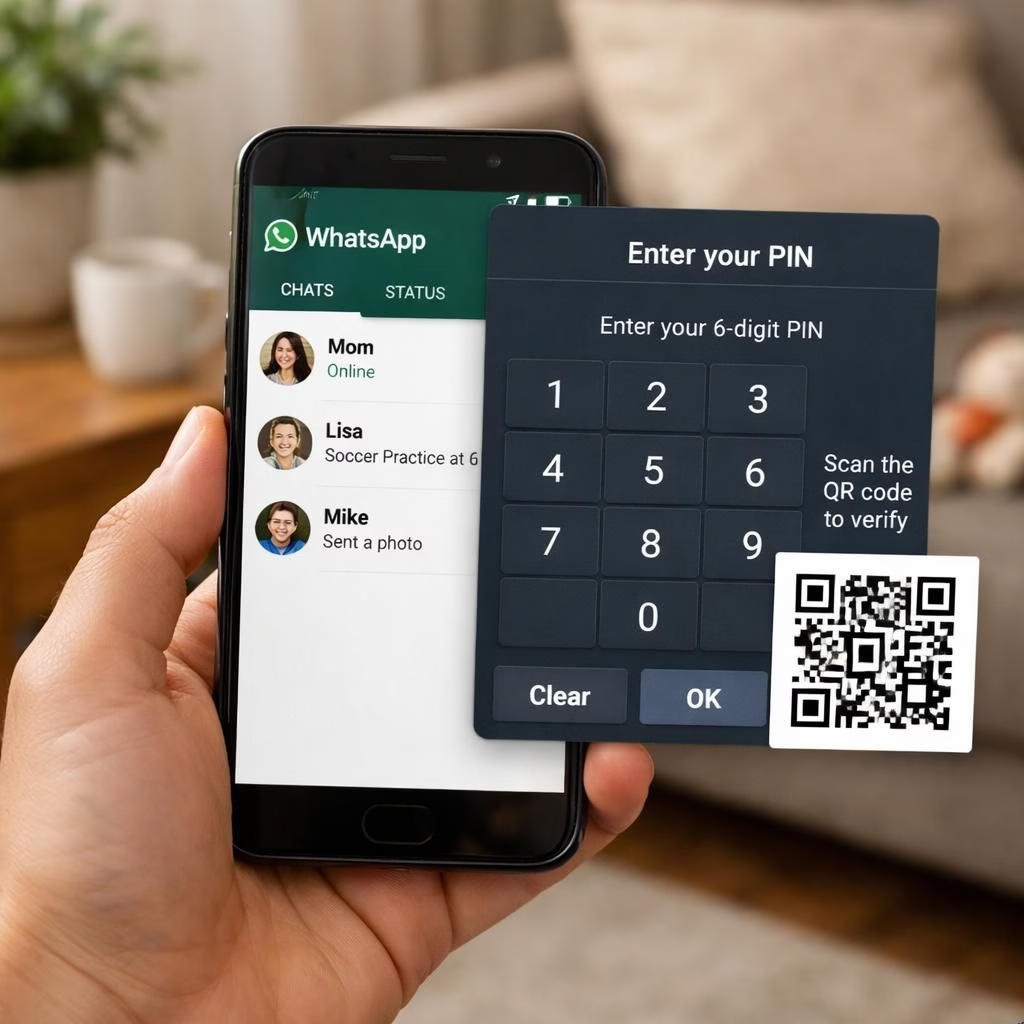
WhatsApp launches a family feature called parent-managed-accounts. It gives parents tighter reins over how kids under 13 use the app. The move is practical for a popular messaging service that once kept India’s minimum age at 13. Across regions, rules varied. The new setup focuses on parental controls and a few restrictions. WhatsApp promises no ads in these accounts. It’s not a radical makeover, but it is a useful tweak for family life.
WhatsApp and the parent-managed-accounts rollout: what it means for families
In practice, many features are off in parent-managed-accounts. Meta AI is not available. Channels are off. Status updates are off. Chat Lock and App Lock are not part of this setup. Linked devices and location sharing are restricted. View-once messages and disappearing messages in one-on-one chats are disabled. Privacy is tight by default: profile photos and last-seen are visible only to saved contacts. Only parents can change these settings. Messages from unknown contacts go to a ‘Requests’ folder, awaiting parental approval. A six-digit PIN protects all setting changes. This is parental oversight with a modern, gentle touch.
The roll-out will happen gradually and work on Android and iPhone. This is designed to be simple for families and clear for kids to understand. It aims to keep the chat experience focused on messaging and calling, not on endless features.
How setup works for families using WhatsApp parent-managed-accounts
Setup is straightforward but deliberate. Parents install WhatsApp on the child’s phone. They open More options and choose Create a parent-managed-accounts account. They register the child’s phone number and confirm the age. The account links to the parent’s WhatsApp by scanning a QR code. The parent verifies their identity and creates the PIN. When done, the child’s account inherits the family rules and the parent can approve or deny requests.
- Open WhatsApp on the child’s phone
- Tap More options
- Select Create a parent-managed-accounts account
- Register the child’s phone and age
- Scan the QR code with the parent’s WhatsApp
- Set a 6-digit PIN
Privacy safeguards and day-to-day use with WhatsApp parent-managed-accounts
Privacy remains a priority. By default, saved contacts see limited information. The child’s profile photo and last-seen are protected. The parent-managed-accounts framework allows the parent to tweak these settings. The feature excludes Meta AI and some other tools from the account. The goal is safer online habits and clearer boundaries. The rollout across Android and iPhone prioritizes reliability and smooth onboarding. The messaging core stays strong; voice and video calls remain a staple.
What this means for 2026 and beyond
From a product perspective, this is a thoughtful turn. A big platform is betting on responsible parenting without overloading the user experience. Families get a practical path to safer use. Teens may get more privacy through structure rather than through silence. For WhatsApp, the move preserves the simple, familiar feel while showing social responsibility.
Practical tips for families embracing the new setup
- Discuss boundaries with your child before enabling the feature. Clarity beats mystery.
- Keep the six-digit PIN secure. Change it if you suspect it’s shared.
- Use the Requests folder to teach communication and consent with friends.
- Review saved contacts periodically so profiles stay up to date.
- When you enable the parent-managed-accounts model, reinforce agreed boundaries and check-ins.
Have thoughts about WhatsApp and the parent-managed-accounts approach? Share them in the comments below. We’ll keep the discussion constructive and practical, with real-world tips.
External context: for broader coverage on family safety features in messaging apps, you can read industry perspectives from established outlets and the official WhatsApp blog.
References
Further reading (external sources):