

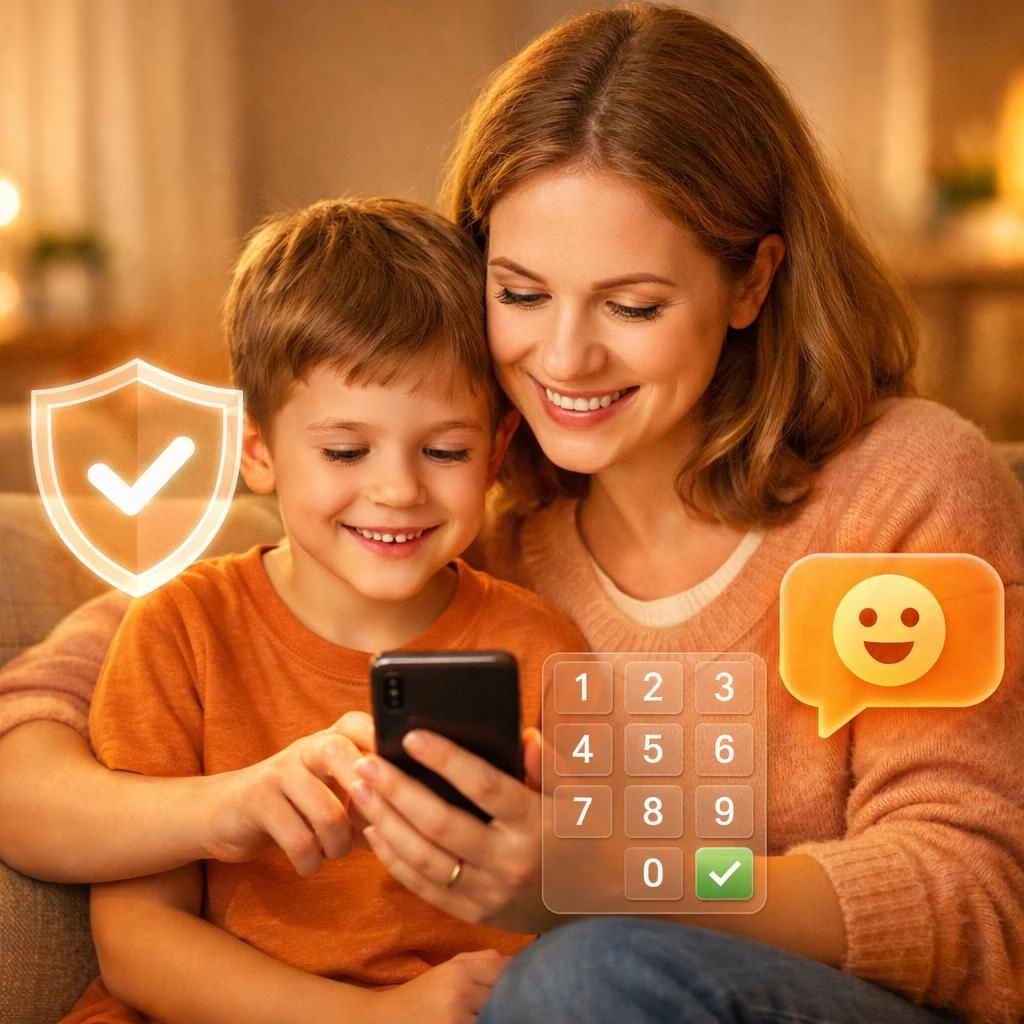
In 2026, WhatsApp launches a friendlier safety feature called the parent-managed accounts system. It targets pre-teens and aims to give families practical control without turning every chat into a safety briefing. Personal chats stay private thanks to end-to-end encryption. Guardians gain a toolkit to shape who can message. They can also guide which groups the child may join and when new contact requests appear. The overall vibe is collaborative—a digital partnership where WhatsApp and families share responsibility for safer, calmer online moments.
What are parent-managed accounts on WhatsApp?
The parent-managed accounts feature links the parent’s device to the child’s device, creating a controlled child account inside WhatsApp. With parent-managed accounts, the parent can limit the child’s experience to basic messaging and calling while still keeping personal chats protected by end-to-end encryption. That means the kid’s private messages stay private, and the parent gets real tools to guide their social world without peeking into every word.
- Restricted functionality: The child’s app experience is limited to messaging and calling.
- Contact approvals: Parents decide who can contact the child.
- Group management: Parents control which WhatsApp groups the child can join.
- Message requests: Parents can review unknown contact requests and adjust privacy settings before anything happens.
To guard against attempts to bypass controls, the parental controls and privacy settings are gated with a dedicated Parent PIN on the child’s device. Only the parent can access or change these settings, keeping digital boundaries clear and consistent.
All personal conversations remain private and protected with end-to-end encryption, meaning no one—not even WhatsApp—can see or hear them. The emphasis is on providing more tools for parents while respecting the child’s basic privacy in personal chats.
How to set up parent-managed accounts on WhatsApp
- Ensure both devices have the latest version of WhatsApp. Start on the child’s device, set language, and choose Create a parent-managed account. Register the child’s phone number and confirm their birthday.
- Tap Continue to generate a QR code on the child’s screen. The parent opens their phone, scans the code, and taps the link to be redirected to WhatsApp.
- On the parent’s device, tap Agree and continue, verify your adult status, and create a secure 6-digit Parent PIN. Keep this PIN secret from the child.
- Return to the child’s device, enter the newly created Parent PIN, and tap Continue to complete linking.
Who can use the parent-managed accounts feature and rollout timing
WhatsApp describes the feature as rolling out gradually. Availability may not cover every country yet, and the company has not published a full list of regions. If a region does not show the option today, check back later as the update expands. The intent is to give families time to adjust and to gather feedback for better tools in the future.
Practical tips for using parent-managed accounts on WhatsApp
- Keep the Parent PIN secure. Do not share it with your child or others who should not alter settings.
- Use clear communication with pre-teens about why controls exist, focusing on safety and balanced independence.
- Review contact requests and group invitations regularly to maintain an appropriate social circle for the child.
- Consider enabling two guardians or trusted adults to access the control panel in case of emergencies or lost PIN.
As families explore this feature, appreciate that the goal is to protect while preserving privacy. The balance will feel different for every household, but the option to tailor WhatsApp to a child’s needs is a thoughtful step forward in the digital age of 2026.
We invite readers to share their thoughts in the comments. How would you use WhatsApp with your family? What concerns or wins do you anticipate?
Original article: Thanks to the original source for material on WhatsApp‘s parent-managed accounts. See the original here: Original article.
FAQ about parent-managed accounts on WhatsApp
- Q: What is a parent-managed account?
A: It pairs a parent’s device with a child’s WhatsApp experience to enable basic messaging and calling while applying safety controls. - Q: Do I see my child’s messages?
A: No. Personal conversations remain end-to-end encrypted, but you can manage who messages them and which groups they join. - Q: How do I set it up?
A: Follow the step-by-step setup described earlier, ensuring both devices have the latest WhatsApp version. - Q: Can multiple guardians access controls?
A: Yes, you can designate two trusted adults to help manage settings, if needed. - Q: Is the feature available in all regions?
A: WhatsApp says rollout is gradual and not all regions may have it yet.
References
- Livemint coverage: Livemint
- WhatsApp Safety Center: WhatsApp Safety Center
- Official blog: WhatsApp Official Blog
- Common Sense Media: Common Sense Media