

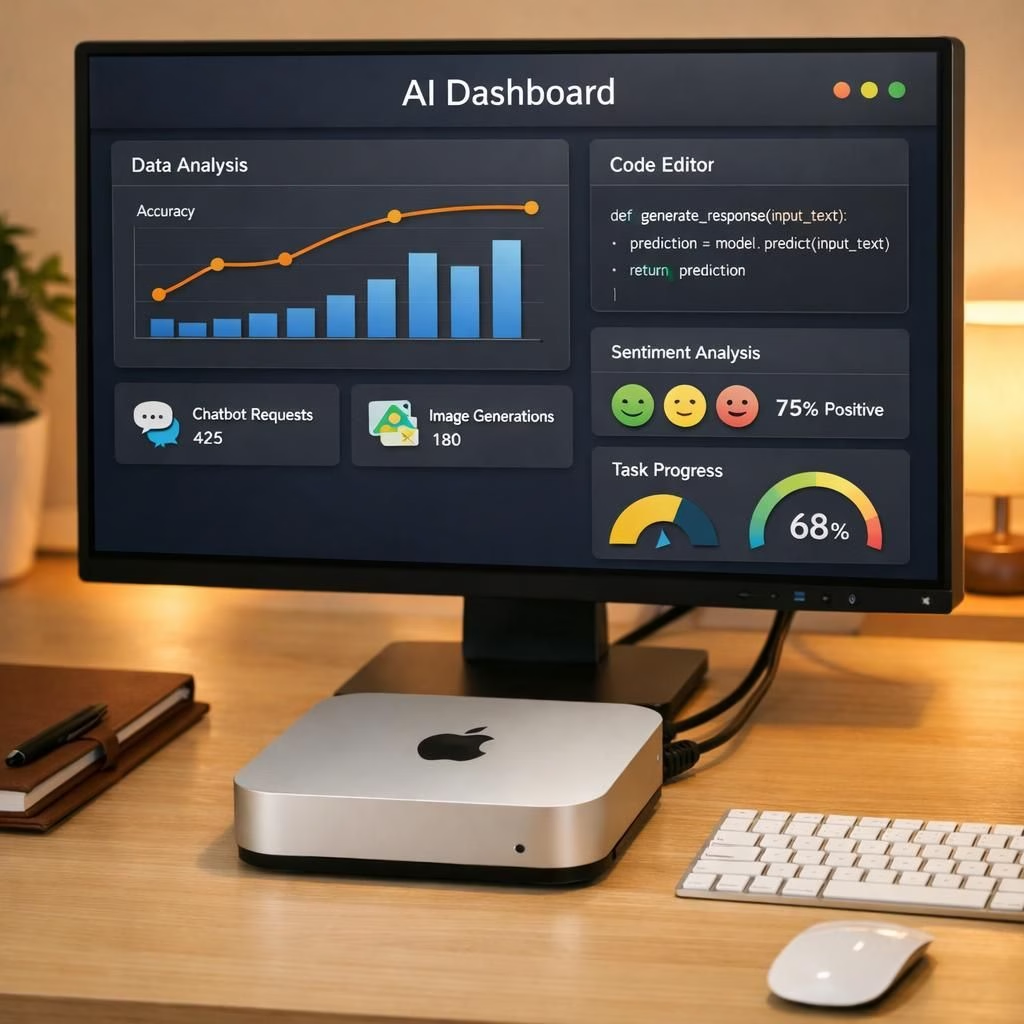
AI Mac has landed for 2026: Perplexity’s Personal Computer repurposes a spare Mac mini into a persistent AI agent, blending enterprise power with approachable charm. In this bright take, we explore how a modest Mac mini becomes a cooperative colleague, offering streamlined workflows without the usual software headaches.
Tech reporters describe the core idea: turn a Mac into an AI OS that can host persistent agents. The Verge frames it as practical AI tooling on familiar hardware; Axios highlights enterprise-ready agent tooling; VentureBeat reports on taking the concept into meetings and the boardroom as a challenger to Microsoft and Salesforce. Storyboard18 and Macworld add color by comparing the setup to a tiny, always-on coworker living in a compact Mac environment. The trend is clear: a user-friendly, on-device brain can boost productivity without requiring a cloud marathon.
AI on Mac: The Practical Path to Automation
Practically speaking, the concept reduces friction. You don’t need a fleet of expensive servers to spin up assistants. Instead, a Mac mini or spare Mac hosts a tailored AI OS that can manage tasks, fetch information, and keep context across sessions. IT teams gain a single plane to pilot: one OS, one security philosophy, and one governance framework. The result is a more approachable automation story for teams already comfortable with macOS and its app ecosystem.
In 2026, momentum around on-device AI solutions could grow, especially in teams that value speed and privacy. The on-a Mac mini model complements cloud AI, letting sensitive queries stay closer to home while heavier tasks pull in external models when needed. The broader conversation is about how we deploy AI in everyday work. Using hardware people already own, this approach makes experimentation easier and governance more visible. If the trend continues, we might see a wave of lightweight AI agents living on familiar machines, quietly boosting productivity without turning IT into a battleground between on-prem and cloud ecosystems.
For now, this is a thoughtful, cheeky nudge toward a future where AI agents are not just a research curiosity but a staple of daily workflows. It’s a reminder that sometimes the best computing move sits on your desk, ready to lend a hand, keep your calendar in order, and help your team stay in the loop without shouting for attention. If you’ve tried on-device AI agents on a Mac—or you’re curious about trying one—you’re in good company among early adopters who like to test iron and algorithm side by side.
Want to share your perspective or experiences with Mac hardware hosting AI? Tell us in the comments below. Your thoughts help shape the conversation about AI, Mac, and the future of enterprise automation in 2026.
Original reporting and attribution: Thanks to The Verge for the initial piece on Perplexity’s Personal Computer. See the original article at The Verge. Other coverage included Axios (Axios), VentureBeat (VentureBeat), Storyboard18 (Storyboard18), and Macworld (Macworld). Thank you to these outlets for the inspiration and material that helped shape this post.
External sources
References
FAQ
- What is Perplexity’s Personal Computer?
- It is an AI operating system concept that turns a spare Mac into a persistent AI agent capable of handling routine tasks on-device.
- How does it run on a Mac mini?
- It loads a tailored AI OS that preserves context across sessions and runs locally, with optional cloud assistance for heavier tasks.
- Is my data private when using on-device AI on a Mac?
- On-device processing keeps sensitive data closer to home, reducing exposure in transit. Governance and clear use-case rules remain essential.
- What should teams consider before adopting?
- Define use cases, establish data-handling policies, set guardrails, and ensure alignment with licensing and hardware capacity.
Getting started: a quick guide
- Audit existing on-device hardware: spare Mac minis or desktops are ideal starting points.
- Choose a scope: pick a few repetitive tasks (scheduling, lookups, or reminders) to automate first.
- Implement guardrails: define data boundaries and access controls before enabling persistence.
- Test iteratively: monitor latency, accuracy, and user feedback to tune performance.
Conclusion
The idea of an AI agent living on a Mac is not science fiction—it’s a practical push toward faster, privacy-minded automation. If you manage IT for a team that already trusts a Mac ecosystem, this approach could unlock smoother workflows without piling on cloud complexity.