

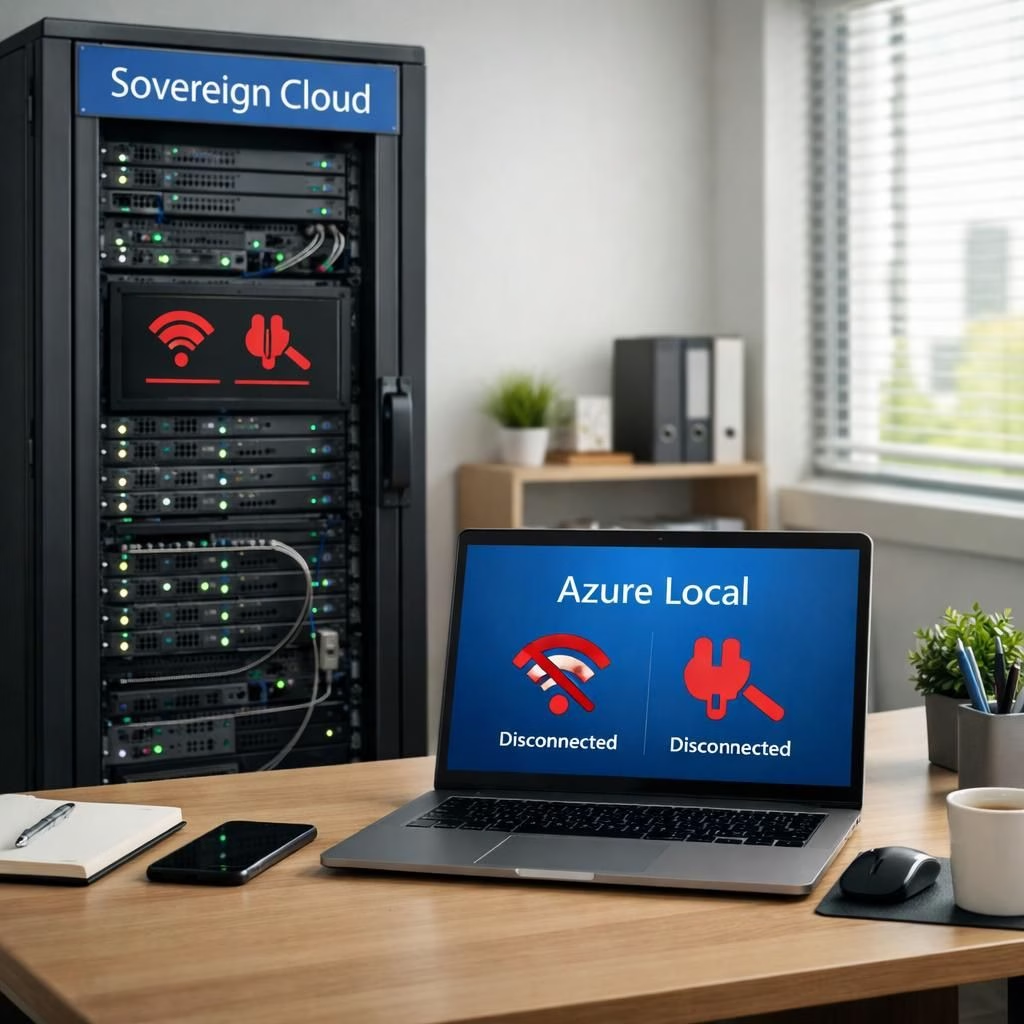
Three updates, three pillars, and a practical win for anyone who wants to stay productive even if the internet hiccups. Microsoft describes these as part of its Sovereign Cloud strategy, designed to keep data in the right places with the right controls. In parallel, Azure Local becomes more than a slide on a governance chart. It acts as a concrete, local-first operating model for regulated environments that value continuity as much as compliance. Put simply: Sovereign Cloud and Azure Local are about turning risk into resilience without asking users to sacrifice performance or governance. The result is a more cheerful form of enterprise readiness: you can plan for outages and still get things done with a straight face.
Sovereign Cloud: Three local-first updates explained
First up is Azure Local disconnected operations (now available). The idea is actionable: run mission-critical infrastructure with Azure governance and policy control, all without cloud connectivity. In plain terms, you can keep Azure Local—classified, or isolated environments running when the cloud is unavailable. This is not a gimmick; it’s a real capability that keeps dashboards updating and workloads humming even when the internet takes a vacation. The Sovereign Cloud approach remains intact, with data staying within defined boundaries and policies enforced by design. And yes, this is exactly the kind of feature you want when a project depends on stability more than vibes.
Next comes Microsoft 365 Local disconnected (now available). Core productivity workloads—Exchange Server, SharePoint Server, and Skype for Business Server—can operate inside the customer’s sovereign boundary on Azure Local. The result is simple: teams stay productive, calendars stay in sync, and documents stay accessible, even if you are cut off from the broader cloud. Yes, you can still co-author, share, and chat, just without the typical cloud round-trips. This is a practical alignment of productivity tools with local governance, a win for teams that value both usability and control. The Sovereign Cloud strategy here is to keep work moving, not to force a long, suspenseful outage sequence.
Finally, Foundry Local expands the architectural toolkit. It adds modern infrastructure capabilities and support for large AI models, enabling organisations to bring multimodal AI into fully disconnected, sovereign environments. With partners like NVIDIA, customers can run large models locally on their own hardware, delivering powerful inference while keeping data, identities, and policies inside sovereign boundaries. The result is a truly localized full stack—compute, storage, AI, and governance—that keeps operations resilient under any connectivity condition. The reimagined stack links Sovereign Cloud continuity with practical Azure Local capabilities, creating a more capable, less fragile environment.
Azure Local: Foundry Local, AI, and governance in one tight bundle
Microsoft emphasizes that this trio offers a cohesive experience built on Azure Local infrastructure and Microsoft 365 Local workloads. The emphasis is on staying resilient across connectivity swings, while continuing to apply consistent policy enforcement. The real magic is the ability to keep sensitive data on-prem or on dedicated sovereign hardware, yet enjoy the benefits of modern AI tooling and a familiar productivity stack. In practice, this means a small business in a regulated sector can run business-critical apps locally, while still relying on the same governance models that large enterprises use. The Azure Local approach makes this feel less like a compromise and more like an upgrade to a sane, security-minded workflow.
Across all three updates, the message is clear: control, continuity, and capability without forcing a trade-off between security and speed. The architecture moves from a cloud-only posture to a spectrum—the Sovereign Cloud approach offers a continuum of sovereign options to protect against fragmentation and risk, while Azure Local provides the practical, local boundary. The combination allows organisations to tailor workloads per policy, per risk, and per need, without surrendering performance or intelligence. And the AI story remains part of the plan, with Foundry Local enabling local multimodal inference that respects sovereign boundaries and data governance. In short, resilience is the new productivity.
In daily terms, these updates translate to fewer emergency IT sprints, more predictable governance, and a smoother path to compliance without forcing teams to shift away from the tools they already love. The Azure Local boundary becomes less about heavy-handed control and more about precise, thoughtful placement of data, identities, and workloads. When people talk about cloud strategies, they often mention speed and scale. The real win here is the clarity to choose the right posture for each workload and the discipline to keep the rest humming along offline or online as conditions dictate. That’s a practical upgrade you can describe with a smile.
If you’re evaluating these options for your organization, consider mapping workloads to three axes: data sensitivity (low, medium, high), connectivity risk (stable, intermittent, offline), and AI need (inference only, basic generation, advanced multimodal). The Sovereign Cloud and Azure Local capabilities sit at the sweet spot where policy meets practicality, and where governance does not chase performance away. You get the comfort of local control with the potential for powerful local AI models—without surrendering the safeguards that matter in regulated environments.
Have thoughts or questions about what Azure Local and Sovereign Cloud mean for your organization? Share your thoughts below or reach out for a deeper dive. We’d love to hear how you see these options shaping your readiness for disconnected operations.
References and further reading are provided below to help you assess the practical implications for governance, security, and continuity.
Practical mapping for Sovereign Cloud workloads
Use these quick guidelines to anchor your decision process when assigning workloads:
- Data sensitivity: categorize data as low, medium, or high risk to determine whether it belongs inside the Sovereign Cloud boundary or could sit within Azure Local infrastructure.
- Connectivity risk: plan for stable, intermittent, or offline conditions and align workloads with the appropriate boundary and governance.
- AI need: for inference-only or basic generation, consider starting with Azure Local and Foundry Local; for advanced multimodal models, rely on Foundry Local within sovereign boundaries.
Getting started: a quick implementation path
- Inventory all critical workloads and classify them by data sensitivity, connectivity risk, and AI needs.
- Map each workload to the most appropriate boundary: Sovereign Cloud or Azure Local.
- Pilot Foundry Local for selected AI workloads to validate offline capabilities and governance controls.
- Establish ongoing governance, audit, and policy enforcement across the local and cloud boundaries.
Frequently asked questions
-
What is Sovereign Cloud?
It’s Microsoft’s approach to keep data and workloads within defined, enforceable boundaries—across public and private environments—to maintain control and resilience during outages or restricted connectivity.
-
What is Azure Local?
A local-first operating model that runs key Microsoft workloads inside sovereign boundaries, enabling continuous work even when external connectivity is limited or absent.
-
How do I decide between offline vs online operation?
Start with data sensitivity and connectivity risk. If data must stay on premises and connectivity is unreliable, lean into Sovereign Cloud and Azure Local as appropriate boundaries with rigorous governance.
-
What about AI models locally?
Foundry Local enables local multimodal AI inference on approved hardware, helping you run advanced models without sending data to the broader cloud.
References
Original source: Times of India
External sources for further reading
- Azure Sovereign Cloud overview
- NVIDIA AI in sovereign environments
- Edge computing and local workloads