

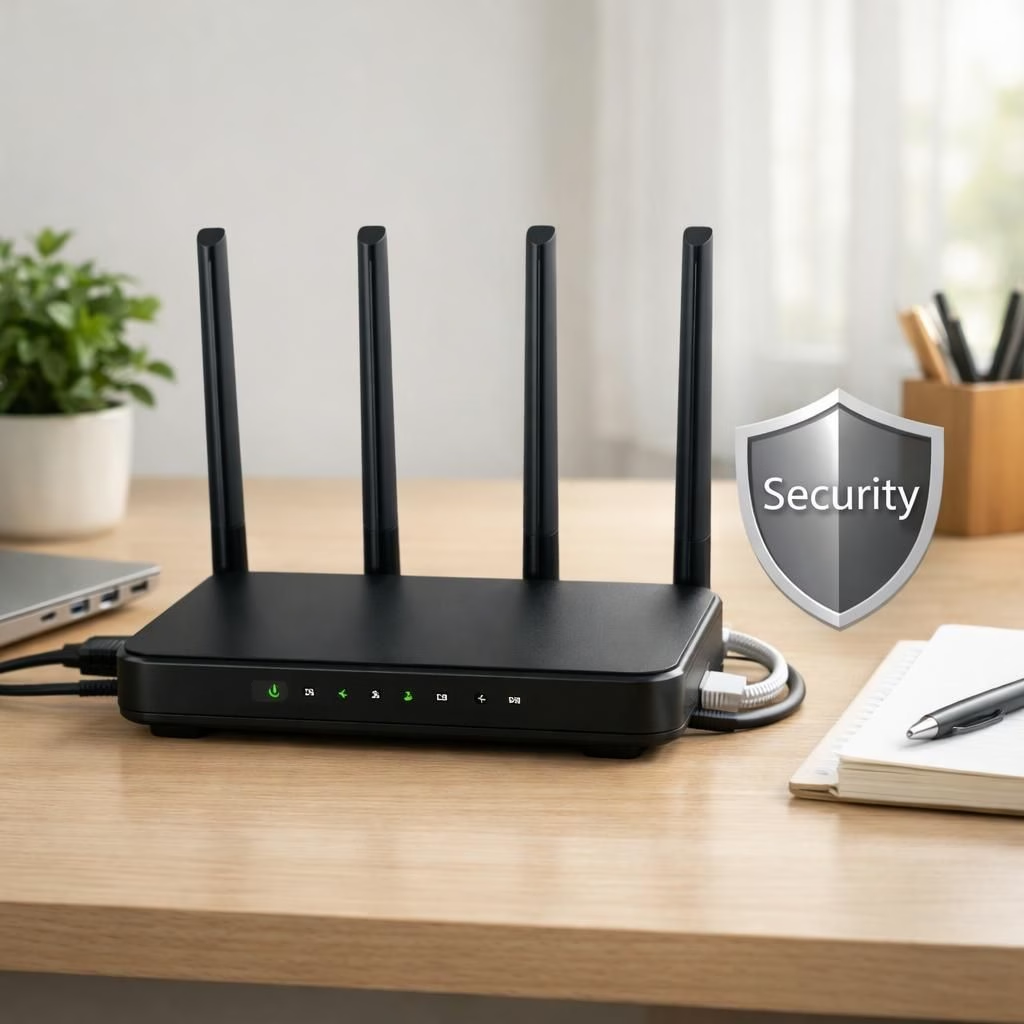
In 2026, the FBI’s warning about some router devices being unsafe arrives with a wink and a punchline: upgrade, don’t panic. This isn’t fearmongering about security risks; it’s a friendly nudge toward better security practices that protect your family and your router without requiring a cybersecurity degree. By reframing risk as routine maintenance, you gain confidence, clarity, and a faster, happier home network.
security tips for your home router in 2026
First, a quick truth: not all router devices pass security tests, but many fall into risky habits. Old firmware, default passwords, and exposed remote management are common culprits. The result is a network that publicly sighs, figuratively speaking, when a neighbor’s device pings your LAN from a street away. The good news: with mindful updates and sane configurations, you can turn risk into resilience without becoming a full-time IT admin. This section reframes risk into routine maintenance, with clear steps that a non-techy person can follow.
- Keep firmware up to date: vendors release patches that close vulnerabilities and add features. Automatic updates are your best friend, especially if you forget to check monthly.
- Change default admin credentials: pick a unique password, preferably with a password manager, and consider enabling two‑factor authentication on the administration interface if available.
- Disable remote management unless you truly need it: if you don’t need to access the router from outside your home, turn this off to reduce exposure.
- Use strong Wi‑Fi security: enable WPA3 (or at least WPA2) and set a robust passphrase; avoid simple or reused passwords.
- Audit connected devices regularly: remove old or unknown devices, and name your devices in a way that makes sense to you but stays private to others.
router hardening and security best practices
Here are practical steps beyond the basics. Segregate networks: a guest network for visitors keeps your personal devices safer. Turn off WPS, which is convenient but often a weak link. Enable a firewall on the router and, if possible, activate built‑in intrusion prevention features. If your budget allows, consider a dedicated security router that monitors for suspicious activity and provides easier management for families with multiple devices.
For households with several smart devices, simple network segmentation matters: cameras, speakers, and smart thermostats should run on a separate VLAN or guest network whenever feasible. Regularly audit connected devices. If you see odd devices you don’t recognize, investigate with a quick factory reset on the device or the router, as needed. These actions reduce risk and make your home feel a little more cyber‑savvy without becoming paranoid.
In everyday life, the goal is not to glow with fear but to glow with confidence. Your router can stay fast, your security posture can stay strong, and you can still binge your favorite shows with a clear conscience. The FBI’s public note is a reminder that proactive steps beat reactive fixes every time. Keep calm, stay updated, and keep your router tidy.
What to do next if you are shopping for a new router? Look for units that offer timely firmware updates, transparent security advisories, and a clear support window. Prefer devices with automatic security patching and a robust, well‑documented admin interface. An effective router should empower you to set up guest networks, restrict device-level access, and provide simple, readable logs for peace of mind. This keeps your home network robust without turning you into a full‑time network admin.
For families or small offices, a quick decision framework helps. Start by evaluating the security features: WPA3 support, guest network isolation, automatic updates, firewall settings, and intrusion prevention capabilities. The right router should also match your devices and speed needs. Finally, consider the long‑term support plan from the vendor, including how long firmware updates are promised. With these criteria, you can choose with confidence and keep your home network humming along smoothly rather than worrying about every ping in the night.
Takeaway: treat the FBI warning as a constructive prompt, not a doom scroll. A secure router is not a luxury; it’s a practical foundation for a digital home that respects your privacy and your time. With a few deliberate changes, you protect data, improve performance, and model responsible tech habits for everyone in the household.
Source and thanks: The FBI Says These Wi‑Fi Routers Are Unsafe, And Here’s Why — SlashGear. Thank you for the original material.
Original source note: This post adapts SlashGear’s coverage into a friendly, practical guide for 2026. I’d love to hear your experiences and tips—please share your thoughts in the comments.