

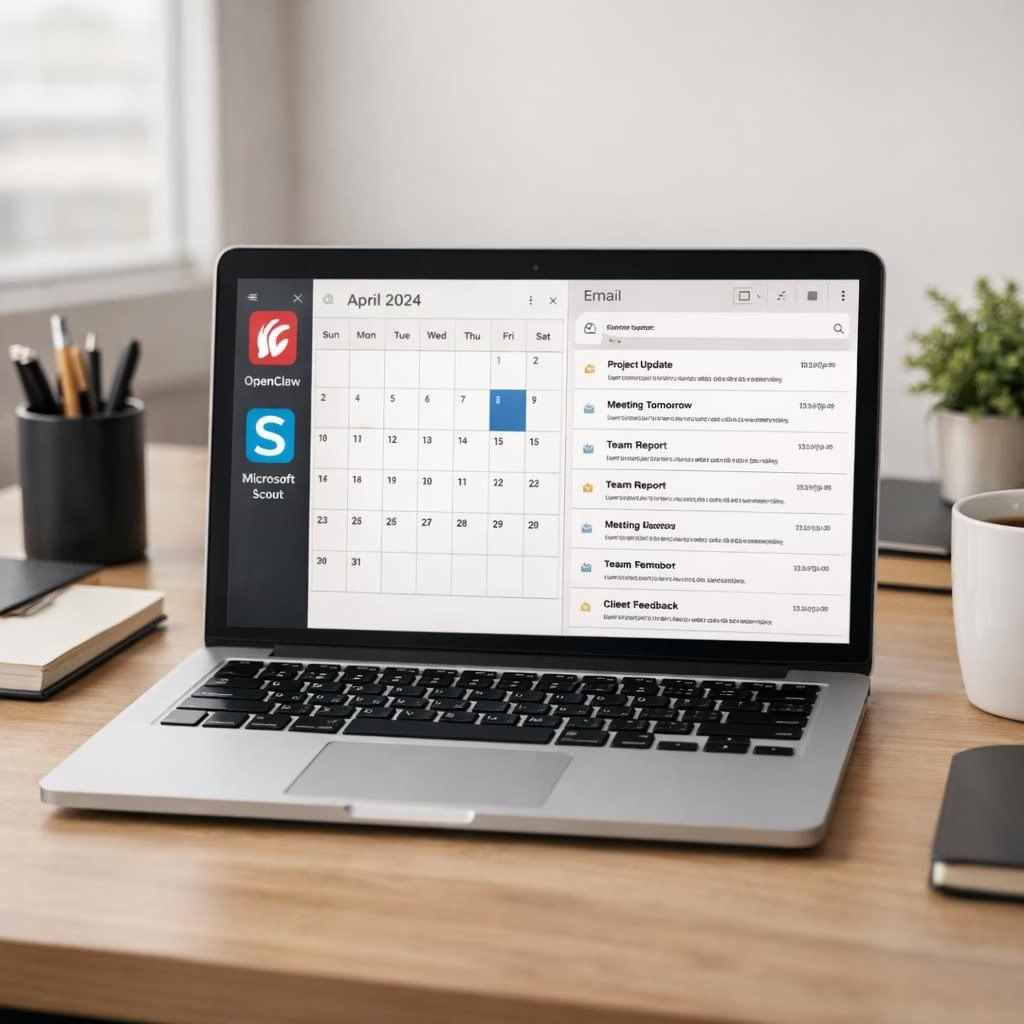
Welcome to 2026, where OpenClaw and Microsoft Scout stage their grand entrance into the enterprise software arena. OpenClaw is the versatile open-source foundation that developers poke at, while Microsoft Scout is the new, always-on personal assistant designed to live inside the familiar corners of Outlook, OneDrive, and Teams. Think of Scout as your desk-bound aide who can schedule meetings, draft emails, track expenses, and surface what matters by quietly reading the threads you follow and the calendars you keep. In short, this is not a flashy gimmick; it’s a pragmatic push to turn everyday work into a smoother, more predictable routine. The coming months will reveal whether these tools become dependable teammates or clever curiosities, but the early signal is encouraging: the enterprise is ready for a capable AI helper that both adapts and respects boundaries.
Unlike a pure chat bot, Microsoft Scout is designed to live in your apps and monitor context in the background. It can monitor local road traffic trends to suggest the best departure times, keep an eye on school pickups, and even help plan dinner dates around a busy calendar. This is not dreaming up new features in a vacuum; it’s a practical extension of the tools teams already rely on every workday. The desktop preview has already earned curious fans inside Microsoft—more than 3,000 employees have started using Microsoft Scout for scheduling, paperwork, travel bookings, and form filling. And while Scout acts like a real assistant, its success hinges on trustworthy automation that respects privacy, data access, and the limits of what modern AI should surface without prompting a workflow breakdown.
OpenClaw Microsoft Scout: Open-Source Meets Enterprise AI
Ironically, the project landscape that birthed Scout is the same landscape OpenClaw helped popularize. Rather than isolating Scout as a separate product, Microsoft is contributing to the core OpenClaw technology, blending a fast-moving open-source ecosystem with the control and enterprise-grade safeguards of a big tech stack. This is a deliberate choice to avoid a siloed solution and to lean into OpenClaw‘s extensibility while placing guardrails that enterprises expect. It’s a surprisingly pragmatic alignment: marry the speed and adaptability of an open-source project with the reliability demanded by finance teams, HR, and legal departments. The strategic bet here is simple: if you want a personal AI assistant that can scale across an organization, you need both openness and governance. OpenClaw is evolving quickly, but the way Microsoft handles intake and risk assessment shows a serious commitment to stability in a fast-moving space.
Microsoft Scout sits inside the core tools teams use daily, turning routine tasks into one-click actions. In addition to drafting emails or organizing calendars, it can monitor local road traffic to suggest departures, track expenses, and surface important threads in Teams and email, all in background.
Security, Privacy, and Trust in OpenClaw and Microsoft Scout
Security is the real test for any enterprise AI, and the team behind OpenClaw and Microsoft Scout leans into it with a layered approach. OpenClaw is treated as untrusted in the cloud sandbox, which means it cannot hold secrets or access Microsoft 365 data by default. Microsoft runs a suite of protections—Agent 365, Purview, Defender—and pairs them with the standard red teaming, privacy reviews, and security audits you’d expect for enterprise deployments. The project’s intake process is designed to minimize supply chain risk and to prevent breaking changes from cascading through production. The aim is not to pretend AI never errs, but to minimize the kind of breaches that make security teams nervous. In Shahine’s words, there is confidence in a methodical, well-governed approach to a powerful tool that could otherwise become a menace if left unchecked. The result? A balance between capability and control that many teams crave when they consider adding any new enterprise AI to the mix.
From a practical perspective, the combination of Defender, Purview, and other security controls helps ensure that Scout and its OpenClaw underpinnings operate within a defined risk envelope. The emphasis is on predictable behavior, transparent data handling, and clear boundaries for where the AI can access information. It’s not a perfect shield, but it’s a thoughtful architecture designed to survive the inevitable real-world tests of enterprise life—late-night emails, international travel schedules, multi‑team approvals, and the occasional spreadsheet that refuses to format itself gracefully.
The Market Race: Gemini Spark vs OpenClaw and Microsoft Scout
With Google pushing Gemini Spark to connect to Workspace apps like Gmail and Docs, the race to own the personal assistant of the enterprise looks less like a single knockout and more like a friendly relay. The real test will be how well Microsoft Scout and Gemini Spark can organize daily work life without introducing security hiccups, data leaks, or awkward user experiences. Habits are hard to learn for AI, and even harder for humans to trust in a corporate setting, so the proof will come from consistent, low-friction usage that doesn’t disrupt the primary tasks people do every day. The optimistic forecast here is that both sides end up delivering value in different flavors: Gemini Spark may excel in cross-app integration across a broad ecosystem, while Scout brings a tightly integrated, Microsoft-centered workflow that feels natural to long-time users of Outlook, OneDrive, and Teams.
Adoption, Habits, and Real-Life Use with OpenClaw and Microsoft Scout
Adoption is not just about new features; it’s about habit formation. Early internal usage shows OpenClaw catching on as a helper for scheduling, travel planning, and mundane yet recurring tasks—what Shahine calls people using it to become “better versions of themselves.” The idea is simple: reduce the time wasted on routine decisions and free people to focus on creative or higher‑value work. The OpenClaw’s role in this picture is to supply the extensibility that can tailor Scout’s behavior to industry, function, and team norms, all while staying within a governed framework. The combination promises a future where AI monitors what matters in Teams threads, email threads, and calendar events, then surfaces it in a nonintrusive way. But the key to sustained success will be clear privacy boundaries, robust logging, and an easily auditable decision trail that keeps trust high—even when the AI proposes something you’d rather not do.
Today’s enterprise is patient but pragmatic. There is no need to pretend that AI will instantly replace human judgment. Instead, the smarter path is to deploy assistants that learn user preferences, respect sensitive information, and automate the repetitive bits of work that drain energy and time. The hybrid approach—OpenClaw providing the scaffold and Scout delivering the practical, day-to-day intelligence—marries speed with accountability. As 2026 unfolds, teams will decide what balance of automation and human oversight works best for their unique mix of projects, people, and deadlines.
What to Expect in 2026: Roadmap and Best Practices for OpenClaw and Microsoft Scout
Expect ongoing refinements: tighter security controls, better context understanding, and more intuitive controls to override or tailor AI actions. The goal is not to create a “set‑and‑forget” gadget but a dependable partner that learns your rhythms without overstepping. For teams, the best practices will include clear data governance, explicit prompts or guardrails for sensitive domains, and a champion who acts as a liaison between IT, security, and end users. The ecosystem will likely benefit from more robust analytics about what the AI surfaces, how it affects productivity, and where human review remains essential. The underlying message is hopeful: enterprise-grade AI can be both capable and responsible when built with discipline and a culture of continuous improvement.
For practitioners, the recommended approach is gradual, transparent, and collaborative. Start with a narrow set of tasks, validate outcomes, and expand as you gain trust. Monitor the AI’s suggestions, compare them against human workflows, and ensure your data remains in a controlled zone with clear access rules. The 2026 landscape could be very different by year’s end, but the core principle will hold: tools that respect your work style and your security posture will be the ones you actually use day after day.
Original article link: The Verge — original material and interview context. A heartfelt thank you to the original source material for inspiring this analysis and for the thoughtful discussion around enterprise AI assistants.
We’d love to hear your take: how do you see OpenClaw and Microsoft Scout fitting into your workweek in 2026? Share your thoughts in the comments and join the conversation.
Practical steps for evaluating OpenClaw and Microsoft Scout
- Start with a focused pilot: calendar management and email triage.
- Define data governance and who approves AI actions.
- Enable audit logs and clear change tracking for AI-suggested steps.
- Coordinate with IT and security for privacy and risk reviews.
FAQ
- What is OpenClaw? An open-source foundation that enables flexible AI extensions within enterprise apps.
- How does Microsoft Scout differ from Copilot? Scout is designed as an in-app, always-on assistant that surfaces context from conversations and calendars, while Copilot is typically embedded inside apps as a proactive helper.
- Is data security a concern? Enterprise-grade controls, including Defender and Purview, are used to gate access and monitor activity.
- Can these tools learn user preferences? Yes, they’re built to adapt to routines while maintaining explicit guardrails for sensitive data.
References
External sources
- The Verge — Microsoft Scout and OpenClaw
- NIST AI risk management framework
- Microsoft security overview for enterprise AI