

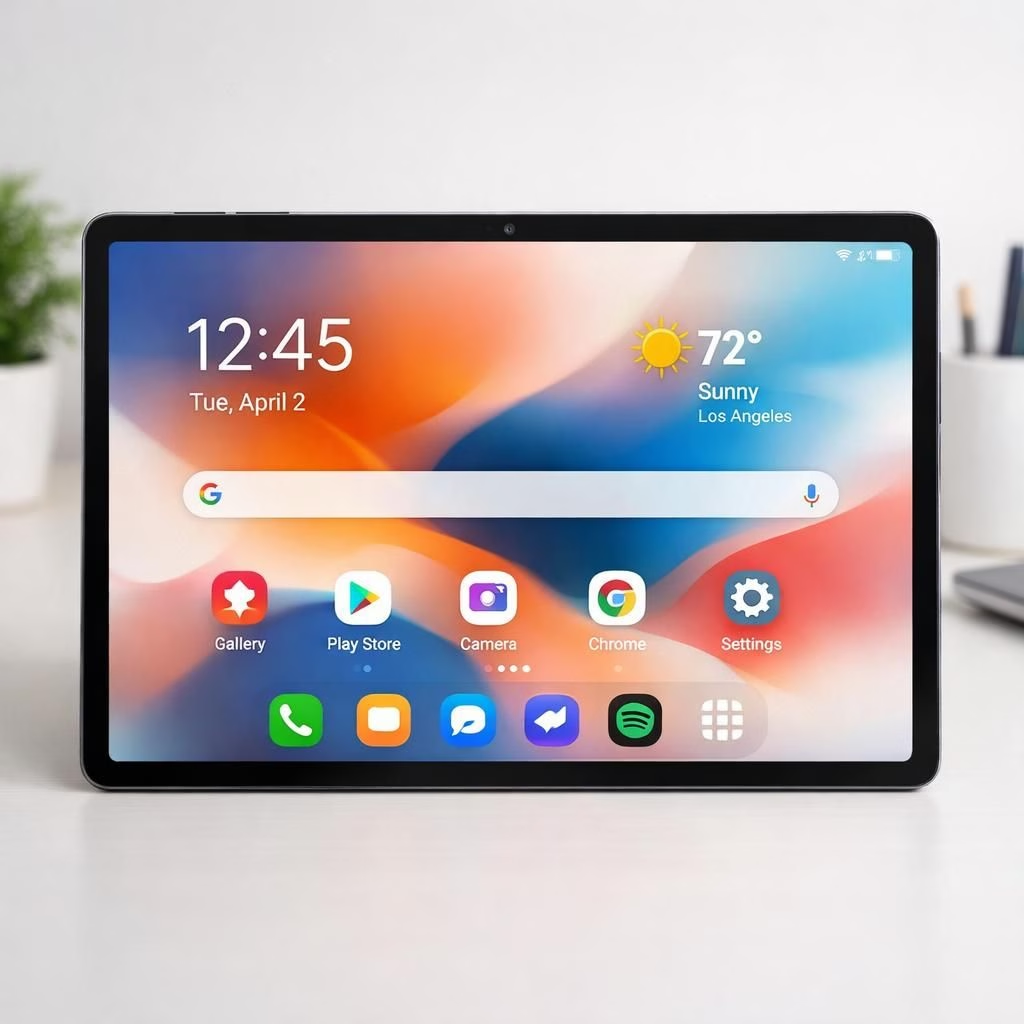
Great news for tablet lovers: One UI 8.5 is rolling out to the Galaxy Tab S10 FE, and the Galaxy Tab S10 FE+ is reportedly joining the party soon. Samsung kicks off in South Korea first, a familiar ritual that signals the rest of the world to wake up and pay attention. The update lands on both Wi‑Fi and cellular variants, and a wider rollout should reach other markets before the month ends. If you’ve been itching for a smoother home screen, this one is a friendly nudge in the right direction.
One UI 8.5 on Galaxy Tab S10 FE: what to expect
The refresh is more than a color tweak. One UI 8.5 introduces transparent blur effects and floating UI elements that make icons feel like they’re hovering over your wallpaper. Animations snap into place with a satisfying ease, and the overall feel is calmer, not crash‑and‑burn frantic. The lock screen gains subtle improvements: automatic layout adjustments for people and pet wallpapers, more clock customization options, and new downloadable interactive wallpapers that respond to taps and touch rather than to the wind. The result is a home screen that looks modern but remains wonderfully usable for busy mornings and late‑night scrolling alike.
On the connectivity side, Storage Share gets friendlier, letting you move files between devices with less friction and more predictability. Galaxy Tab S10 FE gains Auto Hotspot snappier performance, so your tablet can jump to a trusted hotspot without the drama. Smart View refreshes the mirror‑screen experience, making it easier to show photos or presentations without a long, awkward setup ritual. Quick Share and AirDrop support arrive for select Galaxy devices, enabling easier exchanges of photos, videos, and documents with nearby Apple devices or other Galaxy gadgets. Wider compatibility is on the horizon, as promised, and the ecosystem begins to feel more united rather than a patchwork of little apps bumping into each other.
To download, head into Settings > Software update and tap Download and install. If you’re in South Korea or another early market, you may see the update pop up first, with broader availability arriving in the following weeks. In practice, the rollout tends to stagger, but most users should see the update settle in by the end of the month. If your device is part of the Wi‑Fi or cellular variant families, you’ll get the same feature set, just at a slightly different pace depending on regional readiness and carrier approval.
Practical tips and rollout timing
- Back up important data before updating to safeguard against unforeseen issues.
- Check Settings > Software update regularly to catch the release as it rolls out in your region.
- Note that initial availability varies by region and carrier, with broader availability following in the coming weeks.
- Explore the updated lock screen, widgets, and improved sharing features once the update lands on your device.
Galaxy Tab S10 FE users can expect the update to improve Storage Share and connectivity, with better Auto Hotspot and Smart View pairing. For One UI 8.5 lovers, the revamped visuals and smoother transitions become part of daily use, even for long work sessions or casual gaming. The experience remains snappy and intuitive, without the feeling of being forced into a new habit.
On a broader note, Galaxy Tab S10 FE updates are designed to feel incremental rather than disruptive. The goal is to bring useful conveniences without demanding a reboot of your digital life. If you’re curious whether your specific model is included in the initial roll‑out, a quick Settings check will tell you everything you need to know.
What this means for actual users is simple: less time fiddling, more time enjoying. The interface looks better, interactions feel more natural, and your ability to move content across devices improves. For Galaxy Tab S10 FE owners, the update translates into a more cohesive, less confusing, and more efficient daily routine. The experience should be familiar enough to adapt quickly, yet modern enough to feel fresh and empowering.
Ultimately, the One UI 8.5 update on the Galaxy Tab S10 FE brings a balanced mix of polish, practicality, and lighthearted polish. You’ll notice the difference in the lock screen, the app drawer transitions, and the way media shares travel across devices. The small choices add up: faster file sharing, more reliable hotspot behavior, and a cleaner aesthetic that doesn’t demand a complete lifestyle overhaul.
As with any major update, user feedback matters. If you’ve tested the update, feel free to share your observations and tips in your comments below. We love hearing practical real‑world experiences about battery life, app compatibility, or the quirks you’ve discovered while exploring the refreshed interface.
Original article: https://www.sammobile.com/news/one-ui-8-5-update-galaxy-tab-s10-fe-plus/ — Thanks to Sammobile for sharing this information and insights.
Thanks for reading! If you found this roundup helpful, consider sharing your thoughts in the comments so others can benefit from your experience.