

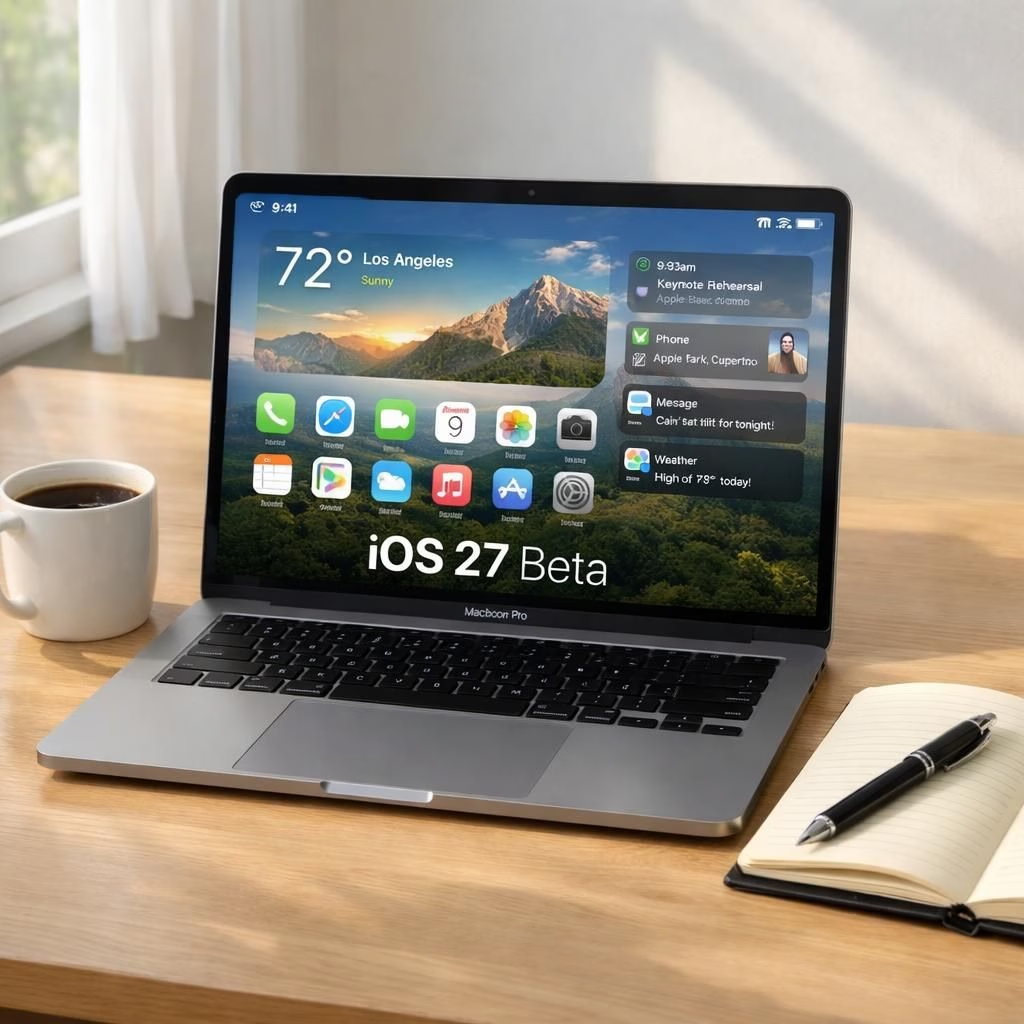
Apple announces iOS 27—the next major update—and the fan base greets it with the familiar mix of excitement. The update promises speed boosts, smarter multitasking, and UI polish that makes everyday taps feel more confident. It’s a practical upgrade, not a revolution, a thoughtful re-tuning of the everyday flow.
If you like clean batteries, smooth transitions, and clearer notifications, you’ll notice the difference the moment you unlock your device. Apple’s branding remains quietly confident, and that confidence translates into tiny, noticeable wins you can actually feel in real life. And yes, if you’re tired of reboot cycles, the update keeps things snappy.
iOS 27: A Gentle Upgrade
In practical terms, the update brings speed improvements that feel tangible on new devices and older iPhones. Apps launch a touch faster, transitions glide, and the system seems more decisive about what to refresh and what to suspend. The tweaks are not loud; they are quiet, patient improvements. For everyday users, the changes are small but meaningful: smarter handling of notifications, more responsive widgets, and a few quality-of-life nudges that reduce friction at the moment of action.
It’s the kind of upgrade that earns a smile without shouting about itself. It’s not a different phone; it’s a better version of the one you already have.
Inside iOS 27: Apple Delivers Speed, Polish, and a Smile
Looking deeper, the update leans into efficiency and reliability. iOS 27 nips at battery drain with smarter background tasks and better thresholds for what should wake the screen. The result is more predictable behavior during a busy day, which matters when you’re juggling meetings, playlists, and many open tabs.
Apple keeps privacy front and center, offering clearer controls and fewer prompts that feel manipulative. In practice, you’ll notice the difference when an app launches in a blink and your phone seems to understand the context of your notification without nagging you. This isn’t a miracle; it’s careful polish that makes the iPhone feel more confident in ordinary use. For many users, that confidence is worth more than a radical redesign.
From a developer’s perspective, with iOS 27, the update tightens the screws where it counts: launch times, memory management, and smoother transitions between app states. The updates fold into the standard workflow rather than demanding a new ritual of permissions or resets. Apple emphasizes developer-friendly changes that reduce friction in testing and shipping, while also offering clearer metrics that help teams tune performance without guesswork.
For end users, the result is a friendlier surface: widgets that refresh in place, notifications that feel timely, and a handful of under-the-hood improvements that make the device feel more responsive every day. If you’re curious about the future, you’ll see a more adaptive system that learns from your routine without becoming nosy. The goal seems simple: keep you productive with less wandering through menus, and keep the magic of a well-tuned iPhone intact, courtesy of Apple and the teams behind iOS 27.
Looking ahead into 2026, security, privacy, and performance are not buzzwords but guardrails. The iOS 27 era is less about shock value and more about steady improvement that compounds over weeks and months. If you’re upgrading, prepare for a smoother daily rhythm, less friction in multitasking, and a sense that your device is listening politely rather than shouting for attention. For professionals, the tweaks can translate into faster timelines and fewer interruptions; for casual users, a calmer, more confident device. Either way, the update keeps Apple’s promise of durable, user-friendly technology without pretending that every tap is a miracle.
Have thoughts? Share your experiences and questions in the comments so we can compare notes on battery life, app launches, and that elusive setting you always forget to tweak.
Original reporting and thanks: 9to5Mac. A grateful nod to the sources that sparked this write-up.
For further context, you can read coverage from Apple Newsroom and The Verge about iOS 27 developments.
FAQs about iOS 27
- What is iOS 27? A real-world update from Apple focusing on speed, reliability, and smoother multitasking rather than a radical redesign.
- Will iOS 27 improve battery life? Yes, in part, thanks to smarter background tasks and better wake thresholds, which can mean longer intervals between charges for typical usage.
- How do I get iOS 27? If you’re enrolled in the beta program or the official release window, follow Apple’s prompts in Settings > General > Software Update.
- Should I worry about privacy changes? Apple keeps privacy controls clear, with fewer prompts and more transparent options to manage data sharing.
Conclusion
In short, iOS 27 remains a calm, practical refinement from Apple—a nudge toward reliability, speed, and everyday confidence. If you want a smarter daily rhythm without dramatic changes, this is the update to try. As always, test a few apps and settings to tailor the experience to your routine.