

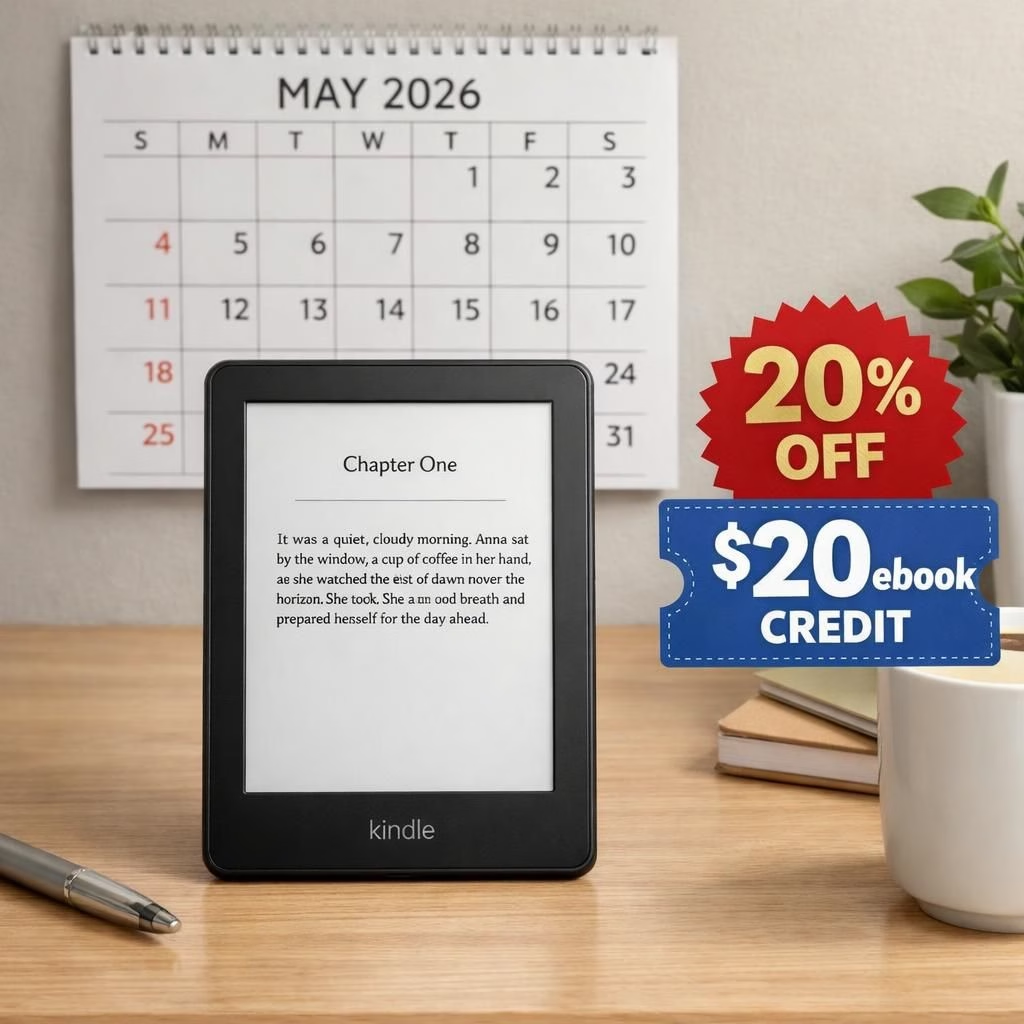
If you own a Kindle, or you’re someone who loves the tactile charm of buttons and e-ink, 2026 will feel like a bittersweet reunion tour. If you own a Amazon Kindle, the Kindle Store changes hit close to home. The core truth remains simple: older devices will no longer gain access to buy or download new titles from the Kindle Store after May 20. They can still read the titles they’ve already downloaded, which is good news for readers who treat their e-readers like loyal pets. It’s a playful reminder that hardware ages, while your library keeps growing in the cloud—where you can still access it with a modern device someday.
Here’s the practical rundown with some light humor and a lot of real information. The policy targets devices launched in 2012 or earlier.
If your device shipped earlier than that, consider it in the sunset club. If you own an older Kindle, you’ll want to pay attention to the specifics below so you don’t wake up May 21 with an empty cart. For Amazon Kindle users, the changes feel practical: time to check your upgrade path.
- Affected devices include Kindle 1st and 2nd Generations, Kindle DX, Kindle Keyboard, Kindle 4, Kindle Touch, Kindle 5, Kindle Paperwhite 1st Generation, and older Kindle Fire tablets from 2011-2012.
- Post-2013 Kindles will continue to work, even if they no longer receive updates.
- Branding quirks: some pages label Kindle Paperwhite 1st Gen as Kindle Paperwhite (5th Gen), which is a reminder to check your software version rather than rely on the name alone.
- Software history: as of 2024 and later, newer devices get the latest updates, while older devices stopped receiving new features years ago. In February 2025, Amazon removed the ability to download books to a PC or Mac, closing a once-popular transfer path.
Kindle reality check: 2026 is coming
In plain terms, if your device shipped in 2012 or earlier, your path to new Kindle Store purchases ends on May 20, 2026. You’ll still read the books you already loaded, and you can keep enjoying your library on supported devices without a hitch. If you reset that Kindle, it won’t sign back into your Amazon Kindle account on that hardware. That’s not a personal betrayal; it’s a policy decision aimed at simplifying support and promoting newer hardware without erasing your past reading joys.
Amazon Kindle upgrades and credits: your options
Amazon isn’t leaving you empty-handed. The company offers a 20% discount on a new Kindle and a $20 ebook credit for upgrades completed before June 20. If you’re shopping in the US, you’ll see the promo applied at checkout. The pricing ladder is friendly: entry-level Kindles start around $110; Kindle Paperwhite models with waterproofing and better screens sit around $160; Kindle Colorsoft is a bit spicier at about $250; and the flagship Kindle Scribe is a writer’s dream at about $400. The numbers imply a straightforward decision: upgrade for a modern reading experience, or stick with your beloved but aging device and hope the cloud does the heavy lifting for you.
Beyond price, this shift isn’t just about hardware. It’s about the software ecosystem catching up with time. The 2024+ devices still receive firmware improvements, while older devices—despite their charm—gradually lose the ability to sync new purchases to the device. The end of local downloads to a PC or Mac further nudges readers toward newer hardware or the Kindle app ecosystem. If you own a Kindle, you’re not being left out; you’re being invited to participate in a more modern, but still very familiar, reading setup.
Two more notes for the statistics-minded reader: a) many owners of older Kindle Fire tablets will see the store become less friendly to those old tablets, and b) the Kindle branding remains a little quirky. The Kindle Paperwhite 1st Gen is sometimes listed as Kindle Paperwhite (5th Gen) on some support pages. It’s a reminder that product lines blur when time passes and marketing teams play mix-and-match with numbering. Still, the core function—reading—remains intact for those who upgrade or shift to supported devices.
What to do now: practical steps for readers
First, verify your device’s generation and firmware. Check the software version; anything older than 5.12.2.2 likely sits in the “end of support soon” category. If you love your current device and want to keep it functional, consider how you will access purchases after the cutoff. People who value their libraries can:
- Download a list of your owned titles from your account page and back them up on a computer where possible. Note: the capability to download to a PC or Mac for offline transfer was removed in February 2025, so this is mostly relevant for metadata and record-keeping rather than new content migration.
- Consider the Kindle app on a phone, tablet, or desktop for ongoing access to your library, especially if your old Kindle won’t sign in after a reset.
- Take advantage of the upgrade offer before June 20 to receive a 20% discount and a $20 ebook credit, which can soften the leap to a newer device.
- Evaluate your reading habits. If you read mostly at home, a Paperwhite with a larger screen or a Scribe for notes might be worth the investment; for casual reading, a basic Kindle may suffice.
For readers who already own a newer device, the transition should be painless. Your library remains in your Amazon Kindle account and can be accessed via supported hardware or through the official Kindle apps. The policy shifts do not erase your existing books, and they do not affect those of you who already upgraded in the past. In 2026, your Kindle ecosystem still supports your reading life—just with a few tweaks to keep things sustainable.
From a literary culture perspective, this change nudges readers toward clarity: know your device’s generation, plan a timely upgrade, and keep a backup of your essential titles. It’s not the end of reading; it’s a curated reminder that technology has a life cycle. The bright side is that the new hardware offers better screens, longer battery life, and a more comfortable reading experience, which makes the upgrade feel like a practical improvement rather than a punishment for keeping an extra bookmark from 2012.
In short: the Kindle story continues, just in a newer chapter. The older Kindle devices still hold their memories and your favorite titles, but you’ll want to move toward a supported device for new books and future updates. The upgrades and credits can sweeten the transition, and the ecosystem remains open to readers who adapt with humor and resilience. If you enjoyed your vintage Kindle, you’re allowed to smile at the nostalgia while planning your next great read.
Original article: Thank you to Good E-Reader for the original reporting.
Have thoughts on this? Please share your thoughts in the comments.
For broader context, see coverage from Ars Technica and Engadget: Ars Technica coverage and Engadget.
References
- Ars Technica: Starting in May, pre-2013 Kindles won’t be able to buy or download new books
- Good E-Reader: Original reporting