

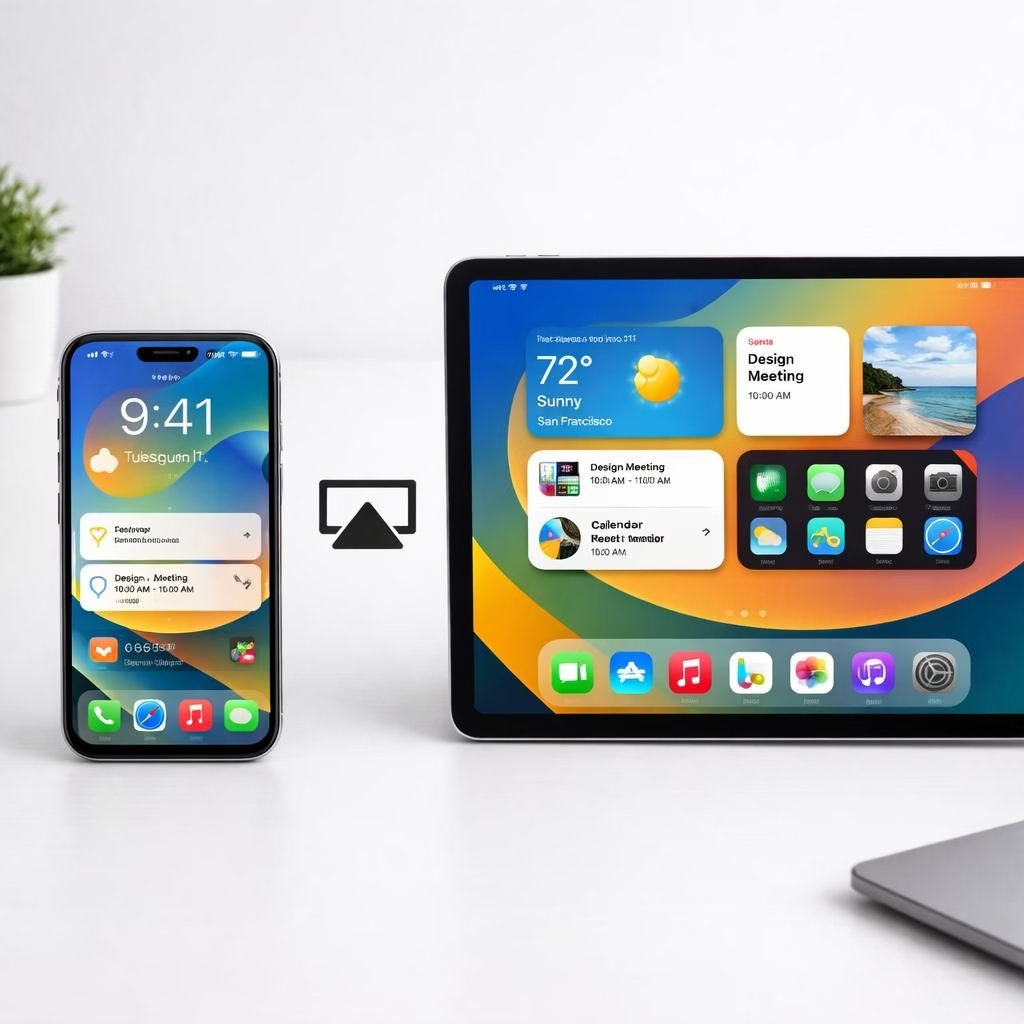
In the world of iOS 27, small changes feel big. This friendly recap blends practical tips with a wink. iOS 27 adds usable tweaks like sharing a phone number across two iPhones in the same family. AirPlay improvements also feel noticeable. It’s tech without drama—just enough polish to make everyday tasks smoother.
iOS 27 and AirPlay: The Practical Tweaks You Didn’t Realize You Needed
One practical change is cross-device number sharing. If you live with multiple devices, this reduces confusion when calls come in. With iOS 27, your contact cards stay consistent across devices. When a call arrives, the routing is smoother and fewer wrong-device dials happen.
You’ll notice it most during busy mornings or road trips with a partner along for the ride. The change keeps your conversations on track rather than bouncing around gadgets.
On the media front, AirPlay gets a genuine speed boost. The behind-the-scenes work aims to reduce discovery time and handle buffering more gracefully.
In practice, tapping AirPlay to move content between iPhone, iPad, Apple TV, or HomePod feels snappier. You get quicker surface area for controls and fewer moments of waiting.
This matters whether you’re streaming a movie, sharing a workout video in the kitchen, or playing a playlist across rooms. The result is less waiting and more watching—without the audio desynchronizing, which used to be a daily annoyance.
AirPlay Gets a Speed Boost in iOS 27
Cross-device contact synchronization isn’t a gimmick; it’s a real daily convenience. You notice it in the morning routine when you and your partner both pull out phones to call the carpool, and the system keeps the contact visible on both screens. It reduces misdials and speeds up coordination, becoming second nature after a couple of weeks.
Families with kids or roommates will appreciate the calmer shared-device experience. It also reduces miscommunications when plans change at the last minute.
For home theaters and multi-room setups, that same speed translates to a more responsive AirPlay experience.
iOS 27: Sharing a Number Across Two iPhones, A Real Convenience
Cross-device number sharing isn’t a flashy feature. It’s a daily convenience that matters in practice. You notice fewer misdials and better coordination when everyone carries the same contact view across devices.
The result is smoother mornings and fewer frantic taps. In business contexts, it translates to quicker callbacks and fewer missed connections.
Independent Alarm Volume: A Quiet Alarm, A Loud Wake-Up, The Best of Both
Independent alarm volumes on each device solve the old one-size-fits-all problem. If you miscalibrate one gadget, you don’t ruin the other. You get a calm alert on the tablet and a firm wake-up call on the phone where you actually need it.
This separation reduces sleep friction and turns mornings into a little less chaotic routine.
People sharing a bed or a bunking duo will appreciate that the morning chorus doesn’t wake everyone in the house. It also helps late-night readers avoid a loud surprise when the family wakes up.
How to Try These Tweaks Today
- Ensure all devices are signed into the same Apple ID and on the same Wi‑Fi network.
- On your iPhone, go to Settings > Phone > Calls on Other Devices; enable Allow Calls on Other Devices and select the devices to receive calls on.
- Test cross-device calling by having someone call you and verify the ring appears on other devices.
- Use the Control Center to test AirPlay streaming between iPhone, iPad, Apple TV, and HomePod for faster discovery and smoother buffering.
- On each device, open the Clock app and set the alarm volume you prefer; repeat on other devices to keep your mornings calm.
FAQ: iOS 27 Tweaks
- Do I need new hardware to use these features? Most iPhones running iOS 27 will support these tweaks; Apple lists the supported devices with each update.
- Can I disable cross-device number sharing? Yes. You can turn off the Calls on Other Devices toggle in Settings and stop routing calls to other gadgets.
- Will AirPlay changes affect older devices? The improvements aim to streamline discovery and buffering; older AirPlay receivers may show varying results based on hardware and network conditions.
- How can I test these features quickly? Try the steps in the “How to Try These Tweaks Today” section and observe call routing, playback responsiveness, and alarm-volume separation.
Conclusion
iOS 27 doesn’t reinvent the wheel, but it adds carefully chosen improvements that reduce friction and add small moments of delight. If you’re deciding whether to upgrade, focus on cross-device number sharing, independent alarm volumes, and faster AirPlay. Taken together, these tweaks can simplify daily routines and boost your media experience, leaving your devices to work together more harmoniously.
Original reporting and inspiration
Original reporting and inspiration: MacRumors: iOS 27 Tidbits. A heartfelt thank you to the teams behind MacRumors, Mashable, CNET, Ars Technica, and Business Insider for the original coverage that sparked this thoughtful recap.
We’d love to hear how iOS 27 lands in your pocket. Share your thoughts in the comments below, and tell us which tweaks you’re most excited about.