

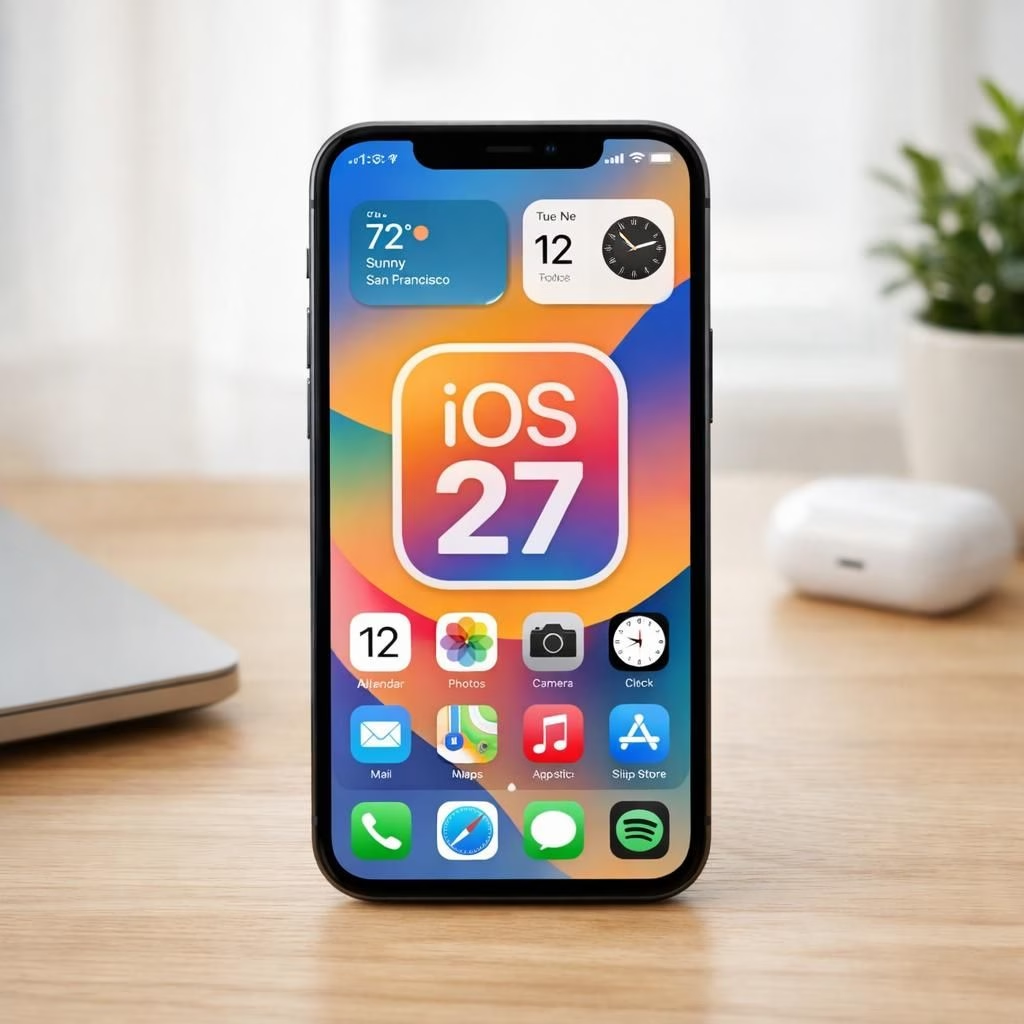
iOS 27 is here, and Apple fans are buzzing with a promise: speed. The headline is bold, but the story is practical: apps launch faster, animations feel snappier, and the whole device behaves with calmer confidence. In this guide, we’ll unpack what that means for everyday iPhone use, with a light touch and a big dose of realism about who benefits and how.
iOS 27: Real-world speed gains for Apple users
With iOS 27, Apple positions speed as a user-friendly feature rather than a rumor. The OS emphasizes faster wake times, quicker app resumes, and smoother transitions, so your iPhone feels snappier in everyday tasks. The result isn’t just a lab number; it’s fewer moments of waiting and more reliable responses as you tap, swipe, and switch apps.
Why iOS 27 delivers real-world gains
Apple touts smarter memory management, more efficient background task handling, and graphics improvements. In practice, you notice apps launch quicker from the home screen, maps load faster, and photos slide between modes with less stutter. Battery life can feel steadier because the OS makes better decisions about background activity. The engineering isn’t magic; it’s careful orchestration of processes that compete for CPU cycles. The tone from the maker is cheerful, but the effect is practical: a more reliable device that behaves like it did in early speed tests, only better and quieter.
How to test iOS 27 on your Apple device
Practical steps you can take to verify the speed gains include updating your device, then watching a few everyday tasks. Open a few apps from the home screen; compare launch times with the pre-update period. Scroll through photos, maps, and messages to notice smoother transitions. This is about real-world feel, not just benchmark numbers, and it helps you decide whether the update is worth keeping.
Practical tips to maximize iOS 27 on Apple devices
Here are practical, low-effort tweaks that can help you feel the improvement sooner:
- Keep the OS up to date to benefit from the latest fixes and optimizations.
- Rely on automatic memory management and avoid excessive background tasks.
- If you want a quicker interface, try lowering motion in Settings to feel snappier; you can keep Reduce Motion on for less animation.
- Enable Low Power Mode when you need a quick performance boost without hunting for a charger.
- Prune unused widgets and apps to reduce background chatter and clutter.
- Review Background App Refresh settings to balance updates with battery life.
What’s next for the iOS 27 experience
The road ahead for the iPhone experience looks confident. The plan may extend optimizations to older devices via minor updates, and we could see more efficiency in graphics pipelines and memory policies. The trend is clear: speed and efficiency become a core feature set, not a luxury. For power users, this means less babysitting the device; for casual users, a friendlier daily companion. The real value lies in consistency across apps and situations, so your iPhone feels like a dependable partner no matter which task you tackle.
Let us know what you think in the comments. Do you notice faster launches, smoother animations, or longer battery life on your iPhone since updating to iOS 27? Apple experiences matter.
Original article and inspiration: a sincere thank you to 9to5Mac for the coverage. Read the original article here: original article on 9to5Mac. Thank you for the original material!
Conclusion
Takeaway: iOS 27 is about smoother daily use, not just new features. To feel the difference, install the update, adjust a few light settings, and observe how your typical tasks perform over the next several days.
FAQ
-
Is iOS 27 compatible with my iPhone?
Most recent models can run iOS 27, but compatibility depends on your device and carrier. Check Settings > General > Software Update to confirm availability for your model.
-
Will iOS 27 speed up my device right away?
Many users notice faster app launches and smoother scrolling after updating. Your results depend on your current setup, apps, and how you use your iPhone daily.
-
Does iOS 27 affect battery life?
In theory, smarter background management can stabilize battery usage. Real-world impact varies by usage patterns and background activity.
-
What should I do if I run into issues after the update?
Try a soft reset, review background refresh settings, or temporarily disable some animations. If problems persist, you can revert settings or restore from a backup, keeping in mind that major reinstalls may affect data storage.