

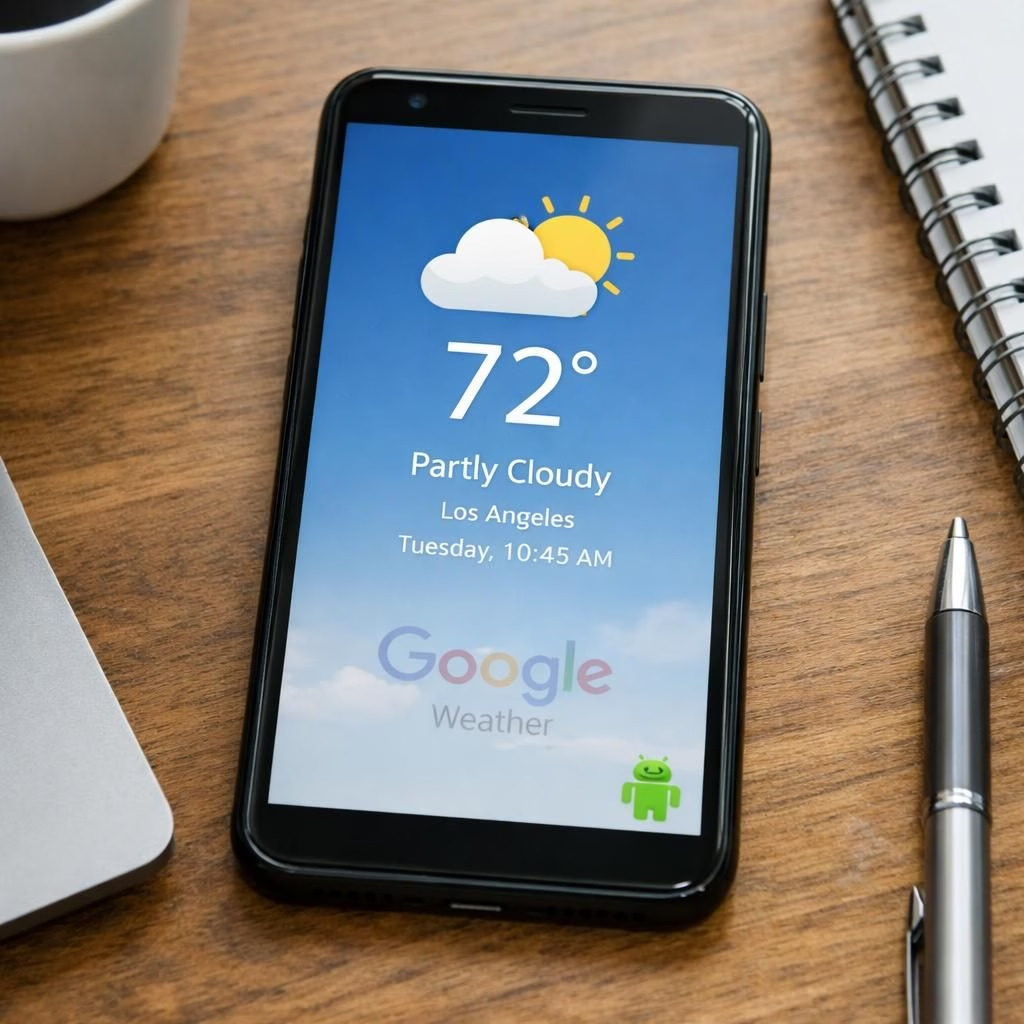
Google Weather on Android is stepping aside in 2026, nudging users toward more flexible weather experiences across apps and widgets. The shift invites readers to weigh privacy, data sources, and the way forecasts land on home screens. Google Weather remains a reference point, while the platform invites new rhythms for how you track weather on the go.
Google Weather: The Android transition and what it means
The sunset for Google Weather is less a tragedy and more a signal that software teams are re-allocating their efforts across ecosystems. The product was never merely a pretty icon; it was a compact data pipeline that pulled forecasts from sources, shaped them for small screens, and rendered them in under a second. The decision to sunset it hints at bigger plans—more cross-device consistency, better privacy controls, and a push toward widgets that scale from wearables to tablets. Fans will miss the familiar two-line summary, but they will appreciate the improved ability to customize alerts, toggle units, and choose trusted data sources. In practice, the forecast remains online; you simply choose a surface that fits your rhythm: a dedicated app, a home screen widget, or a browser dashboard. The takeaway is transparency: the weather data remains available, just not glued to a single stock widget named Google Weather.
Android users: practical steps to adapt
Android users now have options. The change opens space for third-party apps with richer widgets, more granular alerts, and better cross-device support. If you care about privacy, pick apps that minimize data sharing or keep forecasts on-device. If you want consistency, seek services that support syncing across phones, tablets, and laptops. The ecosystem thrives on alternatives, and this move nudges user agency. You can mix and match a weather app with a widget and a browser dashboard, or rely on a device-maker’s weather solution that ties into the ecosystem. The goal is to test what fits your routine and decide how much you want to see forecasts in your notification shade. The weather experience may shift, but the options keep expanding.
In the broader context, this shift is a reminder that tech products are often about context more than content. The same data source can feel different on a home screen vs. a dedicated app, and user expectations adapt as the platform evolves. If you value speed and simplicity, you might prefer a lightweight widget that updates hourly. If you crave depth, you can pick a service that provides radar overlays, storm tracking, and hyperlocal forecasts. Android remains the most adaptable environment for weather storytelling, and this change nudges you to pick what fits your day rather than what shipped pre-installed. The multi-app approach becomes a feature rather than a glitch.
For hands-on setup, here are practical steps you can take this season: install one or two reputable weather apps, pin a couple of widgets to your home screens, and test their refresh rates. Compare their data sources, radar visuals, and the reliability of their push notifications. If you share your location, review the privacy controls to ensure you’re comfortable with data handling. If you’re a power user who enjoys automation, pair a weather app with your favorite shortcut platform to trigger routines when rain starts or sun returns. The weather experience may shift, but you’ll be able to assemble a system that fits your cadence. Android’s multi-app approach becomes a feature rather than a glitch.
Meanwhile, the broader tech ecosystem has its own reasons for sunset announcements. Removing a pre-installed forecast can reduce code surface area, shrink back-end dependencies, and streamline testing across devices. It also signals that the emphasis is shifting to services that scale better across locales, languages, and hardware configurations. If you care about language support, you’ll notice more granular localization in third-party apps, more accurate forecasts for rural areas, and sometimes more live data like lightning strike maps. If you’re curious about the tech behind weather apps, you’ll find that many rely on large-scale providers, weather models, and real-time feeds that are often vendor-agnostic—so your experience can survive a single brand’s changes and continue to feel reliable.
For the Android faithful who prefer to stay in the ecosystem, there are still built-in weather features worth exploring. Some devices offer a robust weather card integrated with your launcher, weather widgets that refresh at user-tuned intervals, or notification-based alerts that you can silence or customize. The point is not to panic when the preloaded forecast vanishes; it is to lean into the surrounding tools that have always been there in one form or another. The move away from a single, built-in weather widget might even push developers to focus on performance: faster loading times, smaller memory footprints, and cleaner permissions. In my tests, you may find several alternatives load quickly, display crisp radar, and work offline when you’ve saved local data, which is a nice win for folks who value resilience in imperfect networks.
To sum up, Google Weather and this Android shift in 2026 are less about loss and more about empowerment. You get to curate how weather information reaches you, with the chance to tailor alerts, radios, and radar layers to your personal workflow. Google Weather remains a familiar data source, just not in one built-in widget anymore. Conversationally, you can tell friends that the old forecast was a comfortable friend; practically, you’ll assemble a weather system that actually mirrors how you live your day. The forecast may no longer live on a single app, but a well-chosen ensemble of tools can still give you the weather story you want—fast, accurate, and a little cheeky about the process.
And if you’re curious about the specifics behind the change, this is a good week to watch for developer blogs and Play Store updates. The team’s messaging suggests a push toward more modular experiences and fewer edge-case dependencies. If you’re a data nerd, you’ll appreciate the chance to compare sources, map overlays, and the cadence of updates across apps. If you’re a casual user, you’ll likely appreciate fewer bloaty features, quicker load times, and the calm that comes with knowing you can pick one app that truly fits your routine. In any case, the weather doesn’t stop reporting just because a default widget has retired; it simply shifts to new surfaces and new storytellers.
As you adjust, here is a quick call to action: explore a couple of recommended weather apps, experiment with one or two widgets, and see which one best aligns with your daily rhythm. If you are sharing a device with family or colleagues, compare how each option handles units, radar details, and privacy toggles. Your feedback matters, and it helps others choose confidently in this evolving landscape. Speaking of feedback, I would love to hear which approach you end up favoring and why. Your experience matters in shaping how we all approach weather on Android in 2026 and beyond.
Original article: Special thanks to Android Police for the original coverage of this change. If you would like to read the source, visit: https://www.androidpolice.com/google-weather-android-on-its-way-out/
Want to share your thoughts on how you will replace Google Weather on Android? Please drop a comment below to start the discussion and help others navigate this transition.