

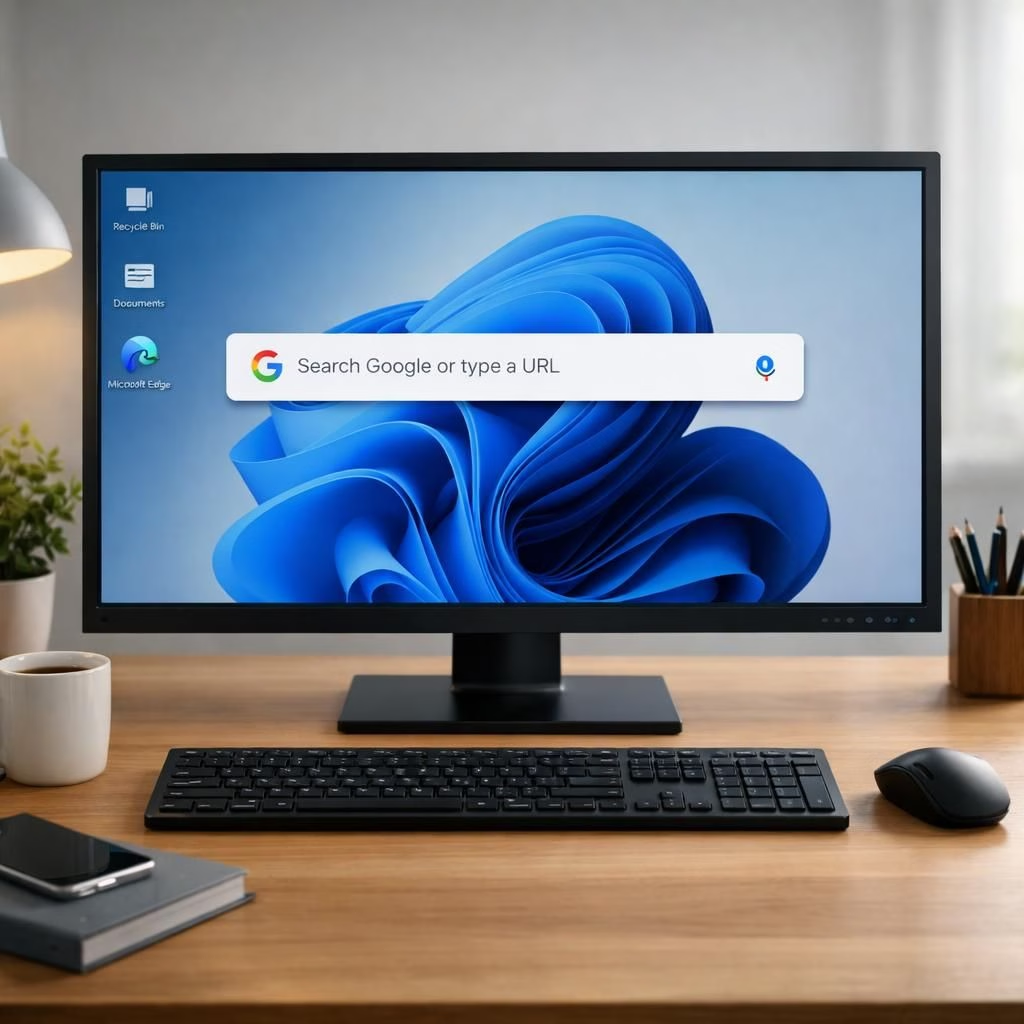
The Google app for desktop lands on Windows worldwide, and it isn’t just a rumor this time. It feels like a friendly search bar crawled out of Chrome and decided to host a party on your Windows PC, promising speed, context, and a dash of whimsy. The Google app for desktop integrates into Windows with a clean Spotlight-style bar atop your favorite apps, ready to fetch results with one keystroke. The Windows crowd gets a unified search vibe—less chrome-fringe, more focus. And yes, it plays well with your Google account, so your personal data enjoys the same desk-space as your to-do list.
Google app for desktop on Windows: What’s new in 2026
First things first: the launcher is fast. It behaves like a tiny, polite concierge who already knows your habits. It understands natural language, so you can type a query as you would say it, and it will surface results from the web, your apps, and your saved preferences without forcing you into a labyrinth of tabs. The interface remains clean, with a soft glow and a minimal chrome footprint, which means less distraction and more focus when you’re trying to track down a file or a flight. If you’ve used Spotlight on macOS, you’ll feel at home, but with Google flavor—smart suggestions, contextual results, and links that lead you where you want to go, not where the ad revenue wants you to go.
The integration with Windows is practical rather than theatrical. The search bar can be summoned with a keystroke and can stay visible for quick queries, mimicking a desktop assistant without tipping into overbearing territory. It indexes recent activity, but it doesn’t drain the system; in tests, the impact stayed modest, which matters when you’re juggling a dozen open documents on a busy day in 2026. The app also integrates with your Google account in a privacy-conscious way: you’ll control what shows up, and you’ll see what’s being used to improve your results. This is not a data dump; it’s a privacy-informed feature that respects your boundaries while offering convenience.
Windows users celebrate: Google app for desktop shines
The Google app for desktop shines when you’re multitasking. You can search, launch apps, and pull up relevant results without flipping through a dozen Windows windows. It’s designed to be fast, which is essential when your day pretends to be a speedrun. The search results bring together diverse signals: web results, document names, emails, calendar events, and quick shortcuts to your most-used tools on Windows. It doesn’t pretend to replace Windows search; it augments it. In practice, this means you get faster access to the things you use most—without interrupting your flow with irrelevant suggestions. If you’ve spent years hunting for a misplaced file, you’ll appreciate the subtle but effective ranking that puts your most likely targets at the top.
For the power users among us, there are keyboard-first options. Type a command, hit Enter, and the results land in front of you. You can refine queries by adding context, such as “recent documents from last week” or “PDFs about cybersecurity,” and the app will respect those constraints. It’s not merely a search bar; it’s a tiny productivity hub designed for Windows environments where speed and accuracy matter more than flashy UI tricks. The 2026 release cycle keeps the experience modern without overhauling the core Windows workflows you already rely on every day.
Tips for making the most of Google app for desktop on Windows
Here are practical ways to squeeze extra value from the Google app for desktop on Windows. First, keep your launch habits simple. Pin the app to your taskbar for quick access. Second, customize your search sources. Decide which domains you trust most and whether to include local file searches by default. Third, use natural language prompts. Try “Open my latest budget spreadsheet” or “Show me emails from last Friday about the demo.” You’ll be surprised how often the app guesses your intent correctly on the first try. Fourth, leverage cross-device continuity. If you’re logged in, you can start a search on your PC and finish it on your phone or tablet, maintaining momentum across devices. Finally, review your privacy settings periodically. The 2026 iteration makes this straightforward and user-friendly, with clear toggles that prevent any uneasy surprises. This is the kind of tool that respects your work rhythm rather than disrupting it.
The first batch of reviews from early adopters highlighted a few niceties: fast indexing, subtle animations, and thoughtful prompts. Some users appreciated the way the search bar blends with the Windows color themes, reducing visual fatigue during long sessions. Others liked the quick shortcuts to frequent tasks, such as “Find this document” or “Open last meeting notes.” The consensus is clear: the Google app for desktop on Windows improves daily workflows without demanding a big change in how you work. The balance between utility and simplicity feels intentional, a reminder that when software respects your time, the experience becomes almost invisible in the best possible way.
Of course, critics will note that any desktop search tool treads a fine line between convenience and intrusion. The 2026 release acknowledges that line and offers accessible controls to disable or tune features you don’t need. The emphasis remains on practical utility: speed, relevance, and a gentle nudge toward the tools you already use. It’s not about replacing Windows search or Google’s broader ecosystem; it’s about giving you a smarter, faster starting point for your daily tasks. The result is a calmer, more productive workspace where the search bar sits like a helpful librarian at the front desk, ready to fetch what you need with minimal fuss.
From a developer’s perspective, the 2026 update is a reminder that the best improvements are sometimes the quiet ones. You don’t notice them until you do, in fact, notice how much time you didn’t waste clicking around aimlessly. The Google app for desktop on Windows is designed to reduce friction, not to overwhelm you with options. It respects your choices, learns from your preferences, and keeps advancing in a way that feels incremental yet meaningful. If you’re a Windows user who prizes efficiency, this is the kind of update you’ll want to celebrate, softly but earnestly, as you return to your work with a clearer, calmer dashboard in front of you.
In the broader ecosystem, this release signals Google’s continued willingness to cross boundaries between different operating systems and user habits. The aim is not to dominate but to enhance. The result is a more cohesive experience across devices, aided by a desktop tool that finally feels at home on Windows. It’s a nod to the idea that the best software respects your workspace and your time, delivering results with a touch of wit and a lot of practicality. The year 2026 brings a refined, reliable desktop companion for Windows users who want faster access to information without sacrificing focus or control.
As users begin to adopt the Google app for desktop on Windows widely, early feedback suggests a growing appreciation for the balance of features and restraint. It’s not flashy, but it is useful. It’s not loud, but it is helpful. And it arrives at a moment when Windows users increasingly value tools that streamline tasks rather than overwhelm them with complexity. The release manages to feel both familiar and forward-looking, a rare combination that makes it easy to recommend to colleagues and friends alike. If you’re curious about what this means for your own workflow, try a few searches and notice how often the results align with your immediate needs rather than your historical browsing patterns.
To close this look at the latest desktop enhancement for Windows, I’ll echo the sentiment of many users: progress in small, usable steps is still progress. The Google app for desktop on Windows delivers exactly that: rapid access, smart results, and a design that respects your patience. It isn’t trying to reinvent the wheel; it’s refitting it with better bearings. And if that makes your day a bit smoother, that’s a win you can measure in productivity minutes, not lofty abstractions.
Thank you to the original coverage that sparked this thoughtful look at the Google app for desktop on Windows. Your reporting helped shape a nuanced take on how desktop search can be both practical and pleasantly playful. Original source material is appreciated, and the community benefits when good reporting meets useful, well-crafted software experiences.
We’d love to hear your experiences with the Google app for desktop on Windows. Share your thoughts below and tell us how this tool fits into your daily workflow. If you found any clever tricks or stumbled upon a tricky edge case, your insights could help others optimize their setups. And a big thank you to the original article for laying the groundwork for this exploration.
Original article attribution: 9to5Google – Google App for Desktop Lands on Windows Worldwide. Thank you for the original material that inspired this rewrite and for your ongoing coverage of tech tools that aim to improve our everyday routines.
FAQ about Google app for desktop on Windows
-
What is the Google app for desktop?
It’s a Spotlight-style search bar that lives on your Windows desktop. It searches the web, your apps, and your saved data—without cluttering your workflow.
-
Does it respect my privacy?
Yes. You control what shows up, and you can limit what data is used to improve results. It’s designed to be privacy-conscious rather than intrusive.
-
How do I launch it quickly?
Use the designated keyboard shortcut to summon the bar. You can type natural-language prompts to refine results right away.
-
Can I use it across devices?
Yes. When signed in, your searches can carry across devices so you can start on a PC and finish on a phone or tablet.
Privacy controls and user options
The 2026 release emphasizes clear, user-friendly privacy toggles. You can decide which sources to index, limit local file searches by default, and disable suggestions for particular apps. These options help you keep control while preserving speed and usefulness. For most users, a quick review every few weeks is enough to stay aligned with your preferences.
Final takeaway
Overall, the Google app for desktop on Windows offers faster access to what you need, without upending your daily workflow. It blends into your workspace with thoughtful defaults and practical controls, making it easy to adopt and easy to adapt as your needs evolve.