

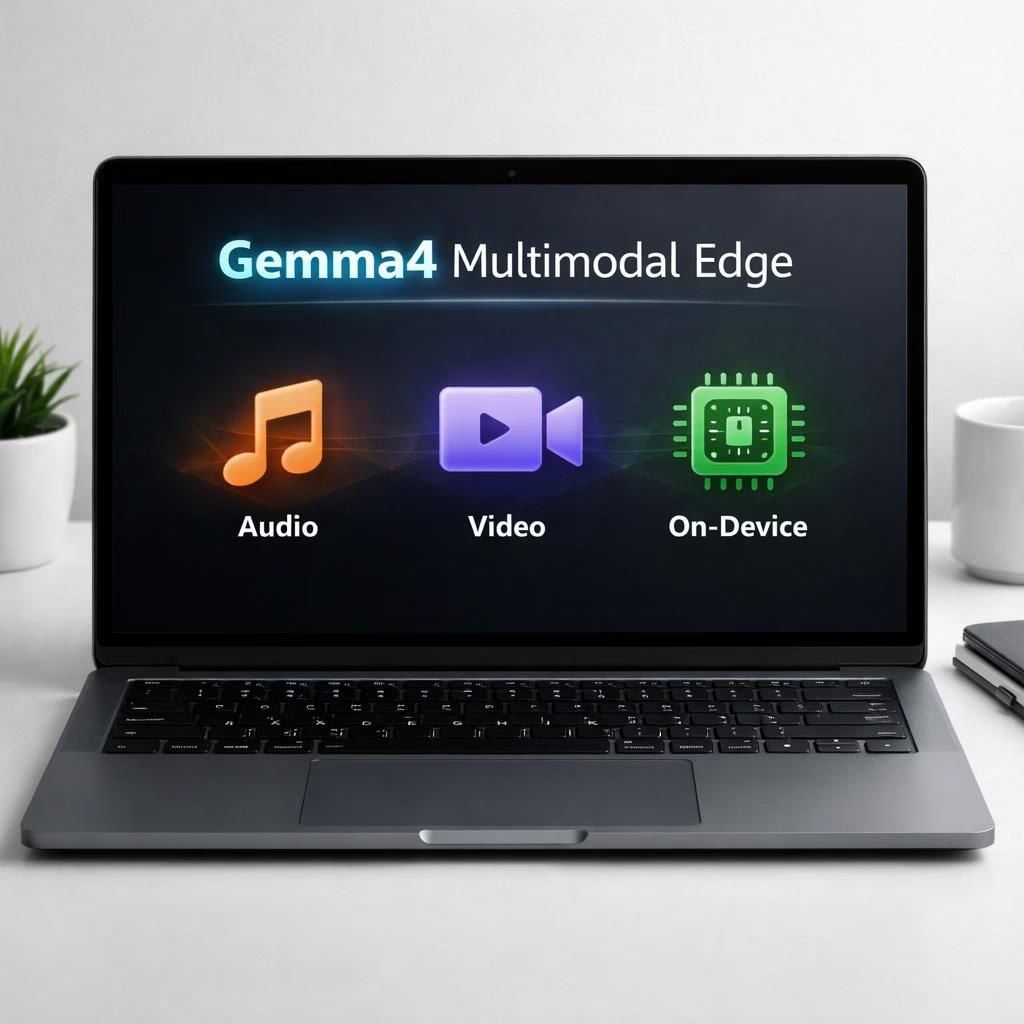
Gemma4 Multimodal 12B is not science fiction; it’s today’s laptop-size reality. Google’s Gemma4 Multimodal encoder-free model is optimized to run locally on a typical 16GB machine, bringing practical agentic work to your desk without begging the cloud for mercy. This is not a gadget novelty; it is a strategic shift toward privacy, latency control, and predictable behavior. In other words, your workstation starts acting like a capable teammate rather than a browser tab pinging distant servers. The era of on-device intelligence is no longer a slide at a conference; it’s a usable feature on a tablet-sized brain hidden inside ordinary hardware.
Gemma4 Multimodal Edge: The Case for Local AI at Your Desk
When a model operates locally, you gain control over data and response time. The Gemma4 Multimodal Edge design emphasizes an encoder-free approach, cutting layers and speed bumps. In practice, this means your laptop can analyze audio and video streams without tugging data up to a distant server. The advantage is tangible in security, latency, and workflow autonomy. You get a snappier assistant that respects your clock and your privacy. In 2026, that combination feels like a quiet superpower you can actually use.
Gemma4’s architecture is lean on purpose. The 12B parameter footprint fits comfortably on mainstream hardware, yet the model still captures the nuance of audio, video, and textual prompts. The encoder-free arrangement reduces system complexity and kneecaps latency. The result is a responsive partner that feels like a teammate rather than a cloud service. The word Multimodal appears here not as a buzzword, but as a pledge that the model understands spoken language, image cues, and text in a single runtime.
Why Gemma4 Multimodal shines on a typical laptop
On a 16GB laptop, Gemma4 can run tasks that previously demanded expensive GPUs. It streams a low-latency feed for transcription, captioning, scene understanding, and task planning. You can run a local agent to manage calendars, reminders, and file retrieval. Because the data never leaves your device by default, you gain a privacy edge that matters in 2026 as well as a reliability edge during power or network outages. This is not a demo; it is a practical workflow boost you can trust when you need it most.
Developers emphasize that encoder-free design means fewer moving parts. Fewer parts mean fewer bugs and easier maintenance. The local runtime invites safety constraints and governance that you can adjust. The result is an approachable, practical example of advanced AI that respects daily work limits. Gemma4 and Multimodal are not mere terms; they are a promise of robust, on-device intelligence that respects your time and your data.
Gemma4 Multimodal in practice: use cases and caveats
In the real world, people use Gemma4 Multimodal for note-taking, media tagging, and on-device content analysis. Early adopters report faster triage of emails, smarter searches across local documents, and more natural interaction with systems. Because the model runs locally, you enjoy lower latency and less dependence on network quality. The practical upshot is that you can keep working even when the internet flickers. The combination of Gemma4 and Multimodal brings a tangible uplift to everyday tasks, turning routine work into a smoother, more proactive experience.
Important caveats exist. The 12B parameter size means memory pressure on smaller devices can vary. You may need to adjust prompts, manage memory usage, and keep an eye on power draw. But the upside is clear: you can work offline with a capable assistant that handles audio and video streams locally. The Gemma4 Multimodal approach stands as a blueprint for responsible, on-device AI that respects user control, while still delivering meaningful capabilities.
Security, performance, and practical tips for 2026
Practically speaking, the encoder-free, local-first philosophy reduces exposure to external threats and network outages. It also makes updates more predictable, since you’re not chasing cloud version skews mid-work. For teams and individuals, that translates into smoother onboarding, clearer data boundaries, and fewer surprises during audits. The Multimodal capability matters most when you want to correlate audio cues with video frames and accompanying text. Gemma4’s on-device design makes this correlation feel immediate and reliable.
From a workflow perspective, a local Gemma4 instance can manage research notes, automate routine data entry, and even assist with media processing—without surrendering control to remote services. The model’s efficiency is a feature you notice in long meetings, dense data dumps, and on-the-go analysis. In practice, the combination of Gemma4 and Multimodal creates a practical, privacy-forward path to smart, on-device AI that respects the realities of 2026 work life.
What to watch for as you experiment with Gemma4 Multimodal
Expect some trade-offs. The encoder-free design scales well for everyday tasks, but you may need to tailor prompts and keep a modest cache of recent data to stay responsive. The power envelope on a 16GB laptop remains a consideration, especially if you run parallel workloads. Still, the overall picture is bright: a laptop that can think a little more clearly, a little faster, and with fewer mid-session hiccups. Multimodal together form a pragmatic blueprint for dependable, on-device AI in 2026.
For teams exploring pilot deployments, this approach offers a compelling mix of speed, privacy, and control. You can test a local agent for routine tasks, then scale up as needed. The beauty is that the core idea is simple: push more intelligence closer to the user, keep sensitive data on the device, and enjoy faster feedback without waiting for the cloud. Gemma4 Multimodal makes that vision feel reachable rather than theoretical.
In summary, the Gemma4 Multimodal Edge on a typical laptop is a welcome step toward practical, on-device AI. It proves that encoder-free, Multimodal processing can live comfortably on real hardware without sacrificing capability. The result is a more capable desk companion that respects your time, your data, and your workflow.
We’d love to hear how you experiment with Gemma4 Multimodal in your own setup. Share your experiences, tips, and questions in the comments so others can learn from your on-device AI journey.
Original reporting and context provided by the primary sources. A special thank you to Ars Technica for the coverage, and to the Google AI blog, MarkTechPost, and VentureBeat for the broader context and analysis that helped shape this post. You can explore the original material here: Ars Technica, Google AI Blog, MarkTechPost, VentureBeat.