

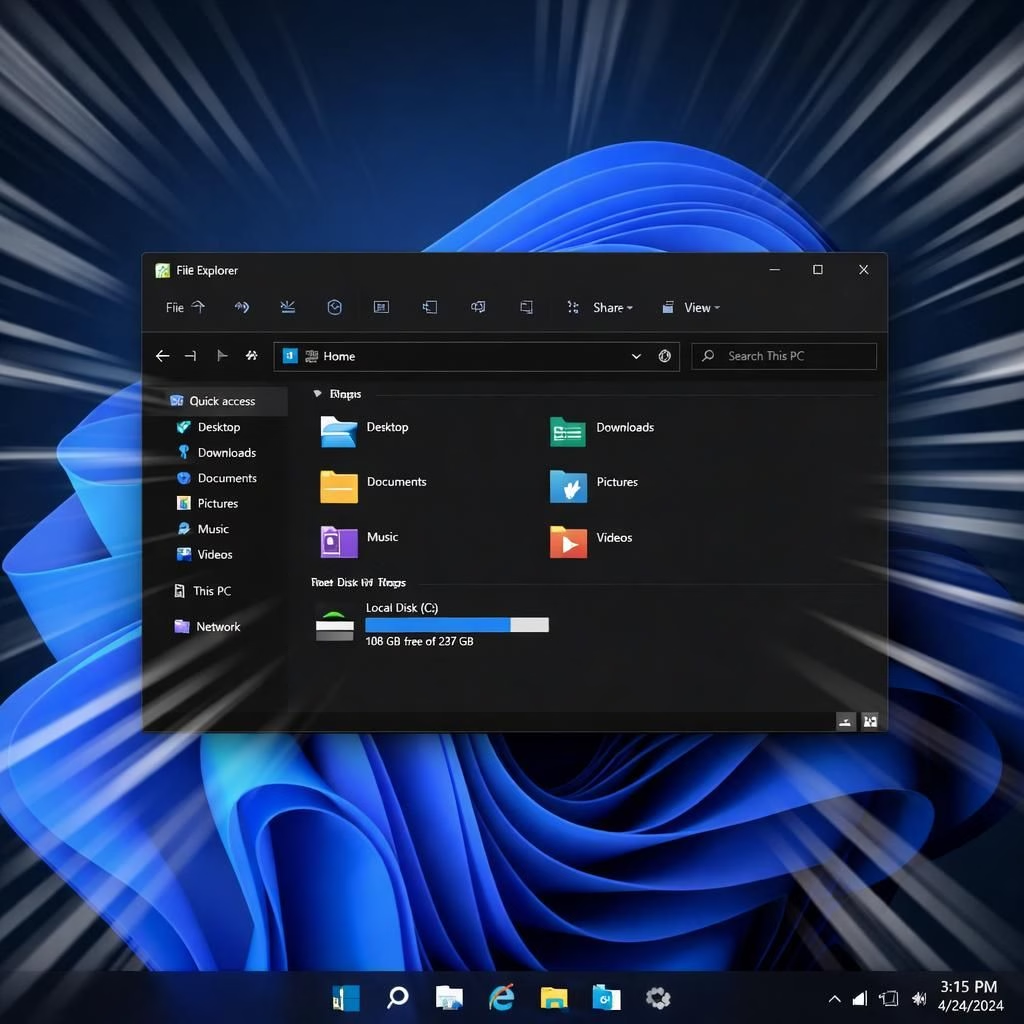
File Explorer and Windows 11 are finally getting a momentum boost in 2026, with faster launches, fewer white flashes in dark mode, and smarter archive support. Microsoft promises to scale back Copilot integration and focus on core components, and the big update for File Explorer aims to run faster, fix the white flashes, and expand archiving options—because even your files deserve a little extra respect.
File Explorer and Windows 11: Performance and UX in 2026
In the latest preview, Build 26200.8313 has landed in the Release Preview Channel for testers. Over the past day, I’ve loaded it on mid-range hardware and watched File Explorer respond with surprising alacrity. The claim is not a cosmetic facelift; it’s a practical tightening of the engine that powers how you navigate your folders. File Explorer now launches more quickly after boot, and the initial view feels snappier rather than predawn sleepy.
Microsoft emphasizes that these improvements aren’t about preloading in the background. Instead, the team has tuned the core of File Explorer itself and aligned it with Windows 11 theming so the experience remains cohesive whether you prefer light or dark mode. If you tend to open with the This PC view in dark mode, you’ll notice fewer glitches and less white on black, which is the kind of polish that makes a daily workflow feel less like a digital obstacle course. The result is a more reliable File Explorer across common tasks, from copying to reorganizing folders.
File Explorer and Windows 11: Archives, reliability, and rollout
The update also brings practical file-handling improvements. Right-click on formats like xar and nupkg (NuGet packages) to extract their contents directly from File Explorer. The full list expands to include cpio, uu, xar, and nupkg, making it easier to deal with compressed or packaged files without hunting for alternative tools. Microsoft promises more archive formats and performance tweaks in future updates, which means your compressed cornucopia of files will stay nimble.
Then there’s reliability. The explorer.exe process—the little engine behind File Explorer and related UI tasks—gets stronger. When you close a File Explorer window or boot Windows 11, you won’t suddenly see the taskbar or system tray misbehave. The odds of a lagging flyout or a flaky Task View drop are lower, and that’s a nice backdrop to your workday. This week’s preview should reduce those jarring moments, especially for users juggling many tabs and Quick Access entries.
Beyond speed, the team is refining the user experience. Quick Access reliability has improved, and unpinning items now behaves more predictably. If you’re someone who loves to tailor the Start menu and Quick Access, you’ll appreciate the smoother interactions and fewer glitches when rearranging pins.
File Explorer and Windows 11: May 2026 rollout and practical timing
Microsoft’s roadmap shows that most of these changes begin to roll out in May 2026, with broad availability following the May 12 Patch Tuesday at 10 AM PT. The update cadence is designed to keep File Explorer modern without letting Copilot or other features steal the show. If you skip the monthly optional updates, you’ll still see the general improvements arriving during the May Patch Tuesday, including faster File Explorer, better folder views, and improved reliability across core processes. It’s a practical approach: speed and stability without turning the OS into a feature factory for every coder’s whim.
I’d characterize this as Windows 11 moving toward a leaner, more dependable file-management experience rather than a flashy rebrand. The balance between performance optimizations and visual polish should satisfy power users who want speed without sacrificing the familiar File Explorer you’ve come to rely on. And yes, the dark-mode improvements are a tasteful nod to those who work late, making your window glow less harshly and your file lists easier to scan.
As a quick aside, Mayank Parmar—Windows Latest editor and researcher—continues to document these nuances with care. His coverage helps readers separate the signal from the noise, especially when Windows 11 is juggling multiple feature strands at once. The message remains clear: these are iterative improvements aimed at reliability and usability, rather than dramatic overhauls that erase the past.
In short, the combination of faster initial loads, fewer visual glitches in dark mode, broader archive support, and stronger explorer.exe reliability positions File Explorer within Windows 11 as a more productive tool. Add the May 2026 release cadence and you get a practical, user-centric upgrade path—a refresh, not a revolution, and certainly not a digital smoke-and-mirrors show.
If you are riding along with Windows 11 in 2026, you’ll likely notice the changes most during day-to-day file chores: opening a folder, dragging items, or extracting an archive. The improved handling of the Details pane and associated interactions helps keep navigation smooth, even on lower-end hardware. No hype. Just a little more reliability and a nicer, faster feel when you reach for File Explorer in your daily tasks.
Finally, I want to thank the original source for the groundwork and the careful testing notes that inform this write-up. Original article: Windows Latest: Preview Build 26200.8313. Thank you to Windows Latest for the original material and thoughtful coverage that helped shape this post.
If you’d like to discuss what this means for your setup or share a tip you’ve discovered in your own trials, please leave a comment below. I’d love to hear how Windows 11 perform on your hardware and in your workflow. Share your thoughts in the comments!
FAQ
-
What’s new in File Explorer for Windows 11?
Answer: A faster initial load, fewer white flashes in dark mode, and expanded archive support. These changes aim for reliability and smoother day-to-day use.
-
Do I need to install the optional updates to get these improvements?
The improvements arrive broadly with the May 2026 Patch Tuesday. Optional monthly updates can speed up access to features, but the core improvements will be available through the May release even if you skip optional updates.
-
Will this help on low-end hardware?
Yes. The focus on core File Explorer performance and reliability should translate to smoother operations on a wider range of devices, including lower-end machines.