

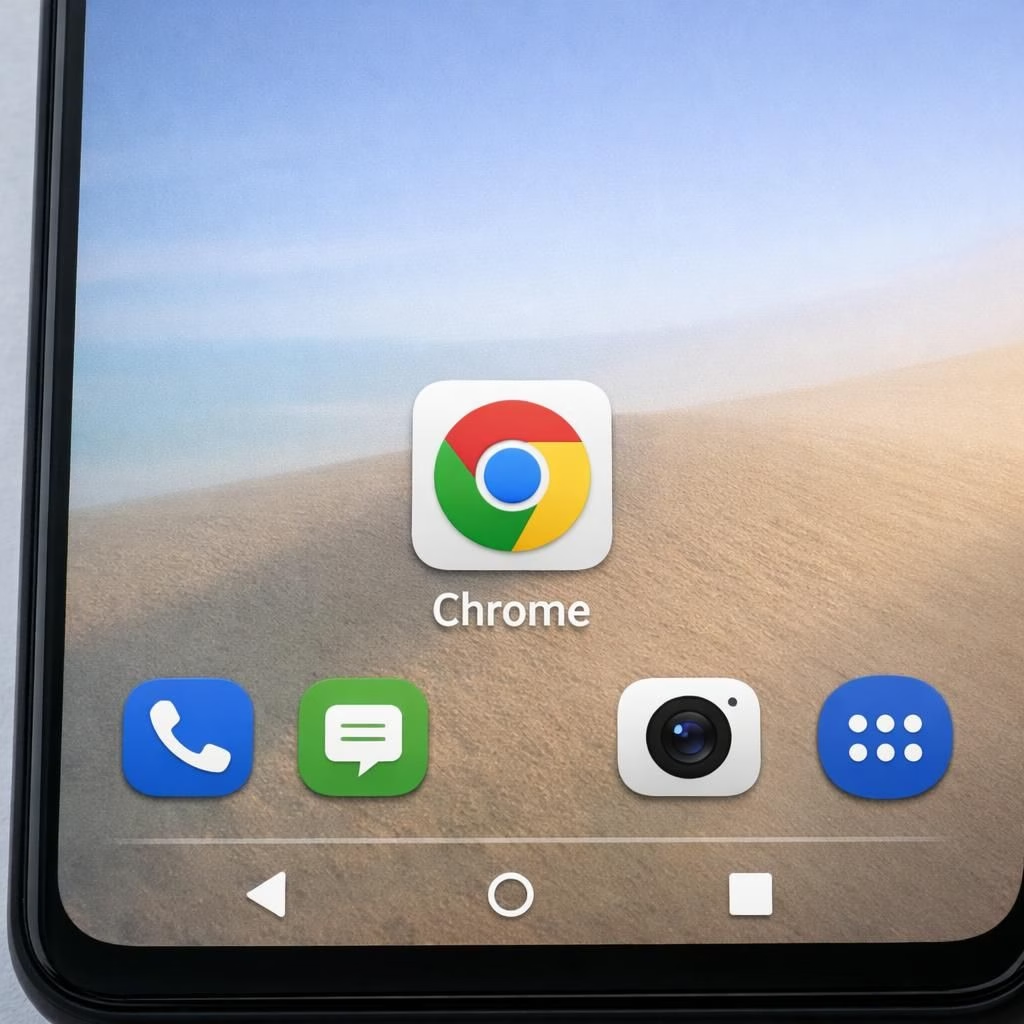
Welcome to a cheerful, practical tour of Chrome and the Home icon refresh on Android in 2026. The core truth is simple: Chrome evolves, and the Home icon isn’t just chrome on a phone; it’s a quick map to your day. As you read, you’ll see how changes ripple through design, developers, and daily use. The tone stays practical, but a dash of humor helps the tech talk land without glare.
Chrome and Home icon: what changed on Android
The headline from 9to5Google is crisp: Chrome’s Home icon changed on Android. This isn’t about a mysterious logo rebrand; it’s about usability and context. The new icon shape, subtle color shift, and refreshed shadows aim to make the home icon more legible on bright screens and small devices. In practice, the change feels incremental but meaningful, like trading a familiar map pin for a cleaner compass. For long-time users, the swap prompts a moment of recognition before resuming the task at hand. The Home icon remains the hub, but now it draws a tad less attention and a lot more clarity. This is not a revolution, but a light refactor that respects muscle memory while nudging users toward faster navigation.
From a design perspective, you’ll notice softer edges and a more subdued chrome vibe that blends with newer Android themes. The practical upshot is fewer accidental taps and a quicker path to the page you want. For developers and power users, the shift is a reminder that even small UI details can influence how quickly people reach the features they care about. Chrome continues to balance familiarity with improvement, and the Home icon gets a gentle nudge toward greater legibility in daylight and dim environments.
Chrome 146 beta: WebNN origin trial and Home icon evolution
Phoronix reports that Chrome 146 arrives in beta with WebNN origin trial for Neural Networks in the browser. The goal is to speed up on-device ML tasks with standard APIs, potentially making tasks like image classification or speech recognition snappier without leaving the browser. The Beta channel also tests new features like a Sanitizer API, offering safer debugging tools to developers. This isn’t just a tech preview; it’s a signal that Chrome continues to chase performance and capability at the edge. WebNN aims to abstract away hardware specifics while giving developers a consistent path to acceleration. The beta status means early feedback, bug reports, and a chance to influence what ships in the stable release. The combination of WebNN with Chrome’s existing rendering pipeline could yield smoother visuals and smarter interactions for users, if all goes well.
Meanwhile, the Home icon evolution is quietly ongoing. You may find that the updated Home icon integrates better with system-wide theming, creating a cohesive look across apps and widgets. This isn’t a dramatic visual overhaul; it’s a calm improvement that keeps the navigation feel familiar while improving perceptual clarity on new devices. If you’re following Chrome’s beta cycles, you’ll notice a pattern: experimental ML features paired with polish to the core UI. The result could be a browser that not only runs faster but also communicates intent more clearly through its tiny, iconic cues.
Chrome updates in 2026: practical implications for users and developers
For the average user, the Home icon change is a reminder that UI touches matter. Small tweaks in iconography can reduce mis-taps and speed up navigation. The updated Home icon, along with a clearer visual language, helps new users orient themselves quickly while keeping veteran users confident in their familiar gestures. For developers, Chrome 146 beta with WebNN hints at a broader shift: ML features move closer to the foreground, and browser APIs grow more capable. If you’re experimenting, you can enable WebNN origin trials and test how onboard neural networks handle simple tasks—like filter-based image enhancements or quick classifier checks—without needing external ML frameworks. The presence of a Sanitizer API in the beta channel also invites more robust debugging techniques, helping you catch issues before they reach production. The key takeaway is momentum: Chrome continues to expand its toolkit while keeping the user experience accessible and familiar. This is good news for teams chasing faster UIs, smarter features, and consistent performance across devices. Chrome 145 Released With JPEG-XL Image Support and Chrome 146 beta coverage.
From a security and privacy standpoint, on-device ML work tends to stay closer to the device, reducing round-trips to cloud services. That said, developers should stay mindful of permissions, data exposure in ML samples, and the need to document what stays on-device. The WebNN exploration signals strong intent: Chrome wants to empower developers without compromising user trust. If you test these features, you’ll likely discover more responsive pages and smoother interactions, especially on mid-range devices that rely on efficient on-device computation.
Tips for trying Chrome 146 beta and navigating the Home icon
To get a hands-on feel, opt into the Chrome beta channel, back up data, and test the Home icon on your daily tasks. Try gestures, search, and quick-launch flows to compare with the stable build. If you rely on ML features, enable the WebNN origin trial and observe any noticeable gains in responsiveness. For developers, experiment with the Sanitizer API in debugging sessions and document any edge cases. Remember: beta software is a laboratory; treat it with curiosity and caution. If you’re part of a test team, share your notes on UI clarity, tapping accuracy, and any issues related to icon contrast across themes.
Design rationale: why the Home icon matters in a modern Chrome
Beyond aesthetics, the Home icon serves as a quick-glance navigation cue. In a multi-tasking world where people skim and tap, a crisp, legible icon reduces cognitive load. Chrome’s choice to refine the Home icon aligns with broader accessibility goals: higher contrast, clearer shapes, and predictable behavior across devices. The combination of a more legible Home icon and the WebNN-enabled performance improvements paints a broader picture of a browser that wants to be faster, friendlier, and more capable at the edge. The result is not just a cosmetic change; it’s a statement about how users experience the browser on a day-to-day basis. When design and engineering align, you feel the difference in everyday tasks—from loading times to page navigation and even comfort during longer browsing sessions.
Wrapping up: a lighter, brighter Chrome journey
In short, Chrome’s ongoing updates—especially the Home icon refresh on Android and the WebNN-enabled Chrome 146 beta—reflect a browser ecosystem that values speed, clarity, and practical power. The UI tweaks feel deliberate, not disruptive, and the beta features promise future improvements without forcing a wholesale change in how we browse. If you enjoy clean visuals, fast ML-backed tasks, and a navigation bar that finally feels predictably reliable, you are in good company. Chrome keeps its promise: evolve, test, and improve while keeping the core habit intact.
Have you noticed the Home icon change on your device or experimented with WebNN in Chrome? Share your thoughts in the comments below.
Original reporting and inspiration
Primary coverage came from 9to5Google, Phoronix, and Neowin, with follow-up context from: Yes, Chrome’s Home icon changed on Android; Chrome 146 Now In Beta With WebNN Origin Trial For Neural Networks In The Browser; Google promotes Chrome 146 to the beta channel with WebNN support, Sanitizer API, and more. Thank you to the publishers for the original material that sparked this discussion.
References
- Yes, Chrome’s Home icon changed on Android
- Chrome 146 Now In Beta With WebNN Origin Trial For Neural Networks In The Browser
- Google promotes Chrome 146 to the beta channel with WebNN support, Sanitizer API, and more