

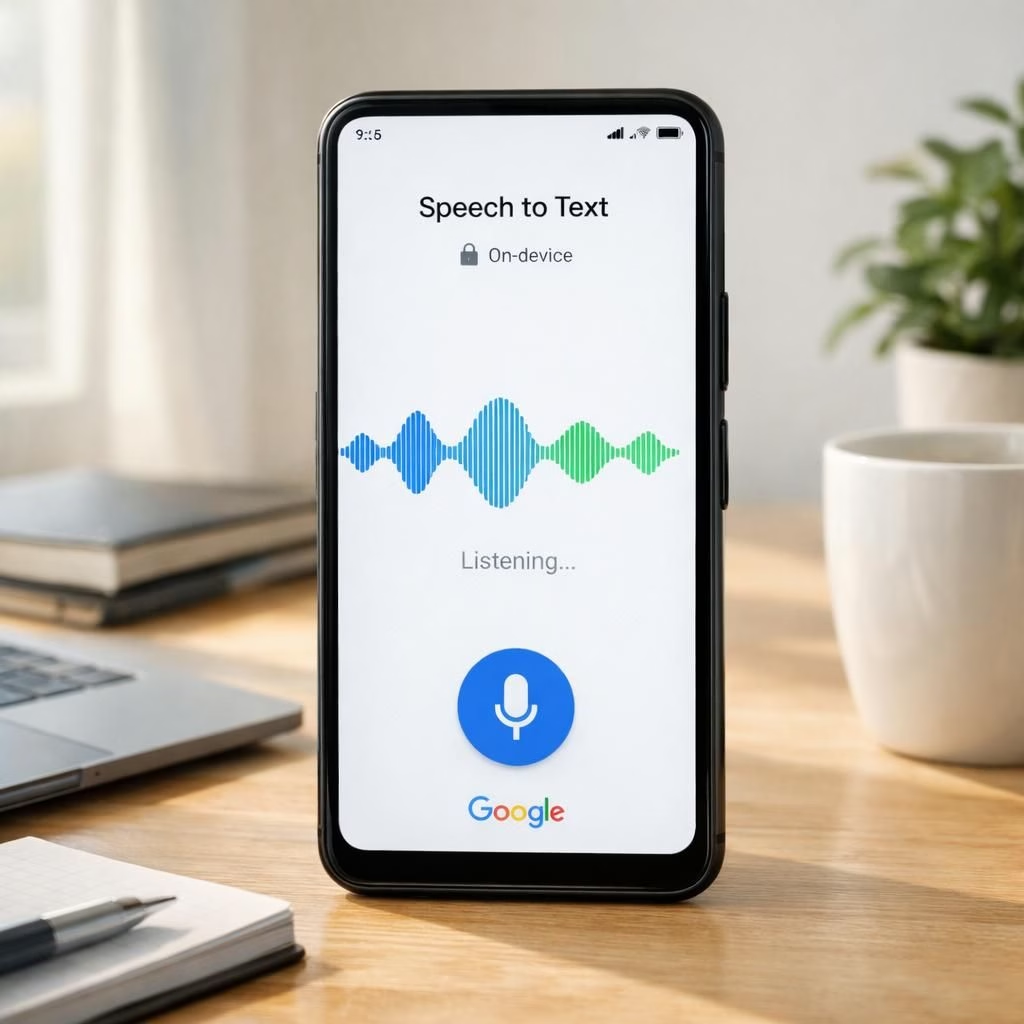
Meet the AI transcription wizard tucked inside Google’s new AI Edge Eloquent app. This on-device helper turns speech into clean, readable text without a cloud trip, preserving intent and rhythm while you sip your coffee. It’s like having a tiny typist in your pocket who never interrupts your flow.
AI Transcription on the Edge: Privacy and Performance
The core magic is that Gemma-based automatic speech recognition (ASR) models run entirely on your phone, downloaded with the app. No server handshake required. That means audio, transcription data and preferences stay on-device, making privacy a feature, not an afterthought. You get faster results and less exposure to mischief online.
- Automatic removal of filler words like umm, uh, and you know, so the transcript reads as if you polished it with a red pen.
- Mid-sentence corrections to keep the voice and meaning in order, so you don’t have to chase a stray clause.
- Transform the transcript into formal prose, a friendly briefing, or a compact summary—your call.
- Highlight the app’s key points at a glance, to save time when you skim through notes later.
There is a built-in dictionary, and you can create a custom dictionary for your own words, acronyms, or quirky terms. You can even connect the app to your Google account to import words from Gmail, so your most-used terms show up automatically and stay aligned with how you actually talk.
Privacy matters here: all machine learning stays on-device, so audio, transcription, and personal data don’t leave your phone. If you want to leverage Google Cloud features, you can toggle them on—then switch them off again on the Record screen whenever you like. The balance is controlled, not forced, which is a rare feature in the wild world of digital assistants.
Transcription Customization Toolkit
In addition to cleaning up speech, the app offers practical customization. The editable dictionary lets you curate terms you use every day, and the words you add travel with you. When you opt in, it can fetch vocabulary momentum from your Gmail to keep terms aligned with how you talk.
When you finish processing the input, you can shape the output to your needs—longer narrative, tighter summary, or a bullet-point briefing. The app can automatically surface key points, and you can rename sections or add your own headings for faster retrieval later.
Output Variants for Transcription
There’s a natural bias toward practical results. The app supports transforming speech into formal prose, informal notes, or something in between. If you’re preparing a report, you can ask it to show the highlights first, then fill in the details. If you need a quick summary, the app will pop a concise version with the essential takeaways. It’s like having three writing modes in one subtle, unobtrusive tool.
The edge-based technology minimizes data drift. The app learns from your corrections, so future transcription results better reflect your phrasing. The on-device approach means you aren’t waiting for a cloud halo to shine on your document; you’re shaping it in real time, with less latency and fewer interruptions.
Availability and Roadmap
As of 2026, Google’s Edge Eloquent app is available on iOS devices (iPhones). Google has signaled that it is evaluating other platforms, including desktop for dictating documents, code, and prompting AI agents. There’s no announced timeline for Android yet, but the team is listening to user feedback and weighing platform priorities. If you’re an Android user, you aren’t left out because the tech gravitates toward cross-platform compatibility in the long run; it just needs more sunshine and beta testers.
Practical tips to get the most out of Edge Eloquent
To maximize accuracy, start with clear speech and minimal background noise. Speak at a comfortable pace, and pause between ideas to help the model separate sentences cleanly. Add domain-specific terms to your dictionary, and save frequent phrases as templates for typical transcription workflows. If you rely on cloud features, remember you can switch them on and off as needed. The balance between privacy and extra capabilities is a toggle away, not a tangled web of settings.
Also, don’t hesitate to test it with different accents. The better you train your dictionary, the more trustworthy the transcription results become. The app will reward you with fewer corrections and quicker drafts—valuable when you’re racing against a deadline or a draft you intend to publish.
What this means for everyday writers and professionals
For anyone who dreads long typing sessions, the app offers a breezier alternative: speak, polish, and publish. It’s not just a novelty; it reduces the friction between idea and written text, so your thoughts reach readers faster. And because it runs on-device, you don’t have to trade privacy for productivity. If you’re juggling notes, calls, or interviews, this tool helps you stay in the flow rather than switching devices or apps.
Another practical benefit: the app can help you stay organized across devices. If you copy a term, a reminder, or a code snippet, the dictionary can help you keep those terms consistent across your notes. It’s small stuff, but it compounds into real-time savings when you’re drafting proposals, transcripts, or training materials.
Original source link: https://www.hindustantimes.com/technology/tired-of-typing-google-s-new-ai-app-does-it-for-you-even-without-internet-101775560968918.html
FAQ
-
Is Edge Eloquent completely offline?
Yes. The on-device ASR runs offline, with optional cloud features that you can toggle on if needed.
-
Is Edge Eloquent free to use?
Yes, the core features are free, with optional cloud-based enhancements that you can enable or disable.
-
Can I import words from Gmail?
Yes, you can import terms to the dictionary to improve accuracy.
-
When will it be available on Android?
Google is evaluating cross-platform support; no public Android timeline yet.
References
Have thoughts or questions about transcription on mobile? Share your experiences in the comments below; we’d love to hear how you’re using transcription in 2026.