

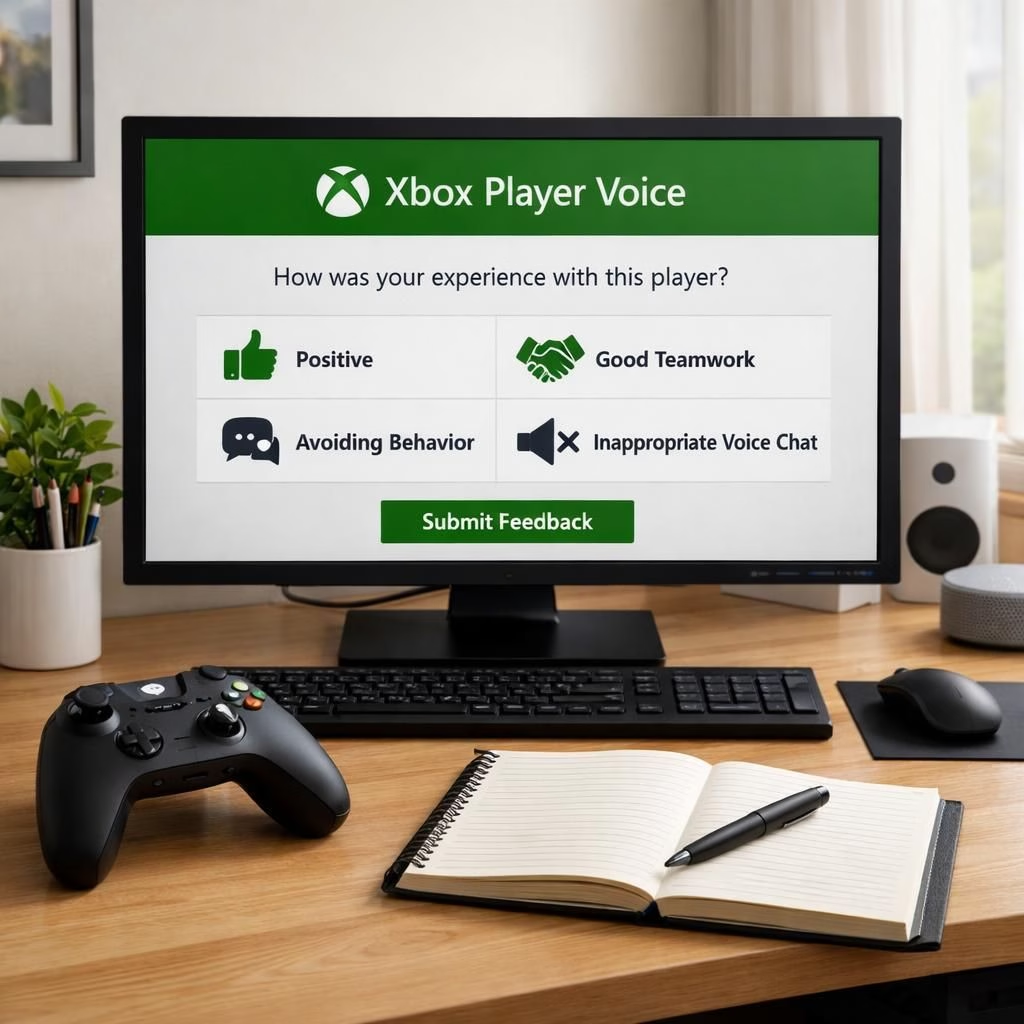
When the digital age demands feedback, Xbox and Player Voice step into the breach with a smile. This piece explores how Xbox Player Voice simplifies feedback sharing, making it less of a chore and more of a collaboration, even for people who treat patch notes like treasure maps.
Xbox Player Voice: A Simpler, Friendlier Feedback Path in 2026
At its core, Player Voice is a streamlined channel that guides players from thought to note with fewer form fields and fewer detours. Instead of hunting through menus, users can speak or type a concise suggestion, rate their experience, and add a quick emoji to set tone. The system translates voice to text, but keeps the human touch alive by allowing short comments that feel like a chat with a helpful teammate. The result is a feedback loop that respects time and intent, a rare combination in the world of patches and build notes.
For developers and product teams, the design philosophy behind Xbox Player Voice centers on clarity and actionability. The prompts are designed to avoid jargon, so a simple phrase like more stable matchmaking becomes a tangible item on a backlog, not a vague feeling. The interface surfaces context like game mode, platform, and recent patches, so the team can triage quickly. In practice, players who worry about their ideas getting lost in a flood of messages will find relief knowing that each submission lands with a category, a priority tag, and an estimated impact score. This structure is the backbone of a healthier feedback culture, and it makes Xbox feel more responsive to real players.
Why Xbox Player Voice Works in 2026 and Beyond
One of the strongest aspects of Xbox Player Voice is its accessibility. The feature supports keyboard input, spoken input, and a forgiving auto-correct that respects regional dialects. This means more voices from more geographies contribute to the game’s evolution. The team behind Xbox Player Voice also emphasizes privacy and consent, offering clear opt-ins and granular data controls. Even the most privacy-minded gamer can feel comfortable sharing a thoughtful note, knowing their words are used to improve the product, not to track their every move for marketing purposes.
From a technical standpoint, Xbox Player Voice integrates with the platform’s telemetry and issue-tracking pipelines. Submissions inherit metadata like hardware profile, game version, and recent bug reports, which helps engineers reproduce problems quickly. The system also supports status updates: a user can check whether a feature request is in the backlog, in review, or planned for a future release. This transparency reduces the friction of feedback and makes players feel heard. In short, Xbox Player Voice changes not just how feedback is delivered, but how teams respond to it.
Practical Tips for Using Xbox Player Voice to Your Advantage
- Be specific: instead of fix the bug, say the crash that happens when loading a saved game on version X.Y.Z.
- Pair the suggestion with context: in co-op mode, on Series X, after patch 1.2.
- Use the rating and emoji to set tone: a 4-star vote with a thumbs-up signals impact and positivity.
- Follow up with a concise rationale: a short sentence can move a request from idea to backlog.
Two moments stand out when using the feature. First, the voice-to-text feature often gets your point right away, which saves you from retyping a novella. Second, the UX design guides you toward a useful, testable request rather than a vague complaint. The result is a calmer, more constructive feedback culture that benefits both players and developers. The goal is a smarter loop: you tell, the team tunes, the game improves, and players see real progress.
From the perspective of a community that loves both games and good memes, the experience is a breath of fresh air. It lowers the barrier to contribution without diluting quality. It invites casual players to share a concrete suggestion while giving core fans a structured way to advocate for their favorite features. The system’s success hinges on two things: clear prompts and responsive teams. When those align, the phrase Xbox Player Voice stops feeling like a techy mouthful and starts feeling like a promise.
What players say about Xbox Player Voice
In the grand scheme, the adoption of a clear feedback channel signals a broader shift in gaming UX. Tools once reserved for beta testers and power users become accessible to a wider audience. The approach hints at a future where feedback loops become as routine as daily logins. If every game studio pairs a clean channel with transparent status updates, we may see fewer whispers of frustration and more confident, well-reasoned suggestions that actually move the needle for players. Clarity, efficiency, and a touch of humor make the patch notes something players look forward to reading.
FAQ about Xbox Player Voice
- What is Xbox Player Voice? A streamlined feedback channel designed to reduce friction and speed up triage for teams while keeping players engaged and heard.
- How do I submit feedback? Open the feature from the game’s menu, describe the issue or idea, rate it, and add optional context such as mode or patch version.
- Is my data private? Yes. You’re prompted to opt in, with controls to limit data sharing and clear explanations of how information is used to improve the product.
- Can I track the status of my submission? Yes—submissions show whether they’re in backlog, in review, or planned for a release.
Want to join the conversation? Share your thoughts in the comments below and tell us how Xbox Player Voice changed the way you share feedback. We’re listening, and we’re grateful for your voice.
References
References
Want to join the conversation? Share your thoughts in the comments below and tell us how Xbox Player Voice changed the way you share feedback. We’re listening, and we’re grateful for your voice.