

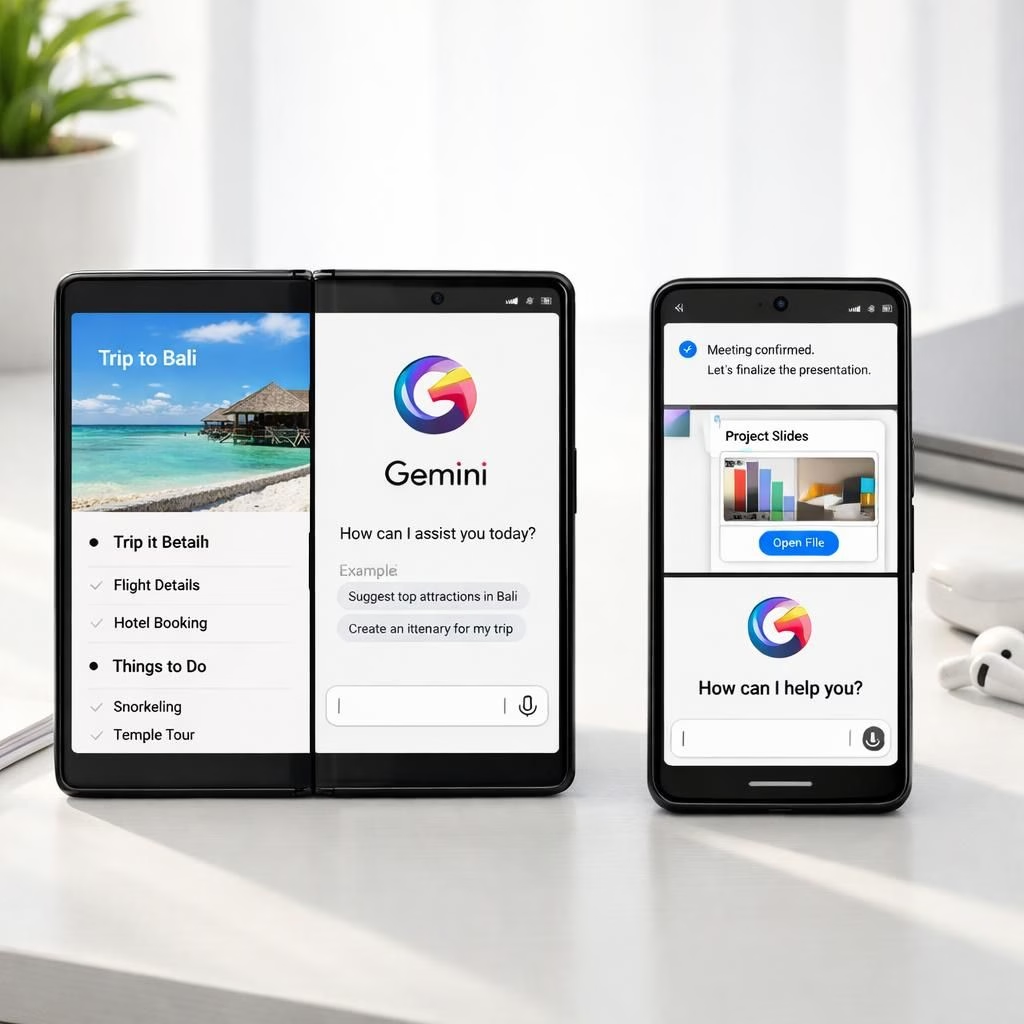
Gemini Intelligence sits center stage on Android 17 devices, and with foldable AI, the Galaxy Z Fold 8 demonstrates a future where your phone anticipates needs and acts with minimal prompting. In practical terms, that means you can kick off a multi-step task—like booking a class, adding books to a cart, or assembling a widget—without juggling a dozen taps.
Gemini Intelligence and foldable AI: a 2026 preview
At a high level, Gemini Intelligence leverages agentic capabilities to coordinate apps. foldable AI unlocks large-screen multitasking, letting the user see two apps side by side while a third task continues in the background. The goal is to reduce friction while keeping you in control. The early demos show the assistant scanning a Gmail syllabus, adding required books to a cart, or scheduling a gym session with minimal prompts—no cape required.
Android 17 devices take on Gemini Intelligence with foldable AI
It’s early, but the promise is clear: these devices will carry a richer, more capable multitasking engine with cross-app automation. The Pixel 11 range and Galaxy Z Fold 8 family could present a strong early lead for Gemini Intelligence paired with foldable AI, especially as Create My Widget and related tools mature. Practically, you could describe a widget and have it render automatically, or prompt the system to pull flight details from emails and place them into a trip tracker. Android 17 users will notice the two-screen flow feels more natural, more cohesive, and less tiring than before.
Privacy and trust come next. The automation that makes life easy also asks for access to photos and cross-app data to complete forms accurately. The challenge is to balance seamless convenience with transparent data governance. foldable AI must stay in the driver’s seat, with clear user controls and visible permission prompts. The industry will explore on-device processing versus cloud-assisted models to keep sensitive data local while still delivering practical benefits. The aim is to stay helpful without becoming intrusive.
Apple’s iPhone Fold and iOS 27: privacy first or AI depth?
WWDC sets the stage for iOS 27’s AI direction. Apple might lean toward third-party AI models, or it could build more contained AI features designed with privacy at the forefront. The iPhone Fold looms as a quiet counterpoint to Android 17’s Gemini Intelligence and foldable AI approach, inviting users to compare cross-app automation, privacy stances, and UX nuance. Either path will influence early adopter sentiment, trust, and perceived value on a foldable device.
Early market dynamics hinge on accuracy, trust, and the evolution of the foldable UX. Marketing that frames Android’s deep AI toolkit against Apple’s privacy-centric stance will shape initial impressions. Samsung and Google may stress depth of capability, while Apple emphasizes user control and privacy. The Pixel 11 and Galaxy Z Fold 8 will be judged not only by speed and features but by how well users feel in control of their data while getting things done on a big screen.
For the power user, these tools signal practical benefits: faster bookings, smarter shopping, and context-aware widgets on a foldable. It’s not magic; it’s careful engineering and well-designed prompts. The Android 17 ecosystem should offer refined controls, letting you tailor what Gemini Intelligence and foldable AI can access and when they can act. The UX should feel fluid, not disruptive, as layouts and transitions improve over time.
In sum, the 2026 landscape for foldables looks bright for those who crave efficiency with a side of humor. If you enjoy this kind of forward-looking tech, share your perspective in the comments. We’ll read every thoughtful take and respond where helpful.
External context: For broader context on Android’s approach to features like this, see the Android official site: Android official site. For privacy-centric design, see Apple privacy. For hardware ecosystems, Samsung’s official newsroom provides ongoing coverage: Samsung Newsroom.
Practical how-tos: getting started with Gemini Intelligence on Android 17
- Enable Gemini Intelligence in Settings to activate agentic features and foldable UX on your Z Fold 8.
- Tailor permissions so Gemini Intelligence can access the apps you regularly use, while keeping sensitive data under your control.
- Describe your widget or task using a simple prompt. For example, “Show me the weekly class schedule and add the textbooks to my cart.” The system will translate that into actions across apps on the big screen.
- Test with a real scenario like booking a gym session or pulling flight details from email and placing them into a trip tracker, validating accuracy as you go.
FAQ: Gemini Intelligence, foldable AI, and Android 17
- What is Gemini Intelligence?
- Gemini Intelligence is a framework for coordinating apps and automating multi-step tasks with agent-like capabilities, designed for devices with large screens and robust multitasking.
- Is foldable AI private by design?
- Privacy considerations are central. The design aims to balance convenience with controls and transparent prompts, with on-device processing where possible.
- Will iOS 27 offer a similar experience?
- Apple’s approach may emphasize privacy and optional third-party AI models, creating a different trade-off between depth of automation and user control.
Original article by Janhoi McGregor.
References