

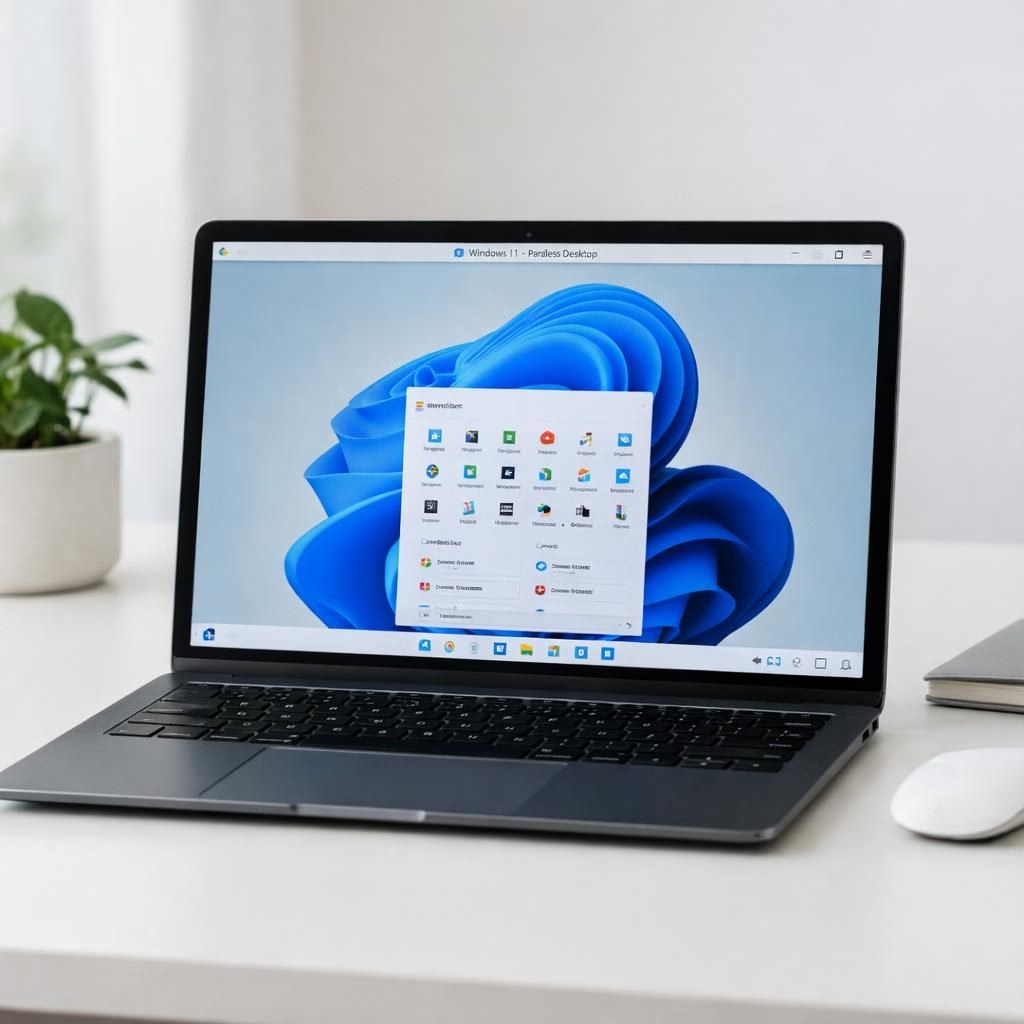
Windows on Mac via Parallels on Mac is no longer a sci-fi premise. The budget MacBook Neo proves it by running Windows 11 inside a VM with poise and practicality. At just $599, the Neo sits alongside the Mac mini, offering an A18 Pro six-core CPU, 256GB storage, and 8GB of unified memory—specs that still look respectable even if you plan to upgrade RAM later.
Windows on Mac: The Neo’s surprising performance story
Parallels Desktop 26 enables Windows 11 build 26200 to run on the Neo with six vCPUs and 6GB of vRAM. In direct tests against a $1,119 Dell Pro 14 that runs Windows 11 natively, the Neo delivered roughly 20% higher single-core scores in several benchmarks. For Windows on Mac users, this level of performance is compelling and highlights the potential of budget hardware running a flagship OS. The benchmarking suite spans Geekbench, PassMark, 3DMark, PCMark, Blender, and Unigine, offering a broad view of single-core, multi-core performance and real-world tasks.
Parallels on Mac: Windows 11 in a VM that feels native
In daily computing, the experience is surprisingly practical. Parallels on Mac Desktop 26 reports that the guest OS stays responsive for office work, email, web apps, and light development. The single-core speed advantage shows up in snappy launches and smooth scrolling, even when the guest OS is juggling background tasks. For Windows on Mac fans, this blend of performance and price makes a budget-friendly option look credible, not gimmicky.
There are caveats, of course. You still need a Windows 11 license and a Parallels license, and the VM configuration matters. With six vCPU and 6GB vRAM, you can run into memory or multitasking limits during heavier workloads. For light workloads, the setup remains usable, and that is a win for Windows on Mac in the VM space.
Two other items deserve attention. First, the software ecosystem inside Parallels on Mac is tight: standard productivity tools, calendar apps, and browser-based tools run without drama. Second, the hardware price point matters. The MacBook Neo undercuts most Windows laptops with similar ingredients, creating a compelling value proposition. The result is a near-native feel at a fraction of the cost — proof that hardware can serve software design as much as software governs hardware performance.
TechRadar Pro’s Matt Hanson reviewed the Neo and gave it a strong 4.5 out of 5. He noted USB 2.0 ports, the absence of a keyboard backlight, and modest RAM as its main drawbacks — signs that a budget device can still stumble under some load, but not enough to spoil the overall experience. His verdict aligns with the broader sense that Windows on Mac here is a credible, budget-friendly option rather than a flashy novelty.
For Windows on Mac buyers, there is more to consider. The idea of a $99 refurbished MacBook Neo becoming a tempting second-hand purchase in a few years is not far-fetched. The device points to a future where Apple’s hardware and Parallels on Mac can open Windows 11 to a much larger audience without forcing people to break the bank. It is a reminder that software parity is possible across platforms when a company controls both sides of the stack.
Désiré Athow has over four decades in technology writing, a career that has seen web hosting, early HTML, and Y2K lore collide with modern hardware debates. He offers a balanced take on the Neo’s price-to-performance curve and what it means for mainstream buyers. The piece is a thoughtful reflection on how the combination of hardware, software, and licensing can surprise even seasoned reviewers.
Original article and full context: Thanks to TechRadar Pro for the original material. Read the original here: TechRadar Pro – MacBook Neo Windows 11 with Parallels.
If you have thoughts, share them in the comments. Also, feel free to compare this budget setup with other devices you have used for Windows in a VM.
Practical setup: How to try Windows 11 on Neo with Parallels
- Ensure you have a Parallels Desktop 26 license and a Windows 11 license ready.
- Install Parallels on the Neo and choose a VM configured for 6 vCPU and 6GB vRAM for Windows 11.
- Install Windows 11 build 26200 and apply any available updates before heavy multitasking.
- Run common workloads (Office, email, browser, light dev tools) to gauge responsiveness and RAM usage.
FAQ
- Is Windows 11 truly usable on the Neo? Yes, for typical office tasks and light development, it’s practical, though not as fast as native Windows on a high-end PC.
- Do I need a Windows license? Yes, a valid Windows 11 license is required for the VM.
- Will upgrading RAM help? Upgrading RAM can improve multitasking, but the Neo’s soldered memory limits expansion, so plan accordingly.
- Is Parallels necessary? Parallels Desktop is the common path to run Windows on the Mac, but other VM solutions exist; Parallels is the most optimized for Apple Silicon.
Conclusion
The MacBook Neo demonstrates that a budget machine can deliver surprisingly capable Windows performance when hardware and software are tightly integrated. For buyers watching price, portability, and practical Windows use, this setup makes a strong case for rethinking what a budget laptop can offer. If you’re curious, try a test run with Parallels on Mac and Windows 11 to compare how your typical workflows feel in a VM.
References
Original source: https://www.techradar.com/pro/exclusive-usd599-macbook-neo-easily-beats-usd1-119-dell-laptop-on-windows-11-benchmarks-yes-macos-may-well-be-the-best-platform-ever-for-microsofts-os
External references: