

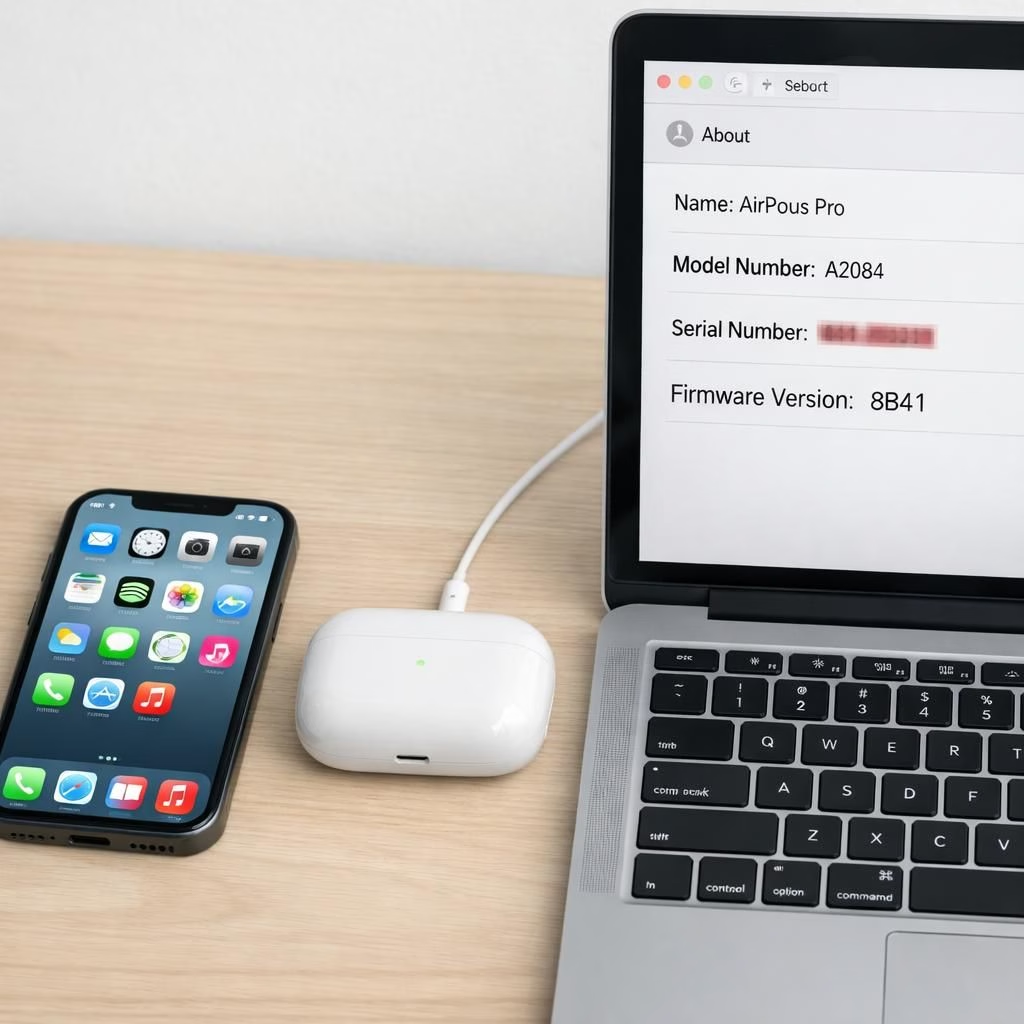
AirPods Pro listening experiences in 2026 show updates arriving quietly, with new builds 8B41 and 8B39 rolling out to the latest earbuds. The updates focus on firmware improvements and bug fixes that help everyday use. If you hoped for a dramatic feature parade, Apple keeps a low profile by prioritizing reliability over fireworks. In practice, most users will notice fewer dropouts, steadier connections in crowded spaces, and snappier responses when summoning Siri or switching devices. The update aims to run smoothly in the background, letting you enjoy music, podcasts, and the occasional podcast outro that sounds almost too good. Apple’s support document notes the changes in broad terms, focusing on fixes that improve everyday use rather than flashy new features. For curious readers, the practical takeaway is simple: your listening experience should feel calmer and more dependable after installation.
AirPods Pro firmware Update Details You Should Know
To install, keep the pair within Bluetooth range of a connected iPhone, iPad, or Mac, and ensure the host device has a stable Wi‑Fi connection. The next step is to place the charging case in a powered orientation (case closed) for about 30 minutes. You may see progress when you check back, but don’t expect a dramatic light show—think quiet efficiency rather than fireworks. If the update doesn’t appear right away, try again with the device awake and the case closed; sometimes a gentle nudge helps the install finish. In a nod to cross‑brand curiosity, Beats Studio Buds also received a recent update, landing at 1B211. While the Beats note isn’t the headline here, it does remind us that the ecosystem keeps moving, and it may be worth checking all your wireless companions for bumps. The emphasis remains on a painless, background-friendly process that minimizes downtime during your daily routines.
What the AirPods Pro firmware Update Means for Daily Use
In day-to-day terms, the changes translate into steadier connections, fewer hiccups when you switch across devices, and a touch faster response when asking your assistant for help. The average listener will probably notice more reliable audio routing in crowded spaces like offices or lounges, plus improvements in how quickly the devices reconnect after a phone call or a podcast break. If you once experienced brief audio dropouts during workouts or commutes, you may find those moments shorter or rarer after the update. The experience of pairing across devices should feel more seamless, with less time spent re-establishing a link when you pull your earbuds out of the case and reach for another gadget. The practical upshot is a calmer listening experience that doesn’t demand your attention but earns it every time you press play. Beyond the listening room, you may notice more consistent performance during calls, better mic behavior in windy environments, and a smoother handoff between devices when you reach for a different screen mid‑stream. In short, this firmware update aims to deliver calmer, more dependable listening across environments.
Have you updated yet? Tell me how it landed in your daily routine in the comments below.
AirPods Pro: How to update your firmware
- Keep AirPods Pro within Bluetooth range of your iPhone, iPad, or Mac, and ensure the host device has a stable Wi‑Fi connection.
- Place the charging case in a powered orientation (case closed) for about 30 minutes and keep it plugged in for best results.
- If the update doesn’t appear right away, wake the device and retry with the case closed; sometimes a gentle nudge helps finish the firmware install.
- After the update completes, confirm the version on your AirPods Pro by checking the Settings on your connected device.
FAQs about AirPods Pro firmware
- What’s changed with this firmware? Apple describes improvements as bug fixes and reliability tweaks rather than new features.
- How long does the firmware update take? Expect about 20–30 minutes, depending on device and conditions.
- Will updates affect playback? In most cases, playback remains uninterrupted; updates run in the background.
- Should I update Beats Studio Buds too? Beats devices often receive separate firmware updates; check your devices individually.
In short, the AirPods Pro firmware update aims to deliver calmer, more dependable listening across environments. For best results, keep devices in range, ensure power, and allow time for the background install to finish.