

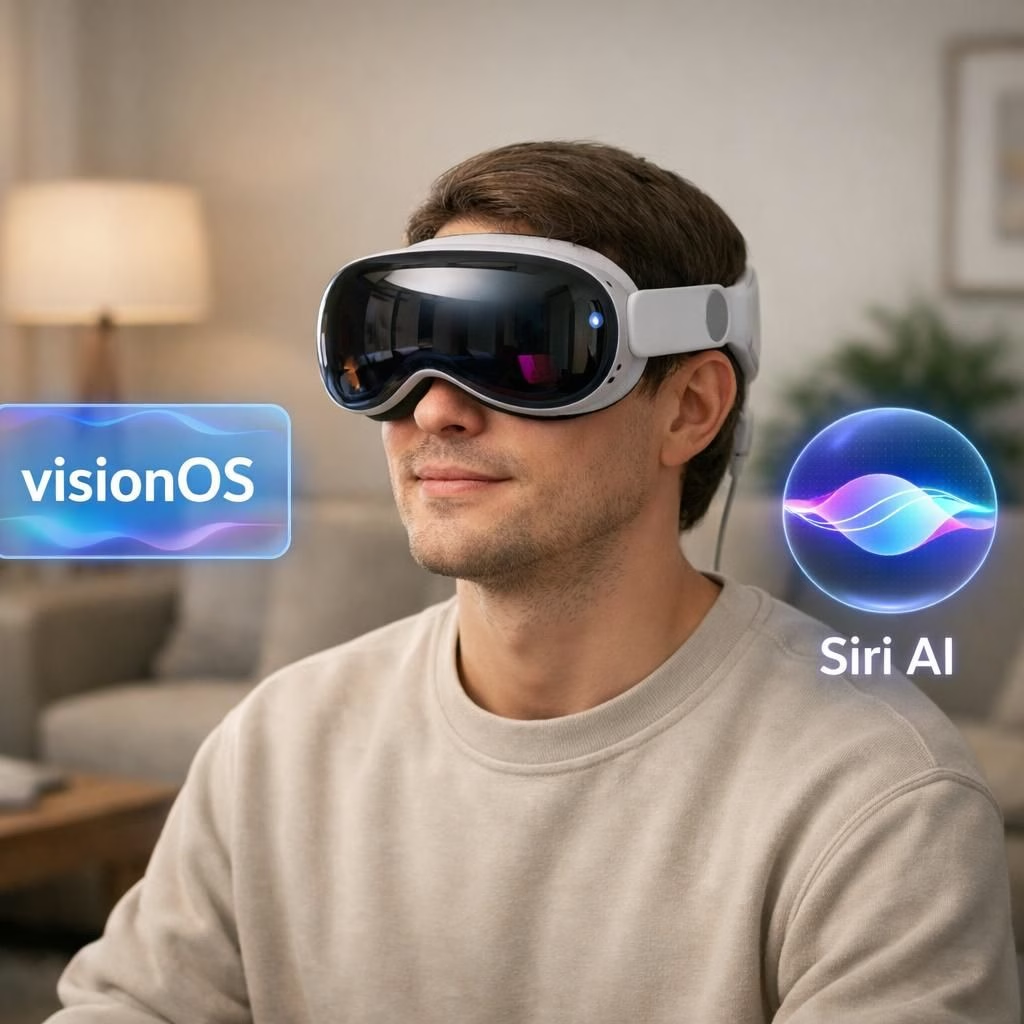
At WWDC 2026, Apple unveiled visionOS 27 for Vision Pro, pairing Siri AI with Visual Intelligence and cross-device conversations, while keeping a playful wink at how we work and play. The upgrade promises more natural conversations, personal context awareness, and smoother actions across apps. The idea is to make your devices understand you better and respond with fewer taps, a dream many users hoped for when the first headset pressed against our cheekbones.
visionOS 27 expands with visionOS and Siri AI-powered features
With visionOS 27, Siri AI behaves like a chatty assistant that actually knows your context. It can find photos, pull data from other devices, summarize long texts, manage messages, and interact with Music, Safari, and Reminders. The dedicated Siri app stores conversations in one place, and you can pin chats for quick recall across devices. The promise is simple: Siri AI learns your routines and adjusts with you, not against you, which makes procrastination a little harder to defend.
visionOS enhancements across Apple Intelligence apps with Siri AI
Apple extends visionOS across core apps. Siri AI will be integrated in Safari to auto-organize bookmarks and Reading List entries into topics, making related content easier to find. The Passwords app will flag weak or compromised credentials and guide updates. Image Playground expands, letting you generate and edit images with text or voice prompts; you can refine outputs without leaving the canvas. All of this ties back to visionOS and Siri AI, reinforcing a cohesive ecosystem where context matters.
New spatial tools and productivity workflows with visionOS
One standout is the ability to convert panoramic photos into depth-enabled Environments within Vision Pro. You can place memories or inspirations inside a space with depth, then navigate them as if you were stepping into the scene. The Thórsmörk Environment nods to Icelandic landscapes, offering a calming, nature-infused backdrop for creative work. On the productivity side, visionOS 27 introduces spatial previews and edits of 3D models from a Mac, so designers can import assets and tweak them in real time without leaving the headset. Siri AI gains supporting features to assist with annotations, ideas, and quick decisions during asset reviews.
Interface tweaks and connectivity—speed and usability
Interface refinements focus on clarity and speed. Notifications can expand automatically when you view them, delivering quicker previews and actions. Control Center is reimagined with distinct sections for media, connectivity, and Environments. Wi-Fi connectivity gets a boost for faster content access after donning the Vision Pro. Dwell Control sees improvements, Messages sync more reliably across devices, and there are new widget options. Safari extends immersive Web Environments, bringing richer browsing experiences into your spatial world. And Siri AI will move into English first, with a broader roll-out to other languages and devices later this year, empowering more users to use the tools in a familiar tongue.
Availability, language support, and the fall launch timeline
Apple confirms that visionOS 27 will roll out later this year, with initial English support for Siri AI on Vision Pro devices. The fall launch targets Vision Pro users, with broader availability to come as Apple expands language support and cross-device functionality. The integration across Safari, Passwords, Image Playground, and the new spatial tools is designed to feel intuitive, almost inevitable, and a bit fun to use every day. The team behind visionOS 27 and Siri AI promises a more cohesive experience—one that respects your attention and your curiosity alike.
Original article: Apple Newsroom — visionOS 27 and Vision Pro updates. Thank you to Apple for the original material that inspired this rewrite.
We’d love to hear your thoughts on how visionOS and Siri AI might change your workflow. Share your reactions in the comments.
Practical steps to prepare for visionOS 27
- Check device compatibility and ensure your Vision Pro is updated to the latest firmware.
- Enable Siri AI in Settings to start testing natural conversations and cross-app actions.
- Explore the new Image Playground and try generating an image from a quick prompt.
- Save a panoramic photo as a personal Environment to see depth and context in your space.
FAQ
- What is visionOS 27? It’s the latest platform update for Vision Pro, bringing deeper AI-driven interactions and new spatial tools.
- Will Siri AI be available in languages beyond English? Apple plans to roll out language support gradually, starting with English and expanding later this year.
- When will Vision Pro users get the update? The fall launch window targets Vision Pro owners first, with broader reach over time.
- What about privacy and data handling? Apple emphasizes on-device processing and privacy protections as part of the Siri AI experience.
References
- Apple Newsroom — visionOS 27 and Vision Pro updates
- Times of India coverage
- The Verge: WWDC 2026 coverage
- MacRumors: visionOS 27 roundup