

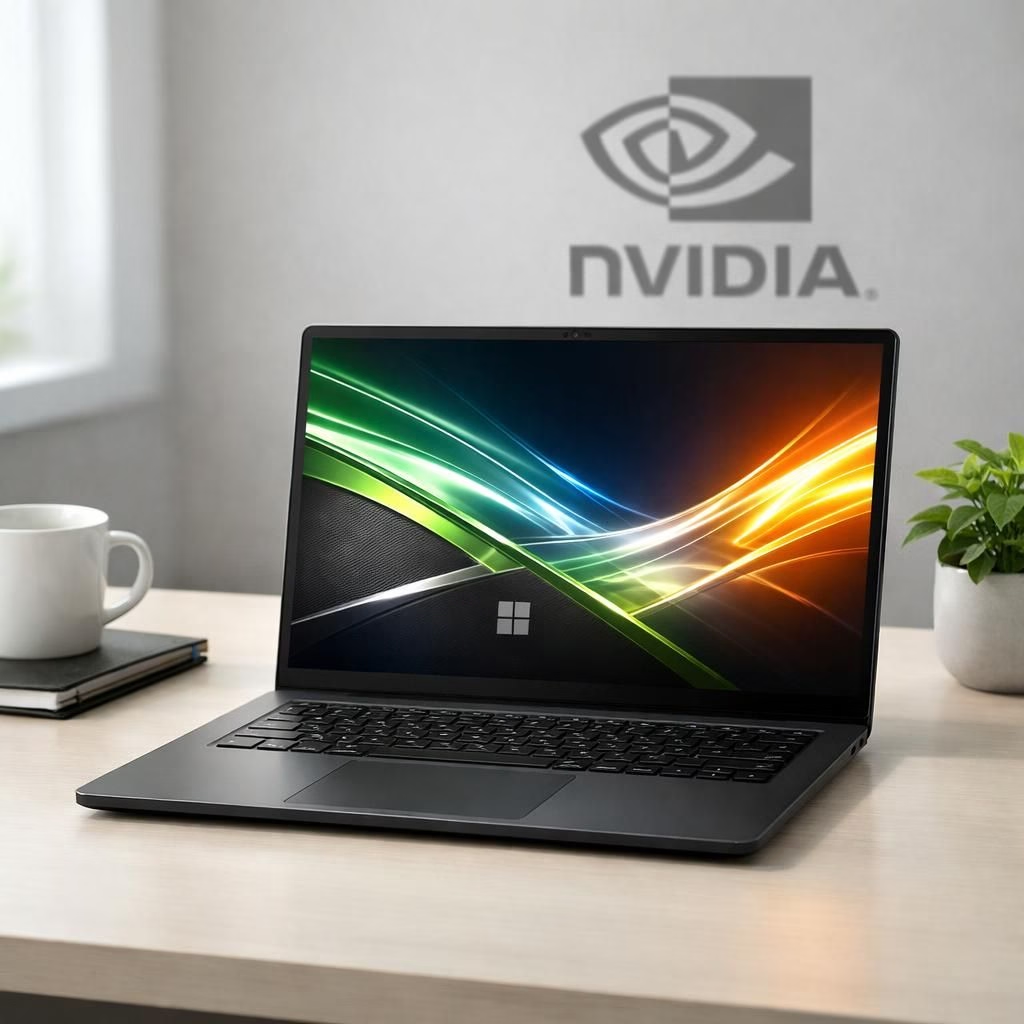
At Computex 2026, RTX Spark and Tag B steal the spotlight with a blend of AI horsepower and premium design. The mood is pragmatic: we want power, but we also want it in a sleek chassis that won’t scream for attention.
RTX Spark on the Surface Laptop Ultra stage at Computex 2026
The event laid out a bold thesis without turning it into a fireworks show. The new RTX Spark family is pitched as an ARM-based SoC designed to handle AI workloads locally, with a 20-core CPU and a memory bandwidth boost that can stretch to a formidable 128GB of unified memory. In the chatter from Nvidia and partners, there’s the promise of up to 1 petaflop of AI performance in favorable workloads. That’s not a consumer toy claim; it’s a clear signal that on-device AI tasks—like local dataset access, on-device model running, and big video tasks—have a credible, practical home in this stack. Of course, real-world results depend on cooling, software optimization, and the kind of workloads creative pros actually throw at it. Still, the impression is that this is not merely a numbers game.
On the portable side, the flagship device carrying this combo isn’t shy about its hardware identity. The 15-inch mini-LED PixelSense Ultra display promises a bright, color-accurate canvas with up to 2000 nits of peak HDR brightness and a tall 3:2 aspect ratio that favors productivity and grid-layout workflows. The chassis looks familiar to fans of premium surfaces: a solid aluminum body, recessed chiclet keys, and a glass panel that feels sturdy rather than fragile. The port lineup aims to please creators and professionals alike: USB-C across the two corners, a USB-A, HDMI, an SD card reader, and a headphone jack—enough to keep work flowing without chasing dongles around the desk. The combination of display quality and thoughtful ergonomics makes the device feel like a serious tool, not just a teaser for a future review unit.
Surface Laptop Ultra: cooling and AI power with RTX Spark
Thermals are where the rubber meets the road, and Microsoft has redesigned the cooling to cope with the heat that AI tasks inevitably introduce. The chassis is slightly elevated to improve airflow, and inside you’ll find a dual-fan, dual-heat pipe setup that channels air from the sides to the back. In practice, demos showed the fans spinning with purpose but staying surprisingly calm even when graphically demanding titles streamed in the background. The engineering emphasis on cooling feels purposeful rather than cosmetic, which matters for sustained creative work and benchmark runs that are more about endurance than one-off spikes.
Repairability also gets a nod. The backplate is removable, providing easier access to the SSD and battery, and internal parts are tagged with QR codes for straightforward replacement. In a world where thinness often comes at the expense of serviceability, this approach earns brownie points for practical maintenance and long-term ownership.
But with all this hardware swagger, questions remain that matter to buyers. What is the baseline RAM configuration that launches with the AI-accelerated model, and how flexible are the memory options across the lower to higher ends of the spec ladder? If 128GB is truly available, it raises price expectations in the premium tier. A conservative bet would place the base RAM somewhere in the 32GB range, with 64GB or 128GB as high-end options. The cost trajectory will be critical for teams buying in, because the obvious performance gains come with a price tag that could push the machine into the high-$2,000s or beyond for solid configurations. Battery life, too, remains a practical concern. Even with an efficient architecture, a 15-inch, 2000-nit display and potent AI workloads will drink power. Real-world endurance will determine whether this is a daily driver or a showpiece for the demo floor.
Availability is another open question. If past Computex cycles are any guide, early availability may hinge on pre-orders, regional supply, and ongoing software optimization. The window between announcement and ship date often defines a product’s first impression in the wild. For now, expect staged availability, regional pricing layers, and some surprises as software stacks finalize and driver optimizations land in system updates.
In sum, the pairing of Spark’s AI potential with a premium Tag B chassis feels like a deliberate push toward professional-grade creativity on the go. It’s more than a marketing pose; it’s a statement that portable devices can shoulder modern AI workflows without demanding a desktop-bound compromise. The design language leans into a confident, enterprise-friendly aesthetic that won’t turn heads for being loud, yet it signals serious capability to those who read the internals as well as the marketing.
If you’re weighing this architecture as a potential purchase, you’ll want to balance the sheer power and display excellence against memory configurations, premium pricing, and how your typical workflow translates to on-device AI tasks. The promise is compelling: local AI acceleration, a bright, accurate display, and a chassis that looks built to last. As always, real-world reviews and hands-on testing will decide how well these pieces align with day-to-day professional use.
Want to join the conversation? Share your thoughts in the comments below and tell us what you think this RTX Spark + Tag B pairing could mean for your work or creative process.
Original source: ZDNET Hands-On with the Surface Ultra.
Practical takeaways for buyers
- Expect memory configurations to start high: base RAM around 32GB with 64GB and 128GB options likely for higher-price launches.
- Consider on-device AI workflows carefully; local models and datasets may justify premium pricing.
- Factor in thermals and battery life when running AI tasks on a 15-inch, high-brightness display.
RTX Spark: Local AI power for pros
RTX Spark stands out as a true local AI accelerator, designed to handle large models and datasets without cloud latency. The combination of a 20-core CPU, generous unified memory, and real on-device AI throughput aims to make workflows like video upscaling, intelligent masking, and offline model testing feasible in real time. While initial hands-on impressions are promising, software maturity and cooling will drive real-world performance.
Surface Laptop Ultra design and cooling
The Surface Laptop Ultra continues the premium lineage with a robust aluminum chassis and a bright, precise display. The elevated chassis and dual-fan cooling system are tailored to sustain peak AI workloads over longer sessions, which matters for video editing, post-production, and other creative tasks.
What to watch next (3 quick checks)
- RAM configurations and upgrade paths at launch.
- Battery life under sustained AI workloads and bright display use.
- Software optimization and driver updates that unlock new features or performance gains.
References
- ZDNET: Hands-on with the Microsoft Surface Ultra
- NVIDIA RTX Spark overview
- Surface Laptop Ultra official product page