

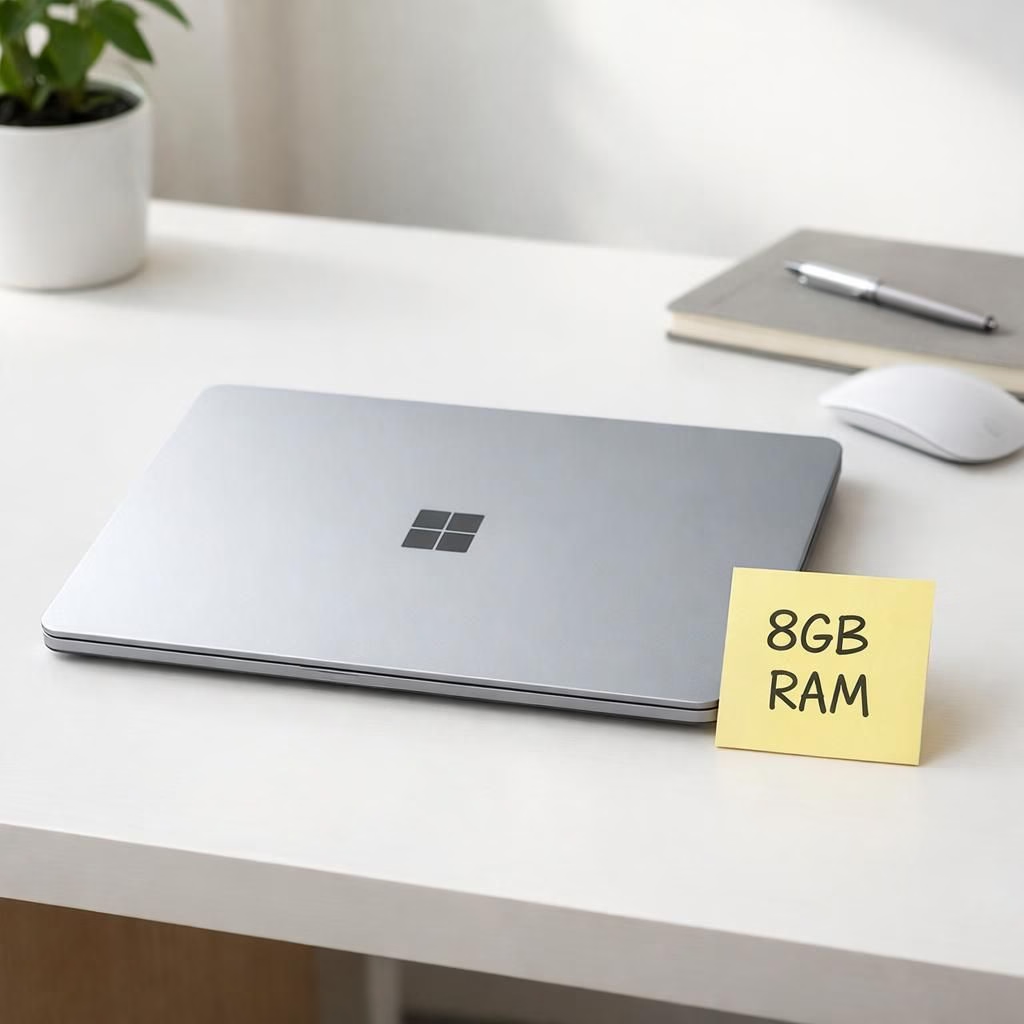
RAM and Surface Laptop 2026 walk into a silicon bar: a cheeky update that keeps the good hardware but tests the 8GB RAM premise under Windows 11 in 2026. The result isn’t a slam dunk—it’s a nudge toward better memory for a lot of buyers.
The outside remains sleek and familiar: 13 inches, light enough to forget you’re carrying a computer, with a keyboard that invites long typing sessions and a trackpad that feels calibrated for precise clicks. The interior is where the truth wanders in. Memory is soldered, not user-replaceable, and the price ticks upward to around $949–$950. It’s the same chassis with a different internal tune—a reminder that you’re paying a premium for convenience, not for generous headroom.
RAM realities in the Surface Laptop 2026 lineup
RAM is the headline here. With 8GB LPDDR5X, Windows 11 runs, but it nudges you to optimize. In daily use, I found web browsing, a couple of desktop workspaces, and a Teams call to be doable, yet not stress-free. When the host streams a video during a call, a few seconds of hiccup can interrupt the flow. It’s not catastrophic, but it reveals the squeeze between demand and capacity. The memory meter often sits around 6.5–6.8GB used, with Windows itself using around 4.2GB after a clean boot. That leaves only a sliver of headroom for spikes. If you’re the kind who anchors Chrome with five or six tabs, plus a couple of Slack windows, you’ll feel the pinch.
This Surface Laptop 2026 keeps its premium feel, but the RAM cap makes multitasking harder than you might hope. For those who want the full picture, the 8GB variant sits in a market where a MacBook Neo shows a different memory story. The Neo can feel more forgiving in multitasking, and while its price tiptoes higher, you’re trading a bit more duration of performance for a familiar macOS interface and ecosystem. The Verge has covered similar grounds, and the consensus aligns: RAM is the limiting factor here, not the chassis or keyboard.
- Keyboard: tactile and reliable for long sessions.
- Trackpad: precise and satisfying to use.
- Webcam: sharp enough for daylight meetings.
- Battery: a full day in standard office use, with light workloads.
- Ports: adequate but not expansive; plan your dongle strategy.
- Design: premium feel without the clutter of extra decals.
In practice, the day-to-day experience is a dance between headroom and workflow. If you keep to a modest workload and don’t push open tabs to the limit, you’ll be fine. But the RAM ceiling is real, and it imposes discipline on how you structure tasks. This isn’t a disaster—it’s a nudge toward smarter RAM budgeting, and a reminder that hardware choices age differently in 2026. For many buyers, the Surface Laptop line remains attractive, but the 8GB level is a meaningful constraint that colors how you approach multitasking.
For buyers who want more memory in a Surface Laptop, 16GB is the safer baseline. If you want Surface quality, you can still find reasons to pick the 16GB variant or explore refurb/open-box deals from reputable sellers. In short, RAM is expensive when it’s the only variable you can adjust in real time, and 16GB is the smarter long-term bet for Windows on a laptop of this class.
There is a broader trend worth watching. At Computex and in other announcements, multiple manufacturers pitched 8GB models as entry-level options. Dell, Acer, and Asus joined the parade. The broad availability of 8GB options signals a market reality where prices rise alongside memory constraints. If OEMs keep shipping 8GB by default, Windows users will be left polishing the user experience with careful app management and disciplined tab discipline. The takeaway is simple: do not expect 8GB RAM to age gracefully across five years of daily use in 2026 and beyond.
We should also talk about value. The price of the 8GB Surface Laptop, at about $949, can feel high when you know you could get a more forgiving configuration with 16GB RAM for around the same money. A 16GB option makes the machine more responsive and future-proof, and it handles multitasking with room to spare. If you want Surface quality, you can still find reasons to pick the 16GB variant or explore refurb/open-box deals from reputable sellers. In short, RAM is expensive when it’s the only variable you can adjust in real time, and 16GB is the safer long-term bet for Windows on a laptop of this class.
For those who still want the best that the Surface Laptop family can offer, consider the 16GB muscle version or maybe wait for a higher-tier refresh. The entry-level RAM is the bottleneck, not the body of the laptop. In the end, RAMageddon has altered the value proposition: you pay more for less headroom, and you might regret nitpicking your way into five extra tabs. The technology is great, the hardware is fine, but the memory is misaligned with modern Windows expectations.
What does this mean for the future? If RAM remains scarce and prices climb, we will see more 8GB offerings, and the temptation for vendors to price 8GB models more aggressively will persist. The market may push 8GB laptops as transitional technology, while the industry continues to push for more efficient OS memory usage. The verdict remains: 8GB RAM is not enough for a Windows laptop in 2026, especially on a premium-feel device like the Surface Laptop 13-inch. The best path forward is to invest in 16GB RAM where possible, or embrace a platform that can handle it gracefully—MacBook Neo or other 16GB machines at similar price points—even if the initial outlay is higher.
We close with a sense of humor and practicality: you don’t need a perfect device; you need a device that fits your workflow. If you’re focused on finish carpentry of documents, light photo editing, and a handful of browser tabs, 8GB can suffice. If you’re a multitasker who leaves tabs pinned and apps open like a streaming marathon, you deserve the extra memory. The future of Windows laptops will likely bring better RAM management and smarter memory use. Until then, RAM and Surface Laptop 2026 will keep this dialogue lively.
Original article: Special thanks to The Verge for the original material. See the review here: The Verge: Microsoft Surface Laptop 13-inch 8GB 2026 review.
If you enjoyed this analysis, please share your thoughts in the comments. We value your perspectives and your sense of humor as we navigate RAM and laptops in 2026.
Quick practical steps to optimize an 8GB setup
If you’re using an 8GB Surface Laptop, try a few discipline-minded tweaks to stretch headroom without sacrificing productivity:
- Limit startup programs to essential apps only.
- Keep Chrome or your browser lean by closing unused tabs or using a memory-light alternative for heavy tasks.
- Use Microsoft Edge with sleeping tabs to reduce background memory use.
- Utilize virtual desktops to separate heavy workloads from everyday tasks.
- Regularly reboot after a heavy session to clear memory fragmentation.
FAQ
- Is 8GB RAM enough for Windows 11 in 2026?
- For light tasks, yes, but expect moments of hesitation with multitasking and background workloads. A 16GB upgrade offers much more breathing room for longer-term use.
- Is the Surface Laptop upgradeable after purchase?
- No. RAM is soldered, so you’ll need to choose a higher-RAM model if you anticipate growth in memory needs.
- Are there compelling 16GB alternatives at roughly the same price?
- Yes. You can often find 16GB configurations (or refurb/open-box deals) that provide a smoother experience and longer usable life, especially on Windows 11/12 tasks.
- Should I consider a MacBook Neo instead?
- MacBooks with more RAM tend to handle multitasking more gracefully at a similar price point, but you’ll trade macOS familiarity and ecosystem for Windows compatibility and Surface build quality.
Conclusion
RAMageddon has altered the value proposition for premium Windows laptops: you may pay more for less headroom, and the five-tab test can become a five-tab reality quickly. The Surface Laptop 2026 proves the hardware is solid, but 8GB RAM is a growing bottleneck for daily workflow. If you can swing 16GB RAM, you’ll gain future-proofing and smoother multitasking. If not, plan a measured workflow and be mindful of memory quotas. The next wave of Windows laptops should improve memory efficiency, but for now the safest bet remains 16GB or higher when buying in 2026.
Additional external resources
Official hardware and OS memory guidance can help you navigate these choices:
- Surface Laptop product page — official specs and configurations.
- Windows memory management (Microsoft Docs) — how Windows handles RAM under load.
- The Verge review — additional context from a major publication.
References
The Verge: Microsoft Surface Laptop 13-inch 8GB 2026 review. https://www.theverge.com/tech/966937/microsoft-surface-laptop-13-inch-8gb-ram-2026-review