

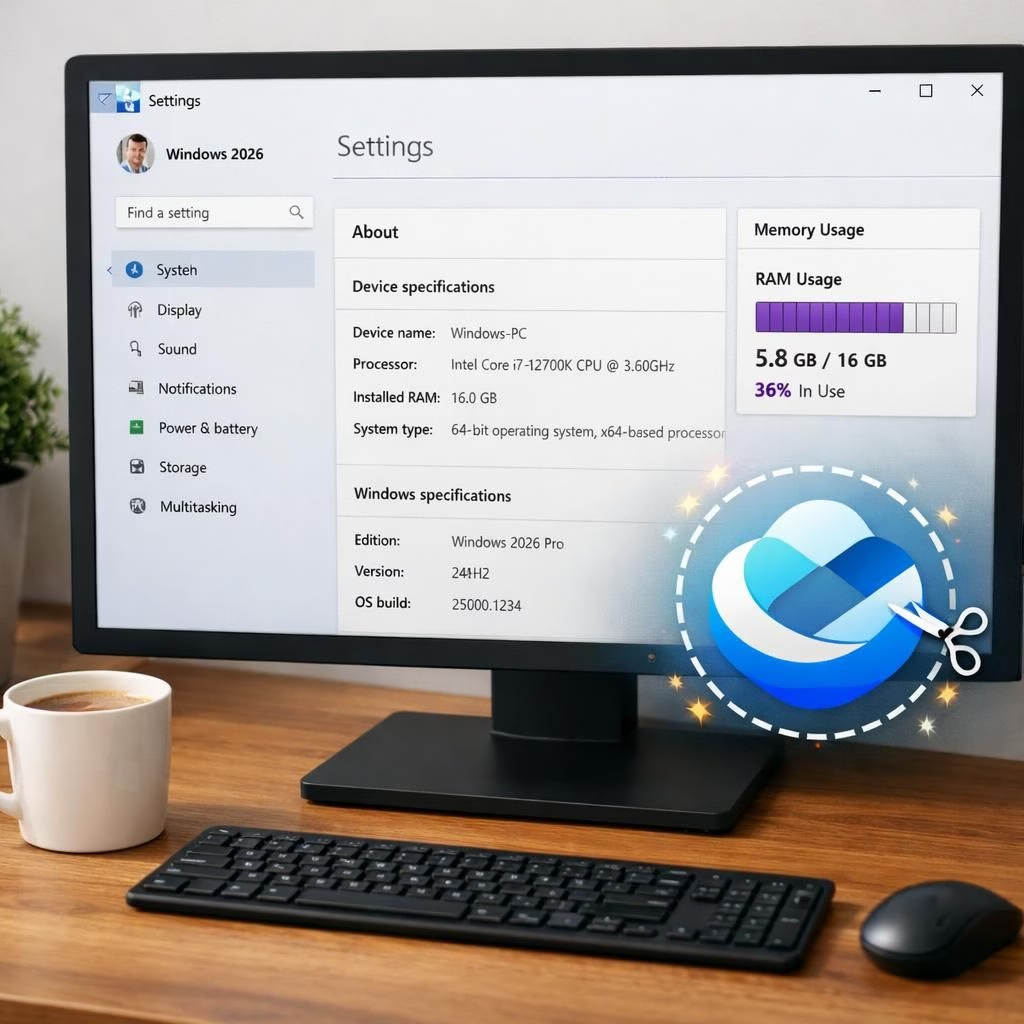
When Microsoft unveils its 2026 plan, RAM management takes center stage and Copilot bloat faces scrutiny. The aim isn’t to banish memory pressure entirely but to trim waste and keep foreground apps humming. A handful of smart tweaks could unlock noticeable performance gains on the same hardware. Outlets like PCMag and TechPowerUp have highlighted rounds of refinement designed to polish responsiveness without overhauling every feature.
RAM management gains center stage in Windows 2026
Microsoft frames the 2026 refresh as surgical, not sensational. The focus is on memory being reused smarter, reducing background churn, and preserving a smooth user experience on midrange devices. Expect improvements like more aggressive memory compression, smarter process prioritization, and clearer signals when RAM pressure grows. Practically, this could mean fewer stalled apps and quicker wake times from sleep, with telemetry and real-world testing from Windows Blog and TechPowerUp cited to illustrate progress, while trade‑offs in background indexing and live previews may be toned down for reliability.
Copilot bloat trimmed for speed and clarity
The Copilot bloat is on the table for trimming, not disposal. The idea is to keep helpful prompts while cutting redundant suggestions and heavy logging. The UI could hide or defer Copilot bloat when you run memory-hungry tools, with a quick toggle for more verbose help when needed. The Verge has highlighted this shift as a sign that AI helpers should respect RAM and user time. Changes will roll out in stages, giving users time to adjust their habits and preferences.
The plan leans on a few concrete moves. Windows will better manage memory pressure, compress data more aggressively, and pause less critical tasks when a heavy app opens. The UI will be nudged toward snappier wake times by trimming background work during resume. The result should feel like a modern OS that respects your time rather than one that requires a coffee break for housekeeping.
For everyday users, RAM management improvements translate into longer battery life and smoother multitasking. Expect faster resumes after tab-switches, quicker file opens, and fewer stutters when editing photos or working with large spreadsheets. The updates also curb background maintenance that once spiked RAM during long sessions. Net effect: a quieter, calmer PC that behaves more predictably.
From a technical standpoint, the OS will monitor app behavior and allocate memory more intelligently. Foreground apps will retain priority during active tasks, while background tasks receive a fair share when the system is idle. The changes aim to minimize memory waste without sacrificing features you rely on daily. On lower-end devices, this could translate into notably smoother gaming, streaming, or mixed-work sessions that blend memory-heavy apps with a browser or editor.
Memory management will be watched closely by enthusiasts who rely on older hardware. The 2026 plan aims for broad compatibility, not just the newest devices. It should reduce crashes and slowdowns from overcommitting memory to background tasks, and promises better thermal behavior since less memory churn equals less CPU/GPU work under the hood.
Copilot bloat may face practical limits too. Reducing redundant prompts helps keep UI shadows light and prompts faster. The AI assistant could still assist with coding, document drafting, or data queries, but it will hesitate before suggesting experiments you did not explicitly request. Bloggers and analysts expect this will improve battery life on laptops and make desktops feel less overworked after a long day.
If you have thoughts or experiences with Windows 2026 previews, share them in the comments. We welcome debate and humor in equal measure.
Special thanks to the original reporting from PCMag for the headline story: Microsoft Aims to Supercharge Windows Performance and Cut RAM Waste in 2026. A nod to Windows Blog, TechCrunch, The Verge, and TechPowerUp for related coverage that informed this rewrite; your quick takes helped shape the tone and details. Thank you to all the teams behind the original material for laying a solid foundation.
Practical steps for RAM management improvements
Practical steps help you test these ideas on your own setup. Try these quick checks and changes over a few days.
- Watch RAM usage in Task Manager or Activity Monitor while launching memory-heavy apps.
- Experiment with Copilot prompts and tips tuning to find a comfortable balance.
- Test resume times after sleep or tab-heavy sessions to gauge responsiveness.
- Note any battery-life differences when running mixed workloads on a laptop.
In summary, 2026 looks like a year where Windows aims to be kinder to your RAM, smarter with Copilot bloat, and frankly more grown-up about system health. If you try these ideas or spot new patterns, drop a comment and let us know how it lands on your setup.
Thank you to the original sources for sparking the conversation and providing context. Special thanks again to PCMag for the foundational article and for guiding the talk about RAM waste and performance in 2026.
References
- Microsoft Aims to Supercharge Windows Performance and Cut RAM Waste in 2026 (Original source)
- Windows Blog (official updates)
- The Verge coverage