

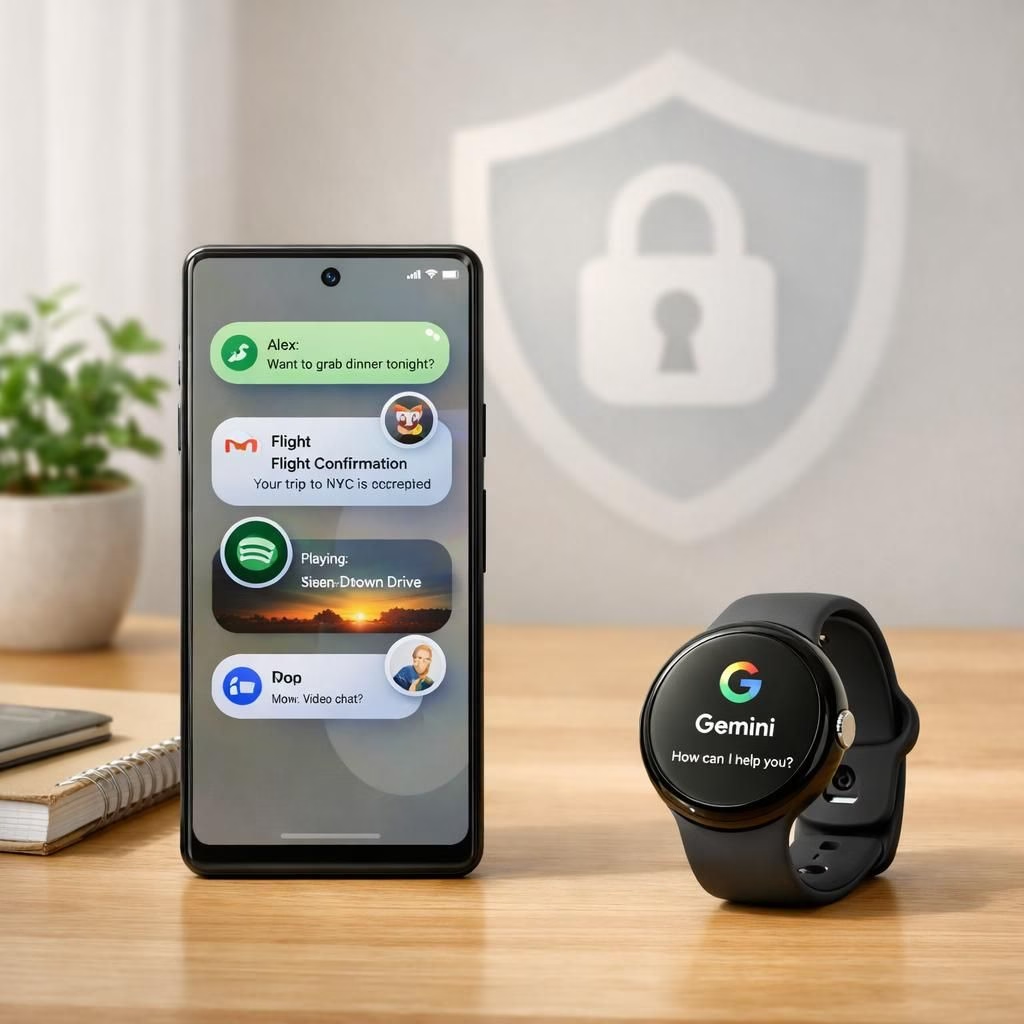
Pixel Android 17 lands with a confident swagger, delivering Pixel-focused upgrades that feel tailor-made for fans of clean Pixel aesthetics. Android 17 isn’t merely an update; it rethinks how Google builds experiences on Pixel devices. The rollout makes Pixel and Android 17 more than a marketing pairing — it becomes a practical duet that keeps data safer while multitasking with flair. In short, Pixel and Android 17 work together to deliver real value rather than hype.
Pixel Android 17: Bubbles and Floating Multitasking
Android 17 introduces Bubbles as a core multitasking feature, giving you floating windows you can move around on screen. On Pixels, you long-press an app icon to summon a bubble, then drag it into a dedicated bubble bar on compatible foldables for quick access. The idea is simple: keep momentum, not friction, when you juggle tasks, messages, or Gemini-powered ideas. Pixel users get a tangible taste of enhanced productivity without having to reinvent how they tap and switch between apps. Android 17 on Pixel makes floating multitasking feel native, polished, and surprisingly practical.
Google emphasizes that these bubbles stay visible while you work in other apps, creating a lightweight, real-time workflow. The concept isn’t unique to Pixel, but Pixel’s implementation remains the most cohesive among mainstream devices in this round of updates. For Android 17 on Pixel, the bubbles are not merely cosmetic; they’re a quick bridge to chat with Gemini while you preview content, answer a message, or skim a news article. In essence, Android 17 on Pixel turns multitasking into a soft, seamless habit rather than a mode you must consciously enable.
Android 17 on Pixel: 50-50 Gaming Interface and Pause Point
One of the most talked-about ideas in Android 17 is the 50-50 gaming interface designed for foldables and larger Pixel displays. The concept splits the screen into two balanced zones: the top half shows the game, while the bottom half hosts a touchscreen controller. If you tilt the hinge or keep it flat, the layout remains legible and comfortable to use, making it feel like a real handheld console rather than a makeshift workaround. Pixel customers get a taste of console-style gaming without buying a dedicated device. Android 17 on Pixel at this stage promises a smoother, more flexible gaming experience across form factors, especially for casual sessions and quick matches.
Google has signaled that foldable gaming mode will roll out in stages, with some features arriving later in 2026. This staggered approach keeps expectations manageable while giving developers time to optimize controls, targets, and balance. Pause Point, a feature aimed at reducing doomscrolling and promoting mindful breaks, was announced as part of the same wave. In practice, Pause Point will encourage healthier browsing habits while still letting you dive back into content when the moment feels right. Android 17 on Pixel makes this kind of user-welfare feature feel practical and timely, rather than an afterthought.
Pixel Drops: Gemini Omni, Lyria 3, Quick Share, and Wear OS 7
The Pixel Drops initiative expands beyond Android 17 itself, introducing Gemini Omni for Pixels in the Gemini app on devices that can access video generation features. For now, Omni operates as a Gemini Pro/Ultra-backed option, with plans to broaden content types later. Lyria 3 music generation arrives on Pixels through the app, adding another creative layer without forcing a premium subscription for basic use. Pixel Drops also brings AirDrop-like Quick Share to the Pixel 8a and 9a, expanding the ecosystem’s sharing options across devices. The hardware variety across Pixel models means the rollout of Quick Share remains selective for the moment, but Google has signaled broader support in future updates. Android 17 on Pixel is clearly designed to layer these capabilities into a cohesive, Pixel-first experience, rather than forcing third-party ecosystems to carry the burden.
Meanwhile, Magic Cue—the AI-powered assistant introduced with the Pixel 10 family—gains momentum in this drop. On-device Gemini Nano intelligence provides proactive suggestions, and the ecosystem aims to extend Cue’s reach beyond Google’s own apps to include Snapchat, Telegram, and Instagram. The net effect is a more proactive assistant that feels like a helpful hand, a role that fits well with Android 17‘s privacy-forward architecture and Pixel’s hardware-optimized performance. Pixel Drops also marks the first real push for deeper cross-device intelligence, so Pixel and Android 17 begin to feel like a coordinated platform rather than isolated features.
Wear OS 7 arrives as part of this broader update, bringing Gemini Intelligence to compatible Pixel Watches. The version ships with a strong emphasis on battery life, promising a roughly 10 percent increase in endurance. On the face of it, that is a practical win for users who rely on wearables for quick glances, notifications, and fitness tracking. The Wear OS 7 update also ports live notifications and trainable widgets from phone to watch, making the Pixel ecosystem feel more connected and less separate. Android 17 on Pixel thus extends its reach from the phone to the wrist, creating a more holistic user experience across devices.
Google notes that Gemini Intelligence on Wear OS 7 will roll out in stages. The initial version arrives without the Neural Expressive interface, but the plan is to enable it in the coming months. When Gemini Intelligence becomes fully available, you should see features like Create My Widget and multi-step app automation on the watch, bringing a new level of on-wrist interactivity to Pixel and Android 17 users. The result is a wearable experience that doesn’t feel like a phone add-on but a natural extension of your daily routine. Pixel devices, including Pixel 6 through Pixel 10, will be the primary beneficiaries of these Wear OS 7 enhancements, while non-Pixel OEMs face a longer wait for comparable capabilities.
The rollout choreography for Android 17 on Pixel emphasizes a few core ideas: keep the core Pixel experience cohesive, push AI-forward features in a privacy-respecting way, and deliver meaningful performance gains without forcing users into a premium-only spiral. Non-Pixel devices will catch up gradually as Google continues to distribute features through apps, services, and OEM partnerships. In other words, Pixel remains the proving ground for Android 17, and Google uses that proof to guide wider Android adoption across the ecosystem.
For developers and power users, 2026 promises another major Android 17 update focused on API and developer changes. This signals a longer-term investment in cross-device compatibility, smarter automation, and more robust privacy safeguards. Pixel owners will likely be the earliest to see these refinements, given the tight coupling between Pixel hardware and Android 17 software that emphasizes a seamless, secure, and surprisingly fun user experience. Android 17 on Pixel is about more than new features; it’s about a more thoughtful, connected, and capable Android universe that actually feels tailored to Pixel users.
As with any major OTA, some features will roll out in waves. While the Pixel 6 through Pixel 10 line will receive the bulk of the updates, non-Pixel devices will observe the changes later in 2026 and beyond. The goal is to deliver a consistent, secure, and entertaining experience across the Pixel family, while offering developers a robust platform to innovate. Android 17 on Pixel is meant to be a foundation for flavorful, practical improvements rather than a one-off performance boost.
Original article attribution: Original Android 17 on Pixel OTA analysis. Thank you to the original source for providing the material that inspired this rewritten piece.
What to expect next and how to get the update
- OTA availability will roll out in waves. Pixel 6–Pixel 10 are first in line.
- To check for updates manually, go to Settings > System > Advanced > System Update.
- You can sideload the full system image or an OTA file from Google’s developer pages if you can’t wait.
Frequently asked questions
-
Q: Will Android 17 reach non-Pixel devices quickly?
A: Non-Pixel devices will see updates later in 2026 and beyond, as Google prioritizes Pixel-first experiences before broader OEM adoption. -
Q: What is Pixel Drops?
A: Pixel Drops bundles experiments like Gemini Omni and Lyria 3 into the Pixel app, often with limited access at first and broader availability later. -
Q: Is Quick Share available on all Pixel models?
A: Quick Share is expanding, with AirDrop-like sharing moving to the Pixel 8a and 9a first; broader support is planned. -
Q: When will Gemini Intelligence arrive on Wear OS 7?
A: The Neural Expressive interface and Create My Widget features are planned for release in the coming months.
Conclusion and takeaway
Pixel and Android 17 together aim to make the Pixel experience more cohesive, private, and fun. The updates emphasize real-world usability—better multitasking with Bubbles, a thoughtful gaming layout for foldables, and deeper cross-device intelligence. If you own a Pixel, you’ll likely notice the most practical gains first, with developers and other OEMs catching up over time. For now, the Pixel-first approach sets a clear direction for Android 17 as a platform built to enhance daily life rather than overwhelm it.
References
External sources
- The Verge coverage of Pixel and Android updates
- Android official site
- Ars Technica original Android 17 Pixel OTA story