

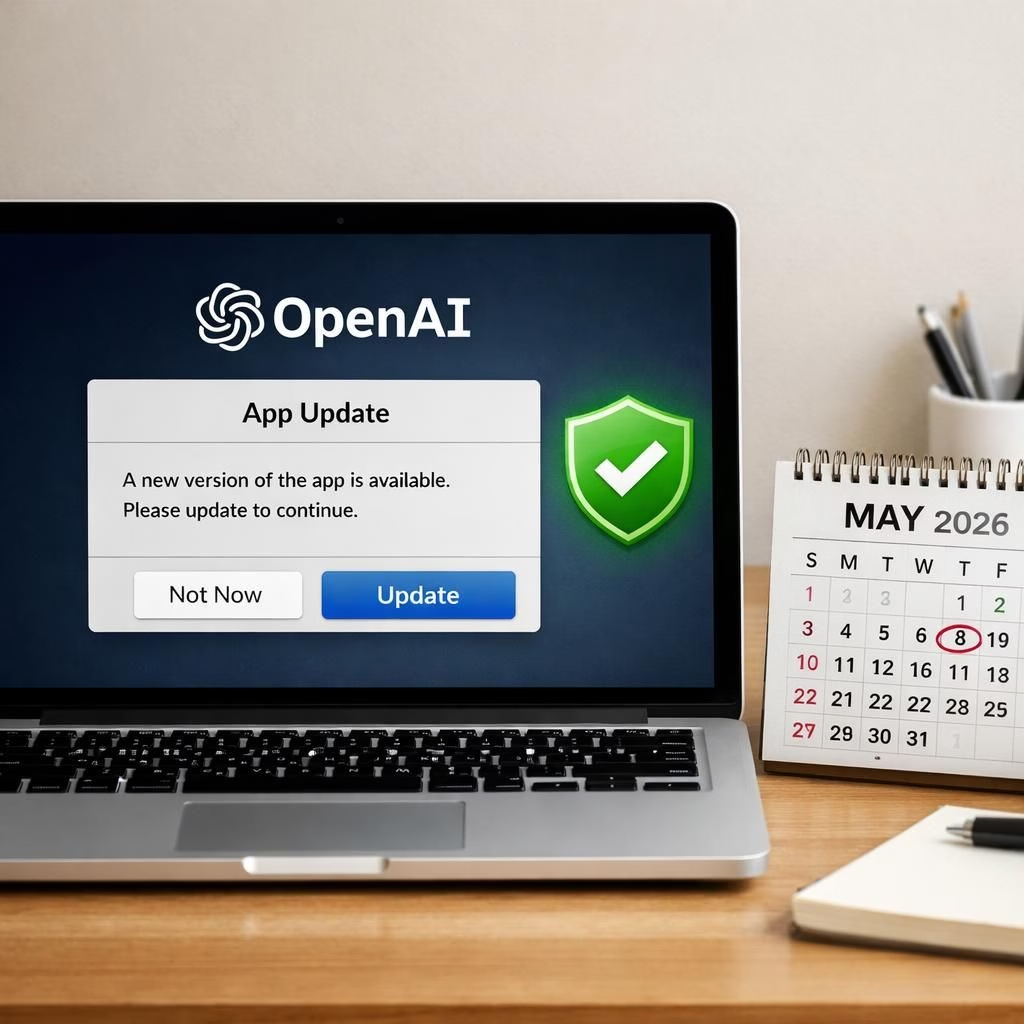
OpenAI has issued a precautionary advisory for users of its macOS apps. This OpenAI macOS moment is not a catastrophe, but a careful upgrade path to safer, more trustworthy software. The goal is not fearmongering; it is resilience through better verification and timely updates.
OpenAI notes a vulnerability tied to Axios, a dev tool used during development. This is linked to a broader industry incident, not a crisis specific to individual users. Importantly, the company emphasizes that there is no evidence of user data access, no breach of its systems, and no compromise of its software. The tone remains measured because real security is about process, not panic.
At the heart of the update is how OpenAI certifies its macOS apps as legitimate. The plan is to refresh the security certifications to reduce any risk—however unlikely—of a fake app masquerading as OpenAI software. In practical terms, this is about tightening the verification layer that ensures users run genuine software.
OpenAI identified exposure in a GitHub Actions workflow involved in the macOS app-signing process. Because the exposed workflow affected macOS app signing, OpenAI rotates the notarization and code signing material used for its macOS applications. Updating ensures you run versions signed with the latest certificates. The move is proactive, not punitive, and designed to keep the ecosystem wholesome for developers and users alike.
The update applies across OpenAI’s macOS ecosystem, including ChatGPT, Codex, Atlas, and Codex CLI. Users are nudged to install the latest versions “out of an abundance of caution,” a phrase we see when teams want to sound calm while requesting a reboot. The practical upshot is this: stay current, stay safer, and avoid the risk of shopping for a counterfeit OpenAI experience.
There is a clear deadline attached. After May 8, 2026, older versions of these apps may stop functioning altogether. In other words, this is less of a suggestion and more of a maintenance schedule with teeth. For daily users and teams relying on these tools, a timely update is a small price for continued access and support.
OpenAI macOS: Why the security certifications matter
The core reason behind the certification refresh is straightforward. OpenAI wants to ensure the chain of trust is unbroken as software moves through various environments and distribution channels. The company is not chasing buzzwords; it is chasing a dependable user experience. Security certifications act like a passport control, saying a macOS app truly comes from its stated origin and has not been altered in transit. When a user downloads an OpenAI macOS app, they want confidence that the binary is signed with current material, a current certificate, and a current notarization. That confidence reduces the chance of a fake app slipping into a workflow.
For developers, the process is a reminder that security is ongoing work, not a one-time patch. Rotating materials and refreshing notarization means developers and IT teams must maintain up-to-date build pipelines, monitor certificates, and re-sign apps as needed. It is not a dramatic overhaul; it is a disciplined practice that signals maturity and care. In practice, this means fewer headaches for users who expect their tools to behave and fewer opportunities for bad actors to insert rogue copies into the market.
OpenAI macOS apps: What changes for users and teams
From a user perspective, the changes are mostly behind the scenes and in the latest app bundles. If you already update regularly, you may notice your macOS apps feel a touch snappier in recognizing legitimate updates. The key user-facing action remains simple: install the latest version, verify you are on the current release, and continue your work. In general, keeping software up to date reduces the window of risk and preserves access to new features, better performance, and more reliable security checks.
For teams, there is a small but meaningful shift in deployment and testing culture. The updated signing and notarization workflow means CI pipelines will need to fetch fresh materials and rerun build steps when preparing new macOS bundles. This is not a detour; it is a guarantee that a product you ship is verified against the newest trust standards. The result is fewer incidents where a user might encounter warning dialogs or a blocked macOS application on macOS. That keeps onboarding smoother and less stressful for onboarding employees or contractors who rely on the tools daily.
In practice, the updates apply across OpenAI’s macOS ecosystem, including ChatGPT, Codex, Atlas, and Codex CLI, ensuring a consistent experience whether you use a laptop at the office or a coffee shop on the go. If you keep your devices in sync with the latest releases, you minimize friction and maximize productive time. This is security as a habit, not a chore—a mindset that helps teams stay focused on their core work rather than troubleshooting distribution glitches.
To minimize confusion, OpenAI also publishes notes about the deadline and the rationale behind the changes. The emphasis is on precaution and continuity rather than alarm. If you want to take a quick action checklist: run checks to confirm you are on the latest version, verify your Mac’s security settings allow the signed app to run, and then continue with your normal workflow. The result is a smoother upgrade path that respects your time and your data.
Bottom line for the macOS user: stay informed, stay current. The security certifications and notarization refresh are a practical, proactive step that helps keep the OpenAI macOS apps ecosystem safe from counterfeit versions. If you are a casual user or a professional, this update protects you with minimal disruption, a win-win for both productivity and safety.
We appreciate how the team explains the measures in plain language, which makes the technical details accessible. The emphasis is on ongoing protection rather than a single fix. The combination of updated certificate material, renewed notarization, and coordinated app signing creates a stronger defense against any attempt to substitute an impostor app. The overall goal is simple: you continue to trust the software you install on macOS and you keep your workflows humming along without unnecessary interruptions.
Thanks again to the original article for material and context, because this topic benefits from careful reporting and practical interpretation. You can read more at the source linked below, and you’ll find the key dates and app lists laid out clearly for quick reference.
Original article (with gratitude): OpenAI macOS advisory original source.
If you have thoughts, experiences, or questions about this macOS security update, please share them in the comments below. Your input helps others navigate these changes with confidence.
Note: This post is contextualized for 2026, a year of steady improvements rather than panic. The emphasis remains on practical steps that keep your Mac environment safe while you keep building great things.
Practical steps to update
- Open the official download page and install the latest macOS app bundle from OpenAI.
- In the app, verify you are on the current release and enable automatic updates if available.
- Check your macOS security settings to allow notarized OpenAI apps to run smoothly.
FAQ: OpenAI and macOS security update
- Do I need to update right away? Yes. After the May 8, 2026 deadline, older versions may stop receiving updates or be blocked. Updating now keeps access uninterrupted.
- Was user data affected? OpenAI says there is no evidence of user data access or system compromise. The change is a precaution in distribution and verification, not a cipher for a breach.
- Which apps are covered? The update applies to the main macOS ecosystem, including ChatGPT, Codex, Atlas, and Codex CLI, with a consistent update experience across devices.
- What if I don’t see the update? Check the official download page, confirm your macOS version, and verify the app is signed with the latest certificate and notarization.