

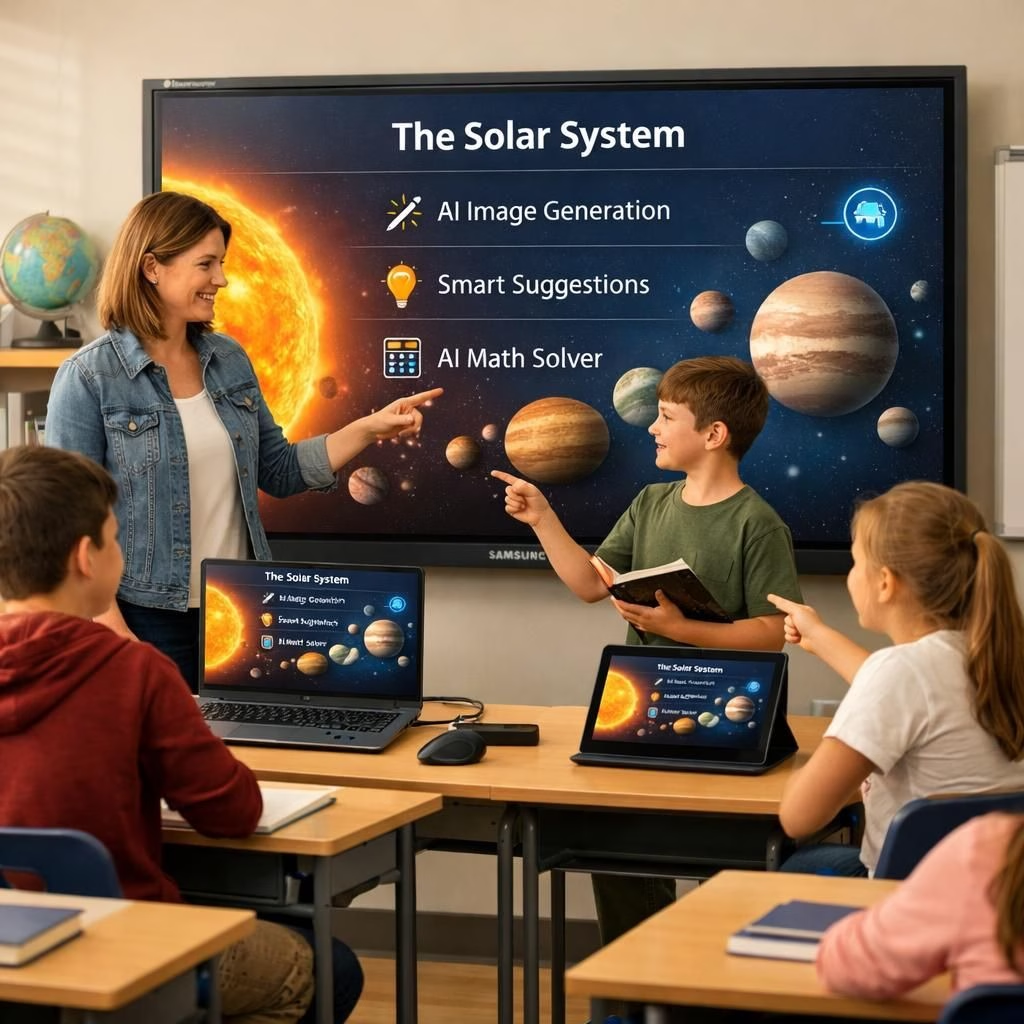
In 2026, Samsung Electronics America introduces the WAFX-P, a premium Interactive Display that marries built-in AI tools with real-time collaboration for classrooms and conference rooms. The result is a device that makes lessons and meetings feel like a well-orchestrated, tech-powered coffee break—productive, uplifting, and a little playful.
AI-Powered Collaboration in Classrooms with the Interactive Display
Participation in hands-on activities remains one of the strongest indicators of engagement. The WAFX-P boosts participation with a built-in 4K camera to connect with other classrooms and remote participants. The integrated microphones and dual 20-watt speakers ensure clear, confident discussion from every corner. Live Caption helps everyone follow along, while the AI-powered features on the Interactive Display keep the flow smooth. Android 15 and Octa-Core CPU help educators move between trusted tools without disruption. Multitasking becomes a teaching ally, not a nuisance.
Educators guide exploration, not lectures. Circle to Search, AI Summary, and Live Transcript surface key points and organize materials on the fly. They help surface relevant content and capture insights in real time. The AI-assisted prompts nudge participation, helping students stay engaged as the collaborative environment on the Interactive Display makes group work feel natural. The result is faster feedback and deeper understanding.
Earlier this year, educators previewed the WAFX-P at events like the Texas Computer Education Association (TCEA) and saw a device that fits into existing workflows. Available in 65-, 75-, and 86-inch sizes, the display adapts to a variety of classroom layouts. Like Samsung’s earlier Interactive Display models, this unit gives teachers easy access to Google Classroom and Google Drive, enabling materials to drop into lessons with a single tap. The design keeps the soundscape clear with dual-pen writing that supports collaboration among up to 50 users. The screen brightness at 450 nits keeps multimedia content legible, even in sunny rooms or bright laboratories. In other words, the AI and the Interactive Display work together to keep ideas visible and reachable.
AI Tools and Interactive Display Features for Modern Learning
On the enterprise side, the WAFX-P is a welcome companion for hybrid teams. With simultaneous screen sharing from up to nine devices, content can move between the main Interactive Display and personal devices, making in-room and remote attendees feel like part of the same brain trust. The goal is inclusivity: everyone participates, whether they are in the same conference room or dialing in from home, a satellite campus, or a coworking space with decent Wi‑Fi. AI-powered insights can help summarize decisions and surface action items, turning meetings into productive sessions rather than time-sinks. The Interactive Display remains the central hub for collaboration, allowing touch control, content sharing, and device charging all in one convenient, touch-friendly package.
The WAFX-P also ships with a centralized management system that streamlines device and app settings across campuses or branches. Samsung’s on-premise Device Management Solution (DMS) lets IT teams refresh content fleet-wide and push time-sensitive alerts instantly, maximizing safety and visibility across the network. In other words, the AI-enabled controls give administrators a calm, reliable control tower for a busy day. The combination of AI features and the Interactive Display‘s robust hardware creates a tool that teachers and managers can rely on, day in and day out, in 2026 and beyond.
In an era where AI assistance is becoming ordinary in software, the WAFX-P shows how such tools can augment human teaching and collaboration. With built-in AI capabilities, educators can summarize lengthy discussions, search within lesson materials, and keep track of ideas without losing the thread. The future of meetings and classrooms is not about replacing people with machines; it is about making people more effective with smart, unobtrusive technology. The WAFX-P proves that when AI and the Interactive Display align with pedagogy and workflow, learning stays human, hands-on and highly connected.
For more on Samsung Interactive Display features, please visit Samsung.com. Original article attribution: A heartfelt thank you to Samsung Electronics America for the original material. Original article source: https://www.samsung.com/us/business/
We’d love to hear your experience with AI-enabled classroom tech and Interactive Display solutions. If you have thoughts, tips, or questions, please share them in the comments below. And if you found this overview helpful, feel free to share the post with colleagues who are exploring smarter classrooms and better meetings.
Original article: Thank you to Samsung Electronics America for providing the material and context for this post. Source material available at Samsung Electronics America press releases. https://www.samsung.com/us/business/
Practical steps to integrate the WAFX-P in your lessons
- Assess your current classroom workflows and identify where AI-powered prompts or Live Transcript would add engagement.
- Set up the built-in 4K camera and microphones to enable remote collaboration with other classes or guest speakers on the Interactive Display.
- Design group activities that leverage multi-user writing with the dual-pen capability and up to 50 participants on the Interactive Display.
- Integrate Google Classroom and Drive to streamline materials directly from the display.
FAQ
- What sizes are available? 65-, 75-, and 86-inch options fit a range of room sizes.
- How does AI help teachers? It summarizes discussions, surfaces key points, and helps organize materials in real time.
- Is it compatible with existing tools? Yes—including Google Classroom and Google Drive, plus other classroom apps.
- How is security managed? A centralized Device Management Solution lets IT teams push updates and alerts fleet-wide.
Conclusion
The WAFX-P blends AI-powered capabilities with a high‑quality Interactive Display to support active learning and flexible collaboration. When used thoughtfully, this combination can make classrooms feel more connected and more capable without adding cognitive load for teachers. Explore how it could fit your school or team, and start small with a few collaborative activities before expanding to full classroom or meeting use.
References
Original source: Samsung Newsroom