

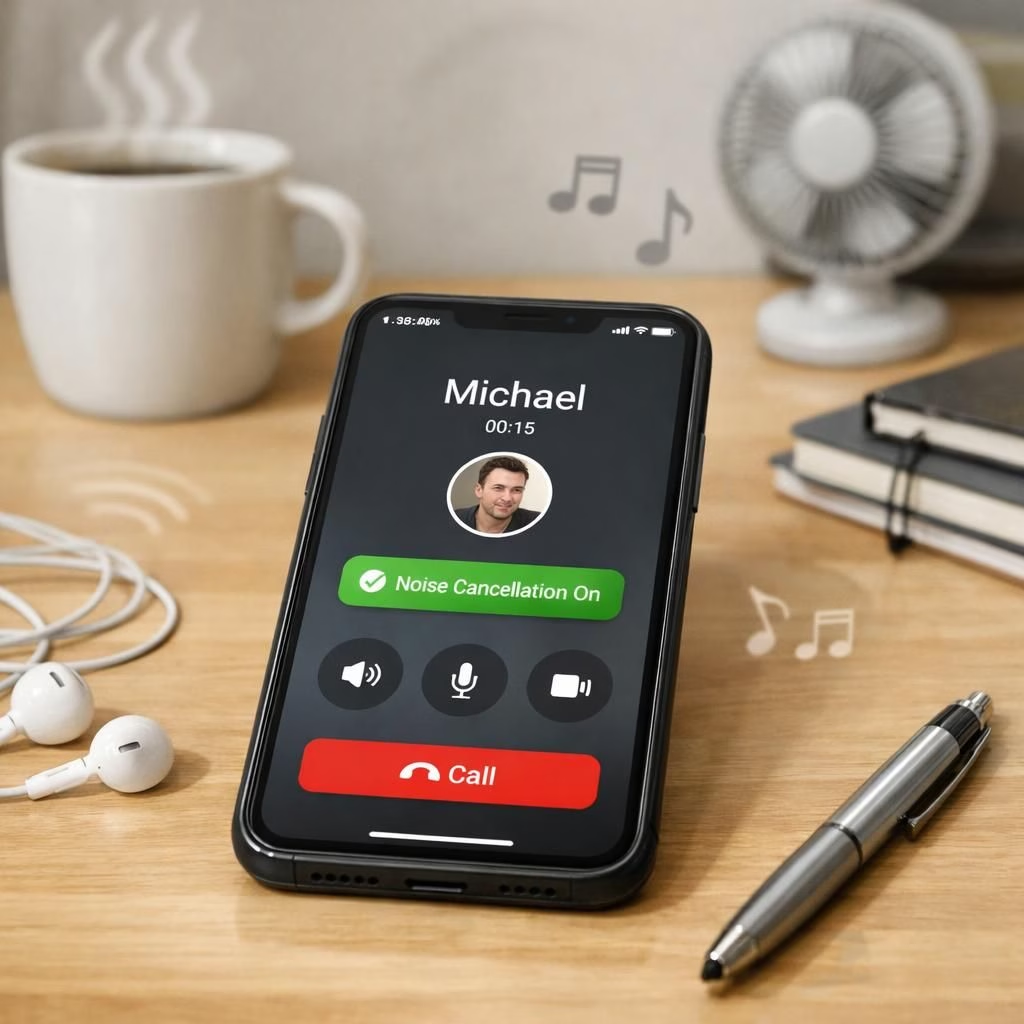
In 2026, WhatsApp users finally get relief from café chatter and windy commutes thanks to noise cancellation built into calls. This real-time, on-device filter keeps your outgoing audio crisp while you juggle your coffee cup and the kids in the background, as spotted in Android beta version 2.26.14.1.
Noise Cancellation on WhatsApp Calls: Real-Time Clarity
WhatsApp‘s built-in feature runs on-device, filtering ambient noise as your microphone captures your voice. In beta for Android version 2.26.14.1, it activates automatically when a call starts, so you don’t have to hunt through menus. If the algorithm clips your voice, there is a toggle in the calling menu to disable it mid-call. The aim is simple: smoother outgoing audio without extra setup. The behavior mirrors modern, user-friendly audio design in 2026—quiet neighbors, wind, and café chatter disappear while your voice stays natural.
WhatsApp Noise Cancellation: How It Works on Your Device
The processing happens on your device. The microphone feed is cleaned on-device before it leaves your phone and then encrypted for transmission. Because the processing happens locally, end-to-end encryption remains intact. It’s a small but meaningful improvement: you speak, the world gets quieter, and the call continues smoothly. It’s designed to adapt in real time if your environment changes. Note that the feature cleans outgoing audio. If only one participant has it enabled, that person sounds clearer to the other side, but the incoming audio on their own device won’t improve unless the other side also has noise cancellation enabled. For best results, both sides should have the feature turned on.
Practical Tips for Using Noise Cancellation with WhatsApp
Here are practical pointers to get the most from noise cancellation on WhatsApp in 2026. First, confirm both devices run the latest WhatsApp update and are on a supported beta or stable track. Then encourage your call partners to enable the feature, since benefits multiply when both ends participate. In bustling coffee shops, on windy sidewalks, or in shared offices, you’ll notice fewer interruptions and crisper voice. If your device’s CPU or battery is strained by background processing, consider temporarily turning the toggle off during long, quiet conversations to save power. In dynamic environments, test different microphone positions. A small distance from the mouth and a slight tilt can reduce residual noise more effectively than louder speech. This keeps your voice intelligible without forcing your listener to strain to catch every syllable.
Security-wise, the audio you send remains protected. The cleaning happens before encryption, so nothing leaks about private speech. The design preserves privacy while delivering a practical upgrade in daily calls. The rollout is incremental, with WhatsApp gradually expanding access to more testers before a wider stable release arrives. Early adopters already report that car rides or gym interruptions feel less disruptive, proving that a practical feature can improve daily communication without significant overhead.
What it can and can’t do in practice
In practice, WhatsApp noise cancellation is a useful enhancement rather than a miracle fix. It trims background noise on outgoing audio, making your voice clearer for the person you’re talking to. However, it cannot improve the incoming audio on the other end unless they too have the feature enabled. For the best experience, both sides should participate. It’s also designed to adapt in real time as your environment shifts, which helps in moving vehicles or crowded spaces.
Privacy and rollout realities
The feature runs on-device, so your private speech never leaves your device in raw form. The final audio is transmitted with encryption in place, preserving end-to-end security. The ongoing rollout in 2026 helps catch edge cases and ensure a smooth public release. Overall, the change reflects a broader trend toward smarter, privacy-conscious communication tools that work quietly in the background.
Original article: WABetaInfo — Thank you for the original reporting and material that inspired this rewrite.
If you’ve used noise cancellation on WhatsApp, share your experience below. I’m curious how it changes your daily calls.
Special thanks to WABetaInfo for the original reporting and material that inspired this piece.
Frequently Asked Questions
- What does noise cancellation actually do on calls?
It cleans outgoing audio to reduce ambient noise before sending your voice. - Does it affect the other person’s incoming audio?
It helps if they also have the feature, but it won’t improve their incoming audio by itself. - Is the processing private?
Yes. It runs on-device and is encrypted before transmission, preserving end-to-end security. - Is it enabled by default?
In Android beta 2.26.14.1 it activates automatically when a call starts, with an option to turn it off mid-call.
Conclusion and next steps
For daily calls in noisy places, the built-in noise cancellation is a practical upgrade. Try it in different environments, and disable if it clips your voice. Rely on end-to-end encryption for security, and stay tuned as the rollout widens to more users.