

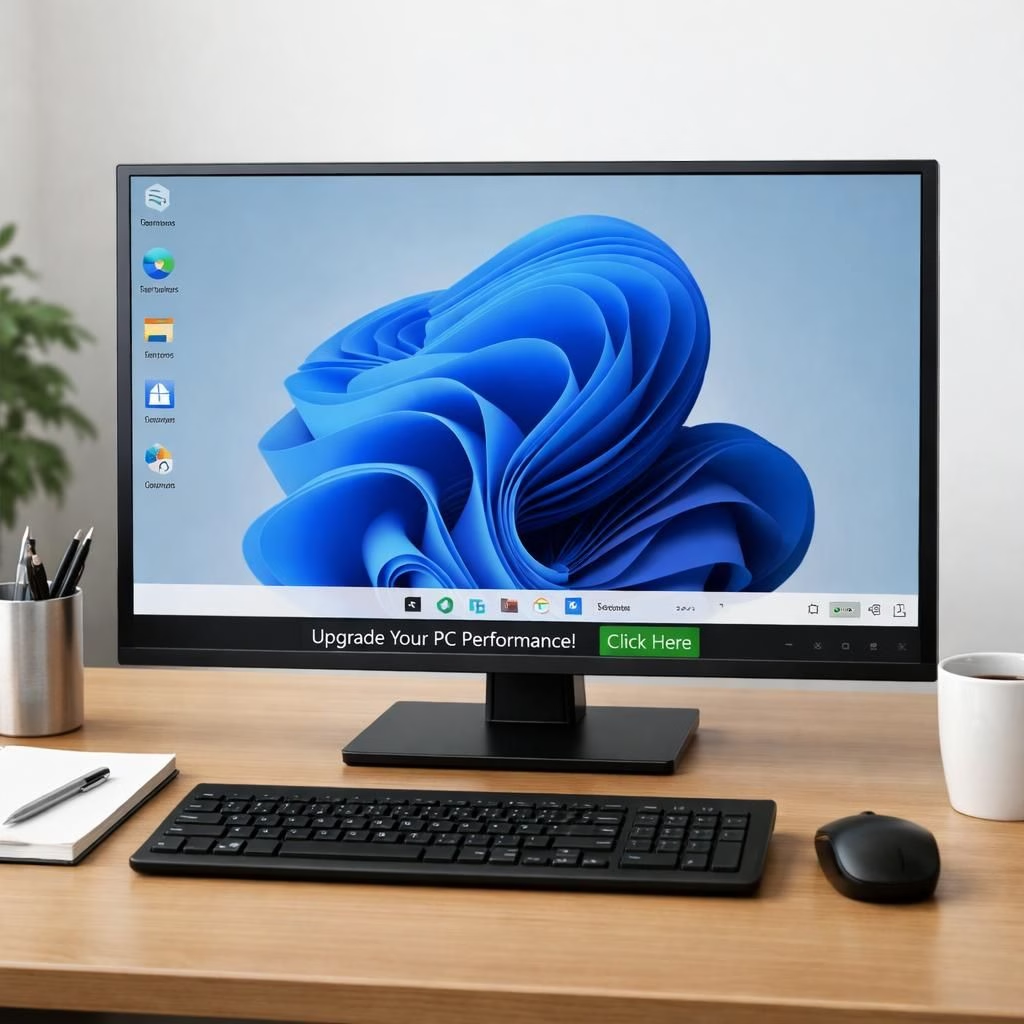
When Microsoft and LG collide in the world of PC displays, adware becomes the headline, not the hero. The LG monitor story isn’t about color accuracy or brightness; it’s about McAfee banners sneaking into Windows 11. Microsoft‘s stance is clear: adware should not be part of the user experience. LG may claim it’s a feature that slipped past a routine audit, but the net effect is the same: extra software, extra prompts, and a surprising amount of time spent closing windows. In the media cycle, Microsoft, LG, and adware show up together with suspicious regularity. The practical takeaway is simple: you can keep your compute clean without turning into a tech archaeologist. The response space is where policy, platform, and product design meet; and yes, the dialogue feels a little like a well-lit committee meeting—but with better jokes.
Microsoft’s response to LG and adware on Windows 11
Microsoft has repeatedly framed the issue as a question of user consent, transparency, and predictable behavior. The company stresses that Windows 11 itself should not act as a channel for third-party banners unless users opt in, and that OEMs must respect the platform rules. The public-facing argument emphasizes control: fewer forced prompts, clearer opt-outs, and a streamlined path to uninstall anything that resembles adware rather than software. In practical terms, this means tighter integration checks on preinstalled software and more robust prompts that actually make sense to the average customer. Microsoft also points to internal policy reviews and engineering guardrails designed to catch unexpected ad banners before they can irritate a majority of users. In short, the Microsoft team is signaling that adware-like behavior belongs in a dark corner of the lab, not in the daily workflow of Windows 11 users.
From a user-experience perspective, the emphasis is on a frictionless, opt-in approach. If you want a bundled security suite, the banner should be explicit, with a straightforward uninstall path. If you don’t, you shouldn’t be blindsided by a cascade of popups the moment you log in. The tone of the Microsoft communications suggests a desire not just to fix a single problem, but to strengthen the overall trust envelope around Windows 11. It’s a nice reminder that security and usability can co-exist when design constraints are treated with humor, humility, and a healthy dose of pragmatism.
LG’s role and user impact in the Windows 11 ecosystem
LG, as a hardware vendor, bears responsibility for the preinstalled software that ships with its displays. The controversy has a few moving parts: whether the adware comes from the Windows channel itself or from an OEM integration, how much control the user has to disable it, and whether the banner experience actually improves perceived security or simply clutters the desktop. The onus is on LG to demonstrate that its software ecosystem respects user consent and offers clear, repeatable uninstall options. In practical terms, this means packaging decisions that minimize intrusive prompts, ensuring that any third-party software is easy to remove, and providing transparent disclosures about what is being installed and why. When LG communicates about its monitors, the message should balance product value with a respect for the user’s time and system resources. The takeaway for users is simple: you can enjoy a high-quality display while still maintaining a lean, tidy Windows 11 setup. The more transparent the process, the less resistance you’ll encounter when you decide to disable or remove ads that don’t serve a clear, beneficial purpose.
The broader ecosystem impact is also worth noting. If OEM partners like LG can align with Microsoft on clear consent and straightforward uninstall paths, the entire Windows 11 landscape becomes less prone to bloatware fatigue. This shift helps reduce the cognitive load for users who want to do more with their PCs and less with endless popups. In effect, the collaboration between Microsoft and LG can model a healthier balance between monetization and user autonomy. It’s not about demonizing providers; it’s about aligning incentives so that the user experience remains a feature, not a burden.
What users can do now: practical steps to curb adware on Windows 11
For those who want to take matters into their own hands, the first move is visibility. Open your Windows 11 settings and review any preinstalled software lists; if you see banners, banners-as-software, or banners masquerading as legitimate features, mark them for removal or at least opt-out. Use a reputable security suite that can monitor installer activity and block stealthy adware from triggering on startup. If you’re unsure about a particular program, a quick search often reveals whether other users have reported intrusive behavior, which can save hours of frustration. Keep your drivers up to date, too; some OEM updates can alter how software interacts with Windows 11, increasing the chance of unexpected prompts. And remember: you can always perform a clean reinstallation or reset of Windows 11 to a baseline state if the adware problem becomes persistent or stubborn. The key is to maintain control over what runs on your machine, not to surrender to a mosaic of promos that degrade performance.
- Open Windows 11 Settings and review all preinstalled software; remove or opt out of banners when possible.
- Use a security suite that monitors installer activity and blocks stealthy adware.
- Check for user-friendly uninstall options and documented disclosures from OEMs.
On the policy side, if you’re a power user, consider giving feedback through official channels and keeping an eye on Microsoft’s updates to Windows 11. The cadence of security patches and feature reviews matters more than any single ad banner. If you’re a reader who enjoys a data-driven narrative, you’ll appreciate that these debates often hinge on telemetry, consent, and the alignment of incentives between OEMs and platform owners. The end result should be a cleaner, more predictable Windows 11 experience where adware is not a default, not a rarity, and certainly not a trap for the unwary.
For bloggers and tech writers, the takeaway is understanding the interplay of hardware, software, and platform policy. When the public hears about adware on LG monitors, the story isn’t just about a single banner. It’s about how ecosystems should enable choice, how clear disclosures empower users, and how major players collaborate to minimize friction while preserving legitimate business models. The dialogue should remain constructive, and the humor should land as a reminder that software should serve people, not distract them with noise.
References
What do you think? Share your thoughts in the comments below and help the conversation evolve with your experiences and ideas.