

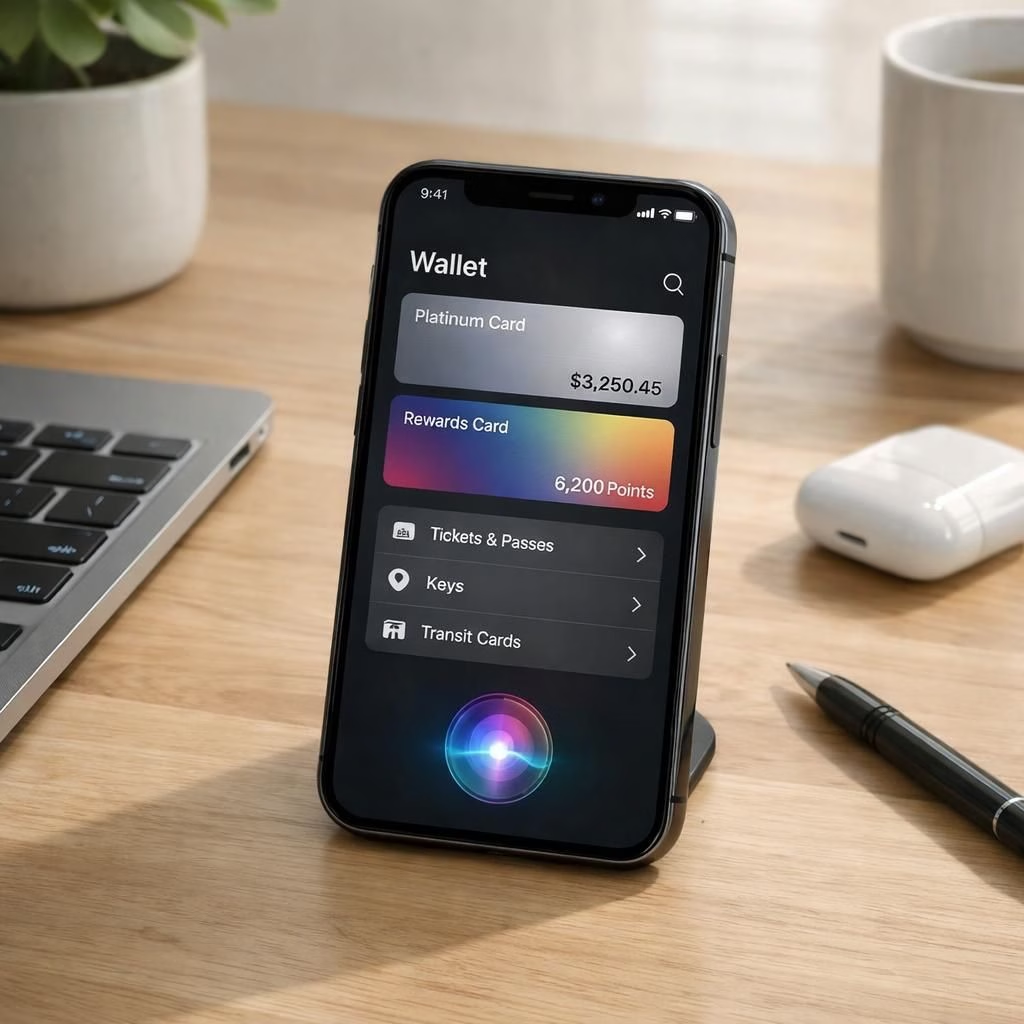
Apple is set to unveil iOS 27 next month ahead of a September release. The update promises a dedicated Siri app, broader Apple Intelligence across Wallet, Safari, and Shortcuts, an upgraded keyboard with smarter autocorrect, and even the ability to use Apple Maps via a satellite connection. If you enjoy small tech wins, you’ll notice iOS 27 quietly tucking away friction and Siri becoming a more capable co-pilot across the system.
iOS 27 Highlights and Siri Upgrades
The iOS 27 package centers on AI-assisted flows that blend into daily routines. The dedicated Siri app changes how you initiate voice help, making access faster and more capable. Apple Intelligence now touches Wallet, Safari, and Shortcuts, delivering smarter suggestions, safer autofill, and quicker actions. The keyboard autocorrect improves by learning your style, reducing intrusive corrections. Going beyond simple features, the assistant becomes a contextual partner that helps you manage passes, reminders, and quick replies without forcing you into a rigid sequence. This iteration emphasizes an AI layer that reduces taps and cognitive load, with iOS 27 and Siri working together across devices.
In Wallet, iOS 27 aims to surface passes, loyalty cards, or boarding passes at just the right moment, while Shortcuts gains smarter triggers for your routine tasks. Safari gains AI-powered enhancements that anticipate what you might search next and streamline password autofill in a privacy-preserving way. The autocorrect improvements are designed to respect your voice and tone, not override them with clumsy suggestions. The result is a smoother typing experience that makes iOS 27 feel less like a bundle of features and more like a helpful assistant nested inside your keyboard. Siri, meanwhile, tightens its integration with Wallet, Safari, and Shortcuts so your requests can span across apps without the friction of context switching. This is iOS 27 doing what it does best: turning complexity into a more natural, human-friendly flow, and making Siri feel less robotic with each interaction.
Why iOS 27 and Siri Matter for Everyday iPhone Use
The practical impact of iOS 27 and Siri comes down to time saved, fewer mis-taps, and more confident decisions. When you open Wallet, Siri can surface timely offers or the most recent transactions, while iOS 27’s intelligence can predict which card you’re likely to use next. In Safari, the assistant aids with password suggestions and form completion, cutting down on repetitive entry. The keyboard improvements in iOS 27 reduce the annoyance of auto-corrections that feel wrong more often than they help, letting you type with less distraction. The satellite-connected Maps feature is not just a gimmick; it’s a potential lifesaver when you’re in a cabin, on a mountain trail, or anywhere cell service is spotty. The combination of iOS 27 and Siri keeps you in control while lowering the cognitive load of daily tasks. If you crave a more seamless digital life, iOS 27 delivers a steady drumbeat of small improvements that accumulate into a noticeably smoother routine where Siri is an engaged participant rather than a distant assistant.
AirPods, Genmoji, AirPlay, and More: The iOS 27 Pipeline
Bloomberg’s Mark Gurman highlights four additional iOS 27 changes: AirPods enhancements, Genmoji expansion, AirPlay refinements, and smarter Siri behavior. This trio of tweaks points toward a future where our devices coordinate more gracefully. AirPods gain smarter voice cues and adaptive noise cancellation that better match your environment, making calls and media experiences more coherent. Genmoji broadens your expressive options, giving you more tools to convey emotion in messages without stepping outside your preferred style. AirPlay could see tighter integration with TVs and displays, with easier pairing and more reliable streaming, which means fewer moments of fiddling with connections when you’re ready to share a video or game session. Across all of this, Siri remains the connective tissue, tuning its responses to your context and preferences so you feel heard rather than policed. The iOS 27 pipeline, with its emphasis on integration and user-centric AI, promises a more fluid ecosystem that still respects user choices and privacy while delivering a touch of delightful efficiency.
WWDC 2026’s keynote provided direction for developers and power users alike. The signal was clear: iOS 27 and Siri are not about shouting louder; they’re about orchestrating a calmer, more capable software environment. The release cadence will likely include public betas, while performance and privacy protections will stay prominent. The goal is to push for better AI-assisted workflows across Wallet, Safari, Shortcuts, and Maps, with a focus on practical improvements that help you get things done without having to fight your device. If you’re building apps, you’ll want to align with the AI layer Apple is polishing, delivering features that respect user autonomy and data privacy while offering real value through cross-app automation and smarter defaults. For everyday users, the idea is simple: fewer taps, smarter responses, and a more intuitive daily workflow powered by iOS 27 and Siri at the center of the experience.
Security considerations will accompany every improvement. Apple has historically baked privacy into the fabric of its AI efforts, and iOS 27 should be no exception. The autocorrect and Siri enhancements must balance usefulness with the user’s voice and privacy preferences. Some users will enjoy the more confident voice interactions; others may prefer a lighter touch. The design challenge is to maintain personality without veering into overfamiliarity or overreach. In practice, iOS 27 aims to blend practical efficiency with moments of genuine delight—an approach that could redefine how users measure the value of a software upgrade in a busy, multi-device life. If you’re curious about the direction of iOS 27 and Siri, you’ll find plenty of reasons to be optimistic about the coming months and how they may reshape your daily routines, from morning routines to late-night messages.
As we press toward the latter half of 2026, the promise of iOS 27 and Siri isn’t only about new features; it’s about a more intelligent, responsive user experience that still respects personal choice. AirPods will feel more in sync with your voice and environment; Genmoji will give your messages more nuance; AirPlay will make sharing content easier and more reliable. The core message remains: iOS 27 is about smoothing the edge of our digital lives, with Siri acting as a capable co-pilot and not just a voice we address in a vacuum. The iteration cycle appears to favor practical, real-world gains—speed, accuracy, and a touch of personality—over flashy but fleeting gimmicks. If Apple can maintain that balance, iOS 27 could become the new baseline for how we expect our devices to assist, not distract, us in daily life.
Original article: Power On newsletter — thank you to Bloomberg for the original coverage.
Want to join the conversation? Share your thoughts in the comments below and tell us how you expect iOS 27 and Siri to change your daily routine.
Practical steps to explore iOS 27
- Check for the iOS 27 update in Settings > General > Software Update.
- Open the dedicated Siri app to tailor routines and triggers.
- Test Siri suggestions in Safari and Wallet as you browse and shop.
- Try a Quick Routine in Shortcuts that crosses multiple apps for a common task.
Frequently asked questions
- Q: When is iOS 27 releasing?
A: Apple typically follows a fall release cadence with public betas around WWDC; final rollout often occurs in September. Check the official update page for the latest timeline. - Q: Will Siri be more privacy-conscious with iOS 27?
A: Privacy remains a core priority. The AI layer is designed to work on-device where possible, with optional cloud enhancements that respect user consent and transparency. - Q: Can I use satellite-connected Maps offline?
A: The feature aims to improve reliability in low-connectivity areas by leveraging onboard data and nearby network opportunities where available; expect regional differences. - Q: How can I customize the Siri experience?
A: Use the dedicated Siri app to tailor prompts, routines, and preferred apps; you can adjust triggers, responses, and privacy settings to suit your style. - Q: Is my iPhone compatible with iOS 27?
A: Compatibility depends on the device model; consult Apple’s official compatibility list when Apple announces the update.