

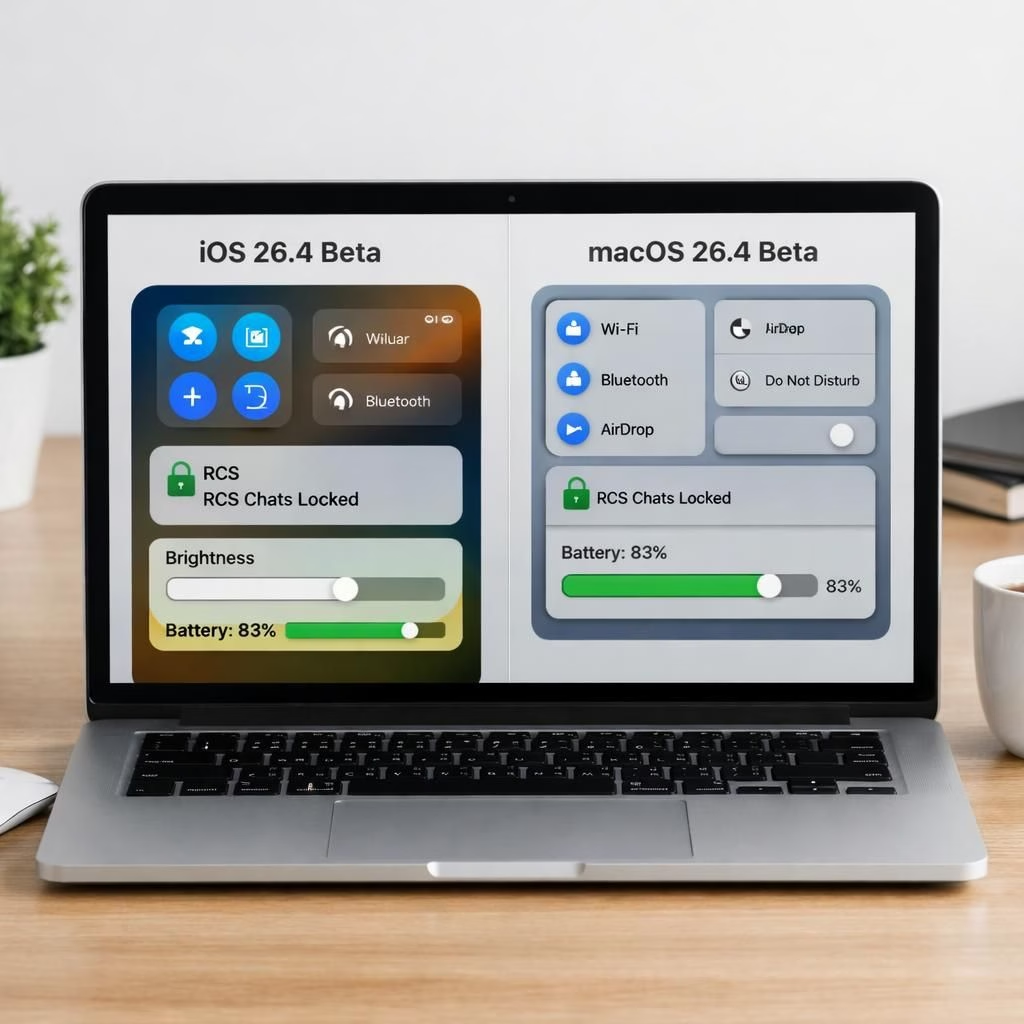
In this early tour of iOS 26.4 and macOS 26.4 betas, Apple shows refinements that fly under the radar while the headlines wait their turn. The company crafts practical polish: a manual battery-charge slider in macOS 26.4, early testing of encrypted RCS messaging (without end-to-end encryption), the return of the Compact tab view in Safari across macOS and iPadOS, Stolen Device Protection enabled by default, and a gentle nudge about Rosetta 2 sunset. And yes, the much-anticipated “more intelligent Siri” remains delayed to 26.5 or later—a reminder that in the world of software, patience is a feature too.
iOS 26.4 and macOS 26.4: Subtle Tweaks That Matter
Reading betas is like peeking behind the curtain of a stage play. Some props stay the same; others quietly improve your day without shouting. For 2026, Apple sticks to the strategy of incremental improvements that add up to a smoother experience across devices.
iOS 26.4 Battery Slider: A Practical, Personal Control
Apple brings a new manual battery-charge slider in macOS 26.4, mirroring a feature iOS users have had for a while. The slider runs in 5% increments from 80% to 100% and sits in a predictable, accessible spot. The idea is simple: give users a clear maximum charge limit that stays in place, regardless of what the OS tries to do behind the scenes. The practical effect: potential longer battery life and less wear over years of daily charging. Publicly, Apple cautions that one feature may still interact strangely with Optimized Battery Charging; in practice, users should test and decide what balance between performance and longevity feels right for their workflow. The takeaway is this: more control, less mystery, and a small but meaningful step toward sustainable usage.
macOS 26.4 Battery Control: The Manual Approach
macOS 26.4 adds a separate manual charge-limit slider that is always observed. It sits alongside the built-in Optimized Battery Charging feature. In practice, this means you can nudge the system toward longer battery life without fighting the OS’s own best-practice recommendations. There’s a hint of platform nuance here: unlike iOS, macOS 26.4‘s early betas don’t always disable the underlying optimization when you set the manual limit—an odd inconsistency that may be a beta quirk to be ironed out. Still, the option exists, and it’s a useful lever for power-users who travel with laptops and want predictable charge behavior.
RCS Testing in iOS 26.4: Encryption Trials Begin
In a move long awaited by Android-using friends, Apple tests RCS messaging within the iOS 26.4 betas. The current reality: encryption is in scope for RCS, but the test phase covers only messages between Apple devices. Texts to Android devices still ride the legacy path, with encryption limited by the stage of rollout. The label system is clear: a lock icon appears to indicate encryption status, echoing the browser HTTPS signage we’re used to. This is a cautious, incremental step toward broader secure messaging across platforms, with Apple signaling that full end-to-end encryption for RCS will come later in a future update. The bottom line: more secure chats between Apple devices now, broader compatibility later, and a reminder that security is a journey, not a single checkbox.
RCS Testing in macOS 26.4: Encryption Trials Continue
To support encrypted messaging, Apple will jump from version 2.4 of the RCS Universal Profile to version 3.0. This should also enable support for several improvements in versions 2.5, 2.6, and 2.7 of the RCS standard, including previously iMessage-exclusive things like editing and recalling messages and replying to specific messages inline. In the macOS 26.4 betas, the groundwork mirrors iOS: encryption concepts appear, but a broader cross-device test remains on the horizon. The takeaway is consistency: Apple tests RCS on all platforms, then expands to include more features as confidence grows.
Safari, Stolen Devices, and Rosetta: UI, Security, and Sunset Warnings
Safari’s Compact tab view has a nostalgic renaissance in macOS 26.4 and iPadOS 26.4. The design, which collapsed tabs into a single strip with the address bar, debuted as a toggle in prior years and is now back as a true option across platforms. This means you get more screen real estate for your content—great for larger displays and for folks who like to pretend their browser window is a landing page for productivity. The return of the Compact tab view is a reminder that Apple experiments with design, then listens to user feedback.
Stolen Device Protection enters a more assertive default state in iOS 26.4 and friends. The feature, which blocks password access and sensitive actions unless biometric verification is present after a phone is removed from familiar locations, enhances security without requiring a constant manual toggle. Users can still switch it off, but the process is designed to be deliberate: authentication, a wait, then a second validation. For travelers and remote workers, this default-on approach is a sensible nudge toward better data security in the real world.
Rosetta 2, Apple’s translation layer that helped bridge Intel and Apple Silicon, is not going away entirely but is clearly signaling its sunset. Developers will see warnings about the end of Rosetta when launching Intel-native apps in macOS 26.4, with the full sunset planned for macOS 28. The transition remains gradual, giving developers time to port, test, and universal-binary their apps. The broader message: Apple keeps the platform moving forward while acknowledging the still-useful role of Rosetta in the interim.
And then there’s Siri, the feature everyone expects to become truly “more intelligent.” In the macOS 26.4 cycle, Apple confirms the improvement is still coming, but the company has pushed it to 26.5 or later (possibly tied to iOS 27 in the fall). The pacing is deliberate: the team is aiming for a higher standard of reliability and quality, not rushing a rough draft into production. In the meantime, we get incremental tweaks, better on-device processing in some contexts, and clearer language understanding in the betas. It’s the kind of progress that quietly heightens user experience without turning the phone into a sci‑fi assistant—yet.
As with any beta, exploration comes with caution. The usual caveats apply: beta software can be unstable, and new features may shift or vanish before the final release. The 26.4 betas tease where Apple is headed, but they aren’t promises. The final public release will likely refine or rework several of these elements as beta developers submit feedback and the company tightens the experience for the mainstream. In the iOS 26.4 beta notes, Apple again stresses stability.
Practical takeaways, in plain language: you will notice a more controllable battery experience on macOS 26.4, a cautious step toward encrypted messaging across RCS (Apple-to-Apple chats in beta), the comforting return of the Compact tab view in Safari, stronger default protection when a device walks away, and clearer messaging that the Rosetta era is ending soon. The Siri upgrade remains a horizon feature—visible in the roadmap, but not yet in your hands. If you’re a developer or a curious enthusiast, these betas offer a firsthand look at Apple’s tomorrow—today, in a sense, but tomorrow’s polish.
What to expect next and how to approach beta testing
If you’re experimenting with the betas, approach with curiosity and caution. Keep backups current, test key workflows, and report issues with specifics. Apple tends to refine the beta experience with each iteration, so a rough first beta is not a failure; it’s a map to the improvements that follow.
For readers who care about the long arc, the beta cycle reveals Apple’s priorities: stability and safety first, with a few bright planks of new capability—like cross-device encryption trials and exportable control over charging life—hinting at the platform’s future. The year is 2026, and Apple has a habit of meeting enthusiasts where it deserves: with measured, sometimes teasing, progress and a commitment to polish.
Have thoughts on these ins and outs? Share them in the comments—we’d love to hear how you plan to use these refinements, and whether you’re optimistic about Siri’s big comeback later this year.
Original source and attribution: Thanks to Ars Technica for the material. Original source: 5 changes to know about Apple betas.
References
- Ars Technica: 5 changes to know about Apple betas
- MacRumors coverage of iOS 26.4/macOS 26.4 betas
- Apple Newsroom