

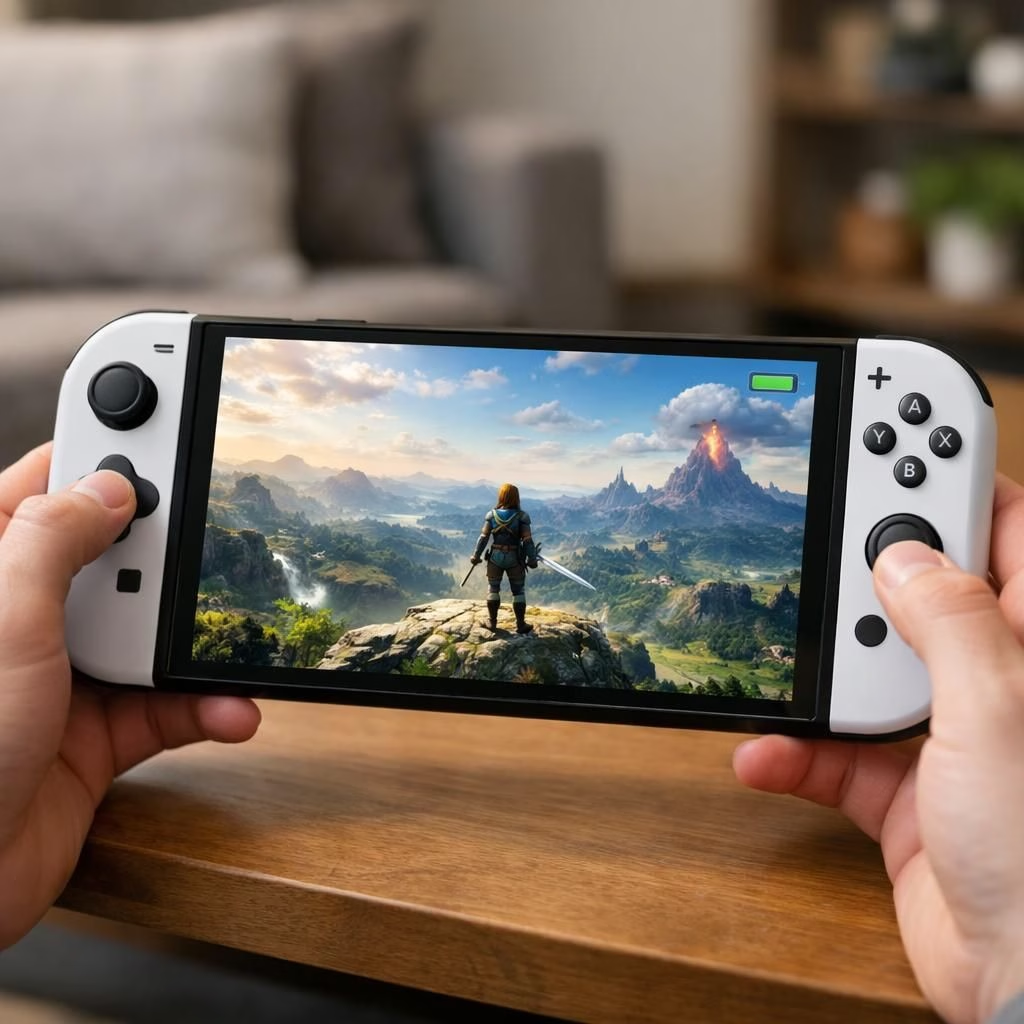
Nintendo’s Switch 2 just got a meaningful nudge toward portability with Handheld Boost Mode. This feature makes Switch 1-era games look sharper in handheld mode, and it does so in a way that feels surprisingly close to docked visuals on the go. For fans juggling couch sessions and commutes, this is a notable upgrade that proves Nintendo is listening to players who crave more portability without giving up visual charm.
Handheld Boost Mode on Switch 2: A portable visuals upgrade
On the visuals side, Handheld Boost Mode blends upscaling and smarter texture filtering. It nudges older Switch 1-era titles closer to docked quality when you play without a TV. In practice, strategy games, platformers, and RPGs with bold sprites look sharper and read more clearly on the Switch 2’s screen. Paper Mario TTYD is frequently cited as a standout example, with crisper lines helping sprites pop without losing retro charm.
Switch 2 gains daylight with Handheld Boost Mode in portable mode
Power draw is the inevitable trade-off. In a representative test, the Switch 2 handheld scenario shows the battery dropping from about five hours to roughly three hours and 43 minutes with boost mode. That’s about a 23% hit. Other titles vary, sometimes a bit more, sometimes a little less, depending on how aggressively they stress the extra visuals. The widespread reaction is positive; players enjoy the portability gains and the ability to squeeze more detail into a handheld session, especially when not traveling long distances between charges.
Across multiple games, the improvements stack up. Titles that previously looked rough in handheld environments read more clearly and feel smoother, thanks to improved anti-aliasing and refined edge handling. The last-gen library on the Switch 2 becomes a more inviting portable catalog. Fans note how easy it is to revisit older favorites with a cleaner look without pulling the console from the dock or tweaking settings.
Of course, the practical reality remains: you’ll want to plan around the power draw if you’re away from a charging source. If you’re traveling, bring a charger; if you’re at home or nearby a power strip, you’ll likely catch yourself preferring this mode for its crisp visuals and responsive feel. The update isn’t billed as a groundbreaking change, but it is the kind of thoughtful iteration that makes Switch 2 feel more complete because you can enjoy more of the classic library with less compromise when you’re on the move.
All in all, the rollout feels like a well-executed balance between performance and portability. It doesn’t rewrite the rules of handheld gaming, but it does lower the barrier to revisiting older favorites with a cleaner, crisper look. The reception in community chatter is broadly positive, and many players are grateful for a feature that adds meaningful value without demanding a price increase or a new console tier.
Original article: Thank you to the original source for providing material.
What do you think about Handheld Boost Mode on the Switch 2? Share your thoughts in the comments below.
Practical tips for using Handheld Boost Mode
- Know when it helps most: Use Handheld Boost Mode for strategy games, RPGs, and platformers where sharper edges and cleaner lines improve readability.
- Plan around battery life: Expect shorter sessions away from power — consider shorter play windows or charging breaks between rounds.
- Targeted use: Switch Boost Mode on during longer trips or couch sessions to enjoy a crisper look without constant plugging in.
- Switch to power-saving when needed: If you’re on the move, you can toggle to a more conservative mode to extend playtime while keeping a reasonable visual balance.
FAQ
- What is Handheld Boost Mode?
It’s a portable-mode feature that upscales and sharpens textures to resemble docked visuals while you play on Switch 2.
- Does it affect battery life?
Yes. Tests show a meaningful battery hit (about 23% in a Doom Eternal handheld session), so plan around charging when away from a power source.
- Which games benefit most?
Titles with older, softer visuals or lower-res textures typically look noticeably crisper with reduced jaggies and smoother edges.
- Can I use it while docked?
No. Handheld Boost Mode is designed for handheld play; docking already provides the best visuals with the least compromise.
External sources
For broader context, see official pages and coverage from established outlets: Nintendo official site, Eurogamer, The Verge.