

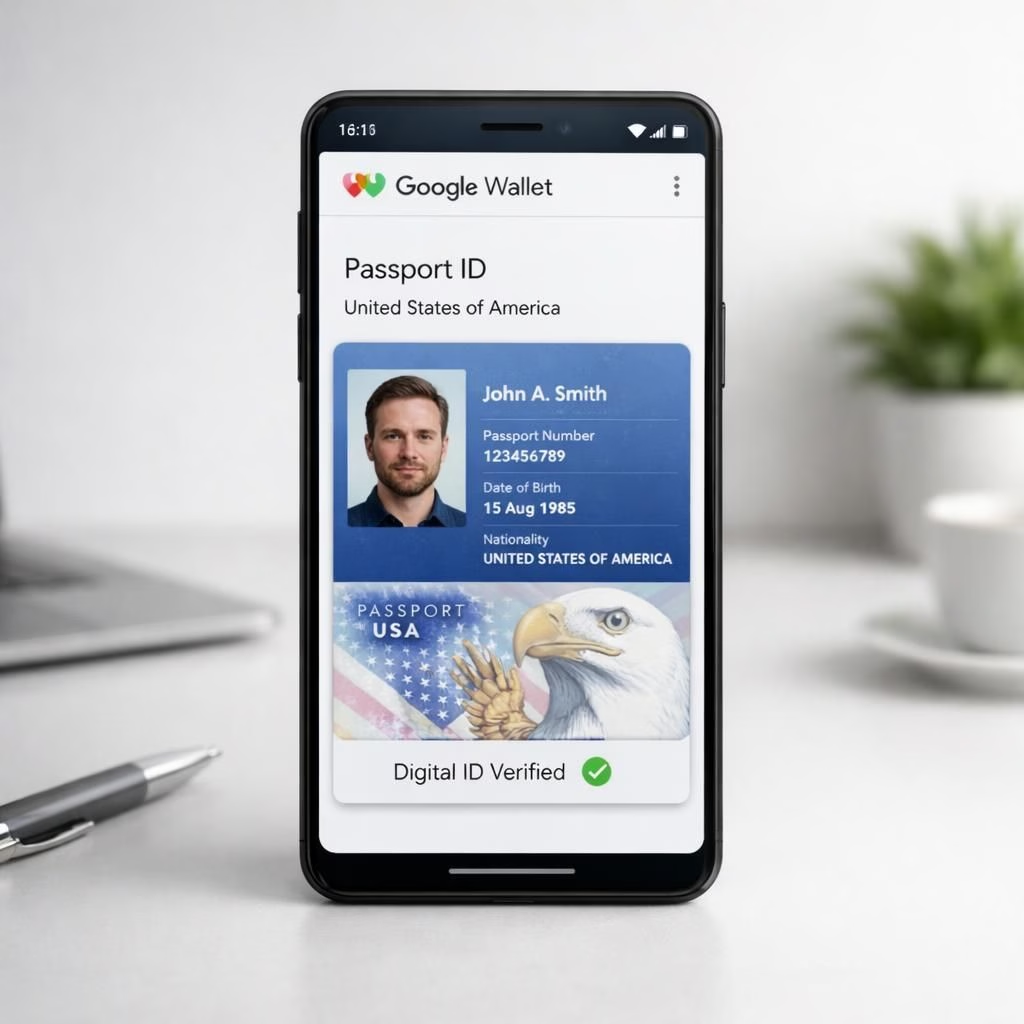
In 2026, Google Wallet nudges the digital world closer to sci‑fi practicality: it now supports more digital passport IDs on Android. That might sound like a small spark, but it cuts travel friction when you’re juggling a boarding pass, a driver’s license, and a willingness to pretend you’re organized. With Google Wallet’s digital passport push, IDs stay secure on your device and ready when you need them, not when you don’t. The goal here is speed, privacy, and a little whimsy as you glide through gates with confidence.
Google Wallet and digital passport IDs go live on Android
Three more digital passport IDs are now supported by Google Wallet on Android, expanding the set of accepted personal credentials. In practice, this means travelers can present a digital ID alongside the usual wallet contents, speeding check-ins and reducing the risk of a morning scramble for plastic cards. Google Wallet’s digital passport feature is designed to be interoperable with different issuing authorities while maintaining strong cryptographic protections. If you travel often, you’ll notice how the ecosystem is simplifying without lowering security.
Practical steps for using Google Wallet digital passport on Android
The rollout emphasizes layered security: a secure element, app-level encryption, and device protections all working together. Google Wallet stores digital passport data in a protected container, with biometric confirmation required for access. This is a targeted approach that minimizes exposure while keeping convenience. The addition of three more IDs broadenes compatibility for travelers who cross borders and systems.
For developers and policy nerds, this change signals a sensible alignment between mobile wallets and official ID programs. Android’s ecosystem benefits from a more unified experience that respects privacy while enabling smoother travel. Digital passport IDs can be issued by multiple authorities and validated through standard secure channels, reducing the phone-to-gate handoffs. When you see three more IDs appear in Google Wallet, you know the platform is maturing—yet still keeping a light touch.
Practical tips for end users: enable the Google Wallet digital passport feature in settings, verify your relevant authorities, and ensure your device is up to date. Keep your biometric data in the vault where it belongs, and treat the digital passport as you would any ID—do not share it carelessly. The three new IDs aren’t magic; they’re a bridge to easier travel while preserving accountability and auditability in real life.
As the ecosystem evolves, privacy advocates will want to watch how the data is stored and how consent is handled. The digital passport integration in Google Wallet aims to balance convenience with transparency, offering clear prompts and revocation options where appropriate. For fans of gadgety snacks, the reality is that three more IDs appear in your wallet, and you still have control over when and where you present them. The experience stays friendly for non-techies while remaining robust for power users.
In short, Google Wallet and digital passport IDs on Android bring a practical upgrade to everyday travel. It’s not just about convenience; it’s about reducing friction without sacrificing auditability. If you want a future where digital credentials live with your payments and tickets, this is a signpost worth noting. The combination of design intention and real-world utility makes this release more than a gimmick.
What do you think about Google Wallet’s expansion for digital passport? Share your thoughts in the comments below, and tell us how it changes your travel routine.
Original article: 9to5Google coverage of Google Wallet digital passport IDs on Android — thank you for the original coverage and materials that inspired this post.
External sources
References
- Original article: https://9to5google.com/2026/04/25/google-wallet-passport-brazil-singapore-taiwan/