

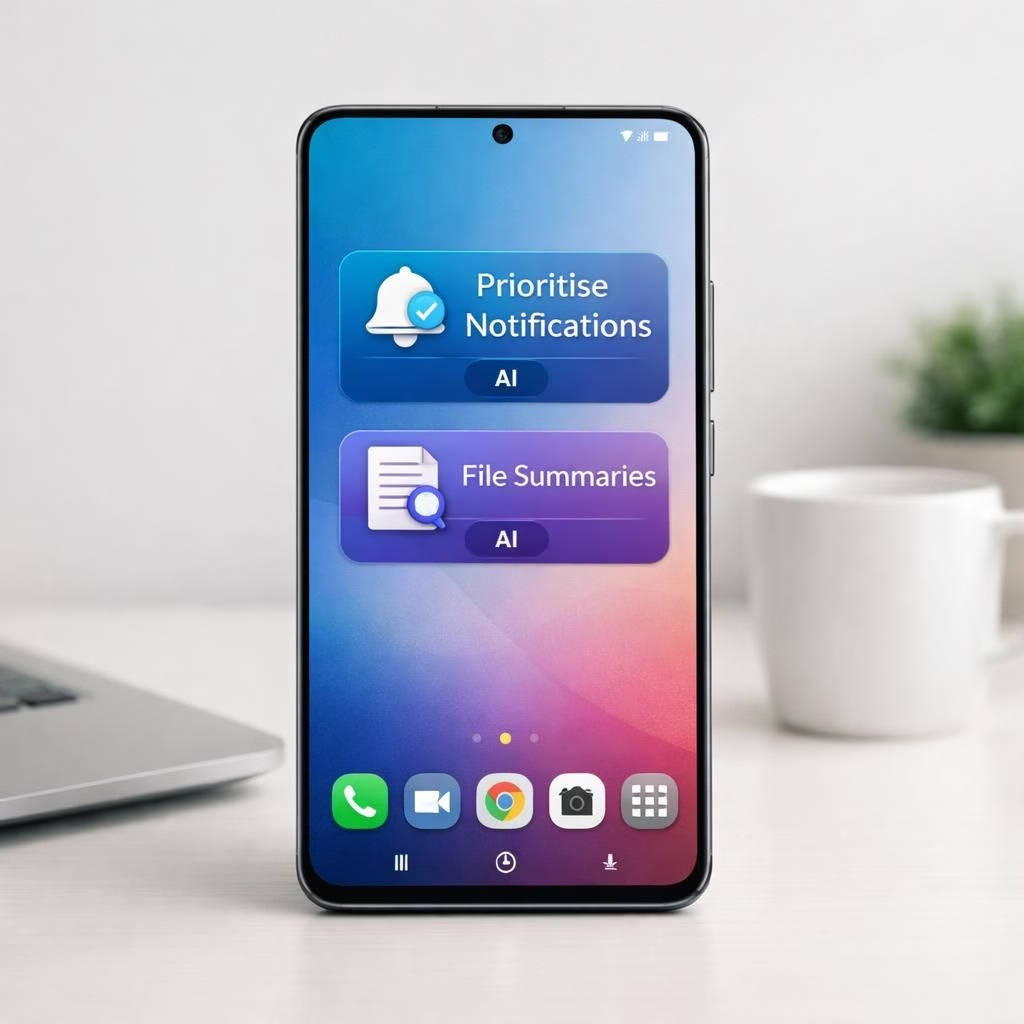
In June 2026, Samsung released a hefty Security Patch for the Galaxy S25 line, and what could have been a quiet maintenance update turned into a pleasantly surprising feature party. The update clearly signals that Galaxy AI is no longer a backstage concept; it’s front and center. Two Galaxy AI features—Prioritise Notifications and File Summaries—arrived along with the patch, delivered in a separate update that felt breezy rather than bulky. If you were hoping for a simple security tune‑up, you got a thoughtful upgrade that treats your device like a pocket assistant rather than a loud reminder system.
Galaxy AI Takes Center Stage: Prioritise Notifications and File Summaries
Prioritise Notifications is the kind of feature you don’t notice until you need it. It scans the stream of alerts and elevates the truly important ones, relegating everything else to quiet mode. The logic is simple but effective: the phone becomes less loud when you’re in focus mode, while still shouting when something truly matters. For heavy readers who juggle chats, reminders, and calendar tickets, this is a home run. As a Galaxy AI capability, it learns your habits and adapts, giving you a calmer notification shade and fewer moments when a crucial ping gets lost in the noise. It isn’t a magic wand; it’s smarter triage that respects your time and attention.
Security Patch Becomes a File-Management Ally: File Summaries
File Summaries is the other half of the duo. It can generate concise summaries for PDFs and TXT files, letting you understand lengthy documents at a glance. The feature distills key points, so you know whether a document warrants deeper attention. It’s especially handy for triaging reports, manuals, or long email threads stored as PDFs. The goal isn’t to replace reading but to speed up decision making. Busy professionals, students, and curious minds will find this helper useful when they’re pressed for time. The on‑device processing keeps things snappy and more private, which matters in an era of data nerves and cloud fatigue.
The backstory is telling. These capabilities first surfaced on the Galaxy S26 with One UI 8.5, then were expected to land on the S25 in that update. When that didn’t happen, some customers felt a twinge of disappointment. Samsung later delivered them as a standalone update, which felt like a deliberate, patient rollout rather than a rushed add‑on. The Security Patch rollout’s unusually large size hints at more than bug fixes—perhaps a broader push to unify AI helpers across devices or to prepare the ecosystem for future, more ambitious backports. It’s the sort of strategic release that signals intent without shouting about it.
Why This Matters for Everyday Use
Smarter notifications aren’t just nice to have; they change how you interact with your phone in a world of constant interruptions. Prioritise Notifications helps ensure you don’t miss a message from a key colleague or a time‑sensitive warning while letting the rest fade into the background. It aligns with a philosophy of “progress without friction”—you get more silence when you need it, plus a sharper alert when you must act. The feature also respects user learning curves, improving its judgments over time rather than forcing an endless hierarchy of alerts onto your screen.
File Summaries reduces cognitive load by giving you digestible takeaways from long documents. If you’ve ever skimmed through a dense PDF or a wall of TXT notes, you know the relief of a quick gist. This is not a replacement for careful reading when it’s warranted, but it’s a lifeline for rapid triage. On a practical level, it helps you decide which files deserve deeper dives, which saves time in meetings, and which attachments can be archived with confidence. It’s the kind of feature that quietly earns its keep because it makes your digital life more navigable and less overwhelming.
From a software strategy standpoint, the dual launch demonstrates Samsung’s willingness to separate security hygiene from user‑experience enhancements without forcing users to pick sides. The large patch size is a signal that this isn’t a mere patch note; it’s an incremental feature upgrade fused with security hardening. The S25 now appears to be a more capable hub for AI‑assisted productivity, with room to expand the toolbox in future releases. If you own a Galaxy S25, it’s worth exploring how Prioritise Notifications can reshape day‑to‑day workflows and how File Summaries might speed up your reading and decision cycles.
Two more notes for the curious: first, the features were tested in the Galaxy S26 with One UI 8.5 before backporting to the S25. Second, the standalone release likely aimed to reduce risk and allow users who waited for a specific update window to finally enjoy the improvements. In other words, Samsung balanced timing with a practical approach, which is good news for users who want smarter phones without the drama of a full OS rewrite.
For those who like a little more context, the original discussion around this backport and its reception is public and worth a read. Original sources include remarks by Tarun Vats and the Samsung Community, which helped illuminate how the community interpreted the patch’s timing and scope. Original article: YouTube discussion
In closing, this is a noteworthy moment for Galaxy AI enthusiasts and productivity fans alike. It shows that a Security Patch backport can also push forward practical AI tools that improve daily device usage. If you’re curious how these features evolve in 2026, keep an eye on future One UI updates and the continuing dialogue between users and engineers.
What do you think about Galaxy AI and this Security Patch backport? Share your thoughts in the comments below.
Original article attribution: A big thank you to Tarun Vats and the Samsung Community for highlighting this backport and for the helpful discussion surrounding the June 2026 update. Original article link: https://youtu.be/hyMIrK9IUn8?si=e1JhB57-b0q_CT5n