

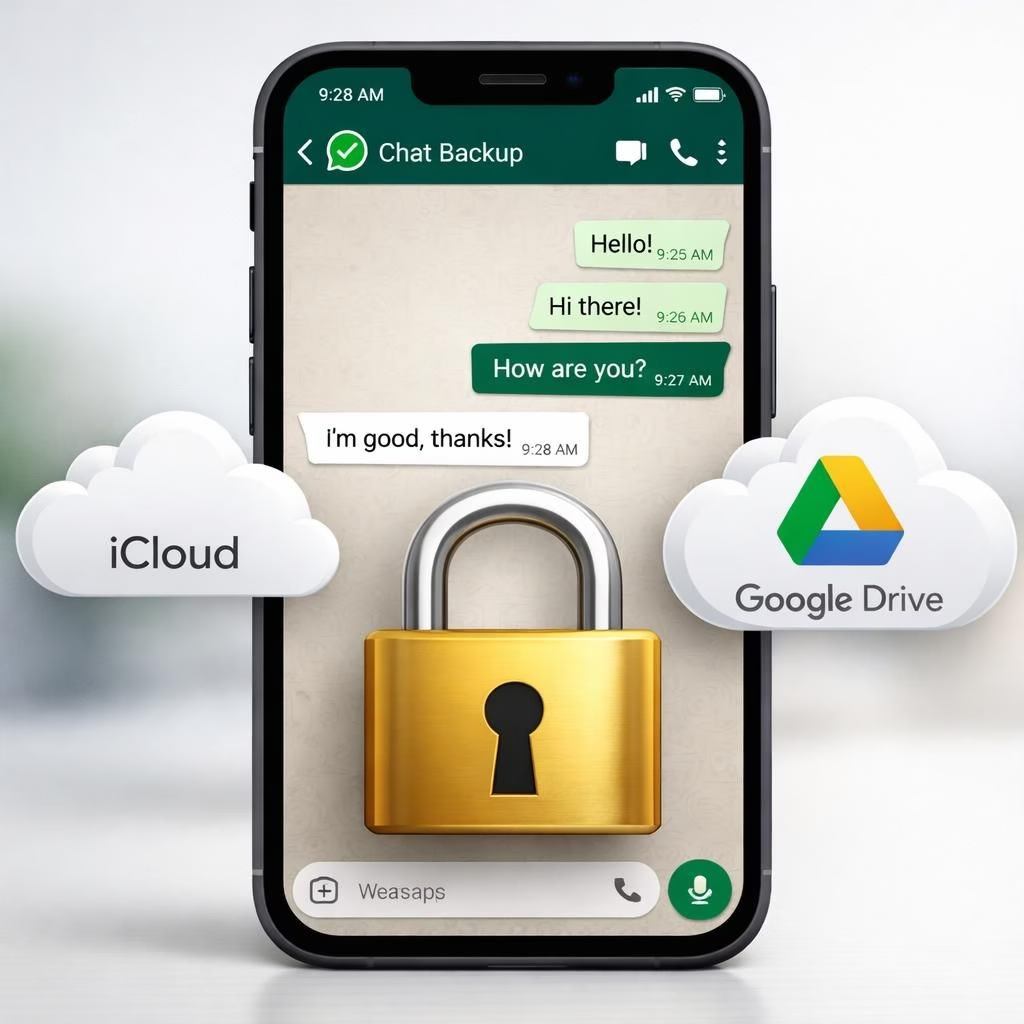
In 2026, the encryption vs backup debate feels like a marathon in a data center: long, complex, and revealing about what we neglect to toggle. Pavel Durov’s critique of WhatsApp’s promise of end-to-end encryption rings loud with privacy watchers, and it’s more than a jab. It reminds readers to inspect where messages land after they travel. The core truth is simple: encryption keeps messages private while they move, but the backup layer to iCloud or Google Drive can sit on cloud servers unencrypted by default unless you flip the switch to backup encryption.
Key point: the cloud storage layer—not the transport path—becomes the weak link when backup data aren’t protected by default. A quick check can drastically reduce risk in under a minute.
WhatsApp’s in-transit encryption, built on the Signal protocol, has been robust since 2016. It shields messages traveling between devices. But the moment a message lands on a cloud backup data, the encryption handoff stops. Those backup data fall under Apple and Google’s own data practices, and they can respond to legal requests. Durov claims that backup data could be handed over to third parties thousands of times each year, depending on jurisdiction. A January lawsuit raised bigger questions about internal access to WhatsApp messages at Meta. Meta denies wrongdoing, and no technical proof has been presented to verify those allegations. The case underscores a larger concern: the public wants proof that internal access is controlled with transparency and oversight. The outcome matters, not just to privacy advocates but to everyday users who want to keep the chat history under their own control.
WhatsApp has offered end-to-end encrypted backup data as an opt-in feature since 2021. Users can lock backup data with a password or encryption key, but awareness is low and adoption lagging. The irony is that technology is available but not widely activated, which means the default remains less protective than many expect. For a user who cares about privacy, enabling backup encryption is a 30-second act of political caution and personal security.
Encryption in transit: what stays locked
The transport layer of encryption is powerful, and it keeps messages private while they move between devices. Encryption in transit relies on strong cryptographic protocols that even a determined attacker finds hard to breach. Yet the real-world picture shows that the journey ends where the cloud begins. If you want encryption to fully cover conversations, you must extend it into the backup stage. In practice, users benefit from verifying that encryption is enabled for backup data, not just for the ride. The key message here is simple: encryption works in transit, but the backup layer requires vigilance.
Backup security: cloud risk and quick fixes
The backup data on iCloud or Google Drive can be accessible to cloud providers and, under certain circumstances, to legal processes. The fix is quick: enable backup encryption in WhatsApp settings, choose a strong password or encryption key, and keep that key secret. If you share a device with others or manage multiple accounts, ensure that each backup data is individually secured. For many users, this is a 30-second checkbox that dramatically lowers risk. In addition, review your cloud account security habits: enable two-factor authentication, keep recovery options current, and periodically audit which apps have permission to access backup data. These small steps reinforce encryption and keep the backup data close to the intended owner.
From a purely practical standpoint, the two-layer reality matters: encryption in transit protects the flow of messages, while backup encryption protects the archive. If you want to reduce exposure further, consider device-level security hygiene: screen lock, biometric or passcode protection, and regular OS updates. The more layers you build, the less likely a casual misconfiguration will become a serious breach. The dynamics are not about doubting mathematics but about aligning user behavior with strong cryptography so that encryption remains meaningful in day-to-day life.
To translate the landscape into bite-sized takeaways: keep encryption on for messages in motion; turn on backup encryption so the cloud treats your chats like your own private diary with a password; and keep your contacts mindful of this reality, because the safest chat is one where everyone follows the same security playbook. The end result is a more confident user who understands that encryption is not a single knob to twist but a multi-layer discipline that rewards consistency with quieter nights and safer chats.
Putting it plainly: the debate is about the backup gap rather than the core transport encryption. Closing that gap requires a small user action, a quick 30-second check, and a habit of maintaining strong backups. The conversation remains important because the stakes extend beyond one app choice; they touch the everyday choices that shape digital privacy for families, teams, and communities.
Original article: Thank you to the authors for the source material. For full context and further details, you can read the original analysis here: Original article on encryption and backup dynamics in 2026.
Would you like to weigh in on encryption and backup? Share your thoughts in the comments and tell us how you manage backup encryption in your own chats. If you found this breakdown helpful, pass it along to friends who might be curious about cloud backup and privacy, and consider the simple act of turning on backup encryption today.
Special thanks to the original article for sparking the discussion and for the material that inspired this rewrite. A sincere thank you to the writers and researchers who keep privacy conversations lively and accessible.
References
- WhatsApp End-to-End Encryption (official)
- Electronic Frontier Foundation: Encryption
- Forbes: WhatsApp security and related alerts
- Times of India — original source (linkback)