

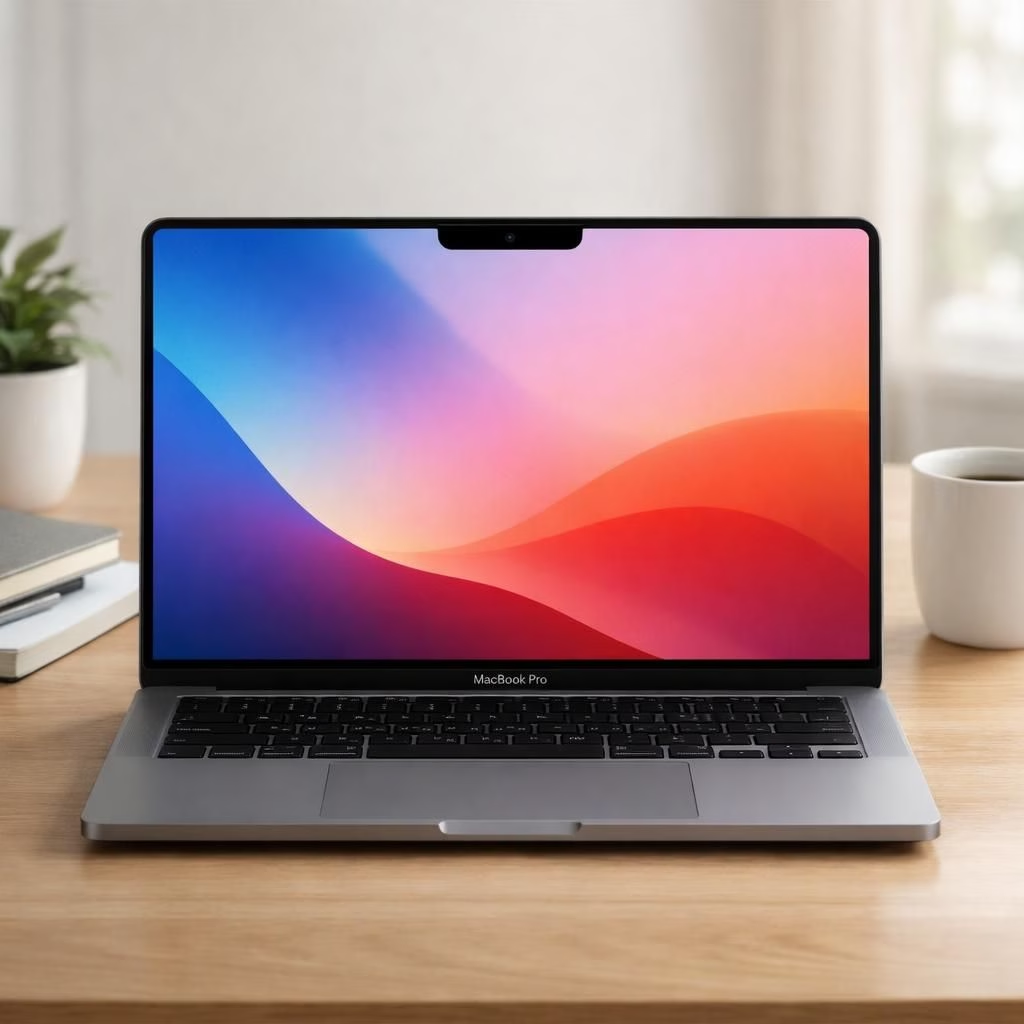
Roll out the rumor mill for 2026, and the dynamic duo arrives: Dynamic Island on the Touchscreen MacBook Pro. The chatter makes the device feel like a crossover between a productivity tool and a mood ring. Apple reportedly experiments with a Touchscreen MacBook Pro that borrows the iPhone’s notch-like dynamic island. The goal is to streamline notifications, app switching, and quick actions without turning the workspace into a cockpit. If true, this combo would blend familiar Mac software with a more tactile interface. The forecast sounds optimistic, with a cherry-on-top claim that macOS will gain new touch-first controls. The idea is simple: make the screen breathe when you need it, not when you don’t.
Dynamic Island Meets the Touchscreen MacBook Pro: 2026 Vision
On a practical level, the idea mirrors the phone’s dynamic island with a laptop twist. It could host small, nonintrusive widgets that shift as you work, then collapse when you open a document. The Touchscreen MacBook Pro could support gesture shortcuts, like swiping up to reveal controls or swiping left to switch apps. If Apple keeps the scale right, you avoid distracting popups while still getting timely information. The UX challenge is to keep the system snappy, not fussy. The hardware side must balance a thicker bezel with a slimmer enclosure and resilient glass. In short, it’s a design dance: add touch without stealing focus.
Behind the Dynamic Island: UX for the Touchscreen MacBook Pro
Behind the Dynamic Island, the UX team envisions a world where context shifts with your workflow. The note strip could display calendar snippets, incoming messages, or a quick toggle for Do Not Disturb, all while you keep your document in focus. Designers will need to craft clean icons, crisp typography, and motion that feels purposeful rather than ornamental. For users, the promise is fewer window goblins and more reliable pointers. For developers, the challenge is to offer consistent APIs across macOS, iOS, and iPadOS so you can ship a single experience that adapts across devices. The result should feel harmonious, not chaotic, with a minimum of taps and a maximum of clarity.
That parity also helps unlock gestures tailored for a modern notebook experience, making the device feel more responsive without becoming a keyboard-only machine.
Developer notes and cross-platform expectations
Developers will want stable APIs to drive edge widgets and quick actions without surprises. Cross-platform parity will matter for a cohesive user experience across macOS, iPadOS, and iOS. Apps would show small status chips, not full windows, when the user is busy. The design guidelines should emphasize accessibility, legibility, and energy efficiency. The team will test performance on different hardware, from compact notebooks to larger desktops. Start with a few trusted interactions, and let the rest grow as users adopt the new surface. The bottom line is practical, not flashy: consistency, speed, and clarity win more users than gimmicks.
Timeline and market expectations
Analysts expect a staged rollout. If the rumors hold, a developer preview could arrive late 2026, with first devices in stores by early 2027. Pricing will likely position the device as a premium option, with upgrades for storage, display, and battery. The Touchscreen MacBook Pro could pair the new controls with a software update for existing Macs, extending the concept beyond a single model. For users, this means a period of early-adopter excitement followed by real-world refinements. For enterprises and education, a more tactile workflow might improve productivity in certain roles, while others wait for broader compatibility. In short, it’s a gradual shift toward more responsive, on-desktop interactions, not a radical change overnight.
Practical implications for users
Regardless of rumors, the concept invites a rethink of how macOS handles notifications, status, and quick actions. If such a surface arrives, expect smoother transitions between apps and fewer disruptive popups. For now, you can imagine scenarios like preprocessing a document with a quick glance at a calendar strip, or using a subtle edge gesture to toggle DND without leaving your work. The goal is a lighter, more focused workflow that respects your attention and your screen real estate.
In the end, whether these features arrive or not, the conversation reveals a playful willingness to rethink the MacBook Pro’s interface. If it lands, expect a mix of delight and debate: a notch that finally earns its keep, and a screen that talks back without shouting. Share your thoughts in the comments below.
Original reporting and inspiration from MacRumors, Bloomberg, The Verge, 9to5Mac, and Gizmodo. Special thanks to MacRumors for the original coverage that inspired this write-up. Original article: Touchscreen OLED MacBook Pro Coming in 2026 With Dynamic Island and Redesigned macOS Controls.
External references: Bloomberg, The Verge, 9to5Mac.