

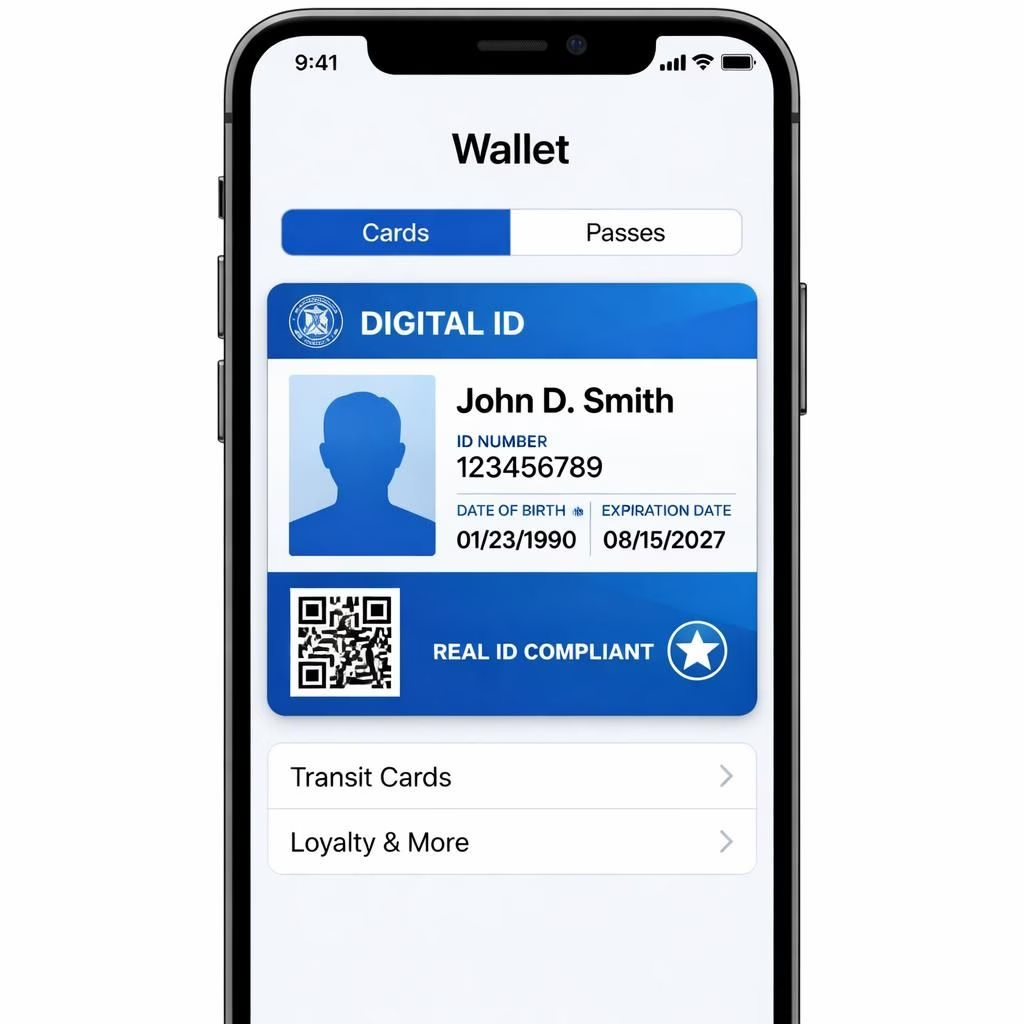
Here’s a sunny take on Digital ID expanding in Apple Wallet this year, 2026, with smarter checks and smoother flows. This evolution is a welcome upgrade for privacy-minded users.
Digital ID: Reimagining Privacy in Apple Wallet
Stored securely on the device, the credential reveals only what is necessary. You control what is shown through privacy-preserving proofs, and you can opt in for more detail when you want. Travelers and commuters benefit from fewer checks and fewer data leaks. The design emphasizes consent, revocation, and local verification, keeping sensitive data at your side, not on every server.
Apple Wallet: More Ways, More Confidence with Digital ID
As the credential travels with the Apple Wallet, it remains portable across devices and venues. The flow aims to be fast, friendly, and predictable. The protections are hardware-backed and cryptographic. Verification at gates, offices, or events should feel smooth.
Retailers benefit from standardized proofs, and privacy remains intact. The future looks cleaner: fewer cards, fewer records, more trust. Keep the device updated, enable biometrics, and review permissions. Interoperability will grow as standards evolve.
Everyday life gains speed: quick checks at transit gates, venues, or age-restricted events become routine. The proofs confirm eligibility while preserving privacy, and you decide when to share more data.
Overall, the feature is a thoughtful upgrade. It respects your privacy and speeds common tasks. In 2026, the trend points toward control with convenience.
If you have experiences or questions, share them in the comments. Your input helps others navigate this space with confidence.
How Digital ID works with Apple Wallet
- Open Apple Wallet and add your Digital ID from a supported issuer.
- During a check, present only the minimum required data through privacy-preserving proofs.
- Keep control: you can revoke access or update permissions anytime from the settings.
Practical steps to get started
Update your device to the latest OS and enable biometrics. Review which issuers you trust and which fields you’re willing to share. Practice a quick test at a supervised location to see how the flow feels.
FAQ
- What is Digital ID in Apple Wallet?
- A privacy-friendly credential stored on-device that can be shared in a minimized form when needed.
- Is Apple Wallet secure?
- Yes. The data is protected with hardware-backed security and cryptographic proofs.
- Can I revoke access?
- Yes. You can revoke permissions from the issuer or from Wallet settings.
- Will this require extra data sharing?
- Only the minimal data necessary for the check is disclosed, and you can choose when to share more.
References
Original article: Apple Wallet’s new Digital ID feature just added more ways to use it. Thank you to 9to5Mac for the original reporting.