

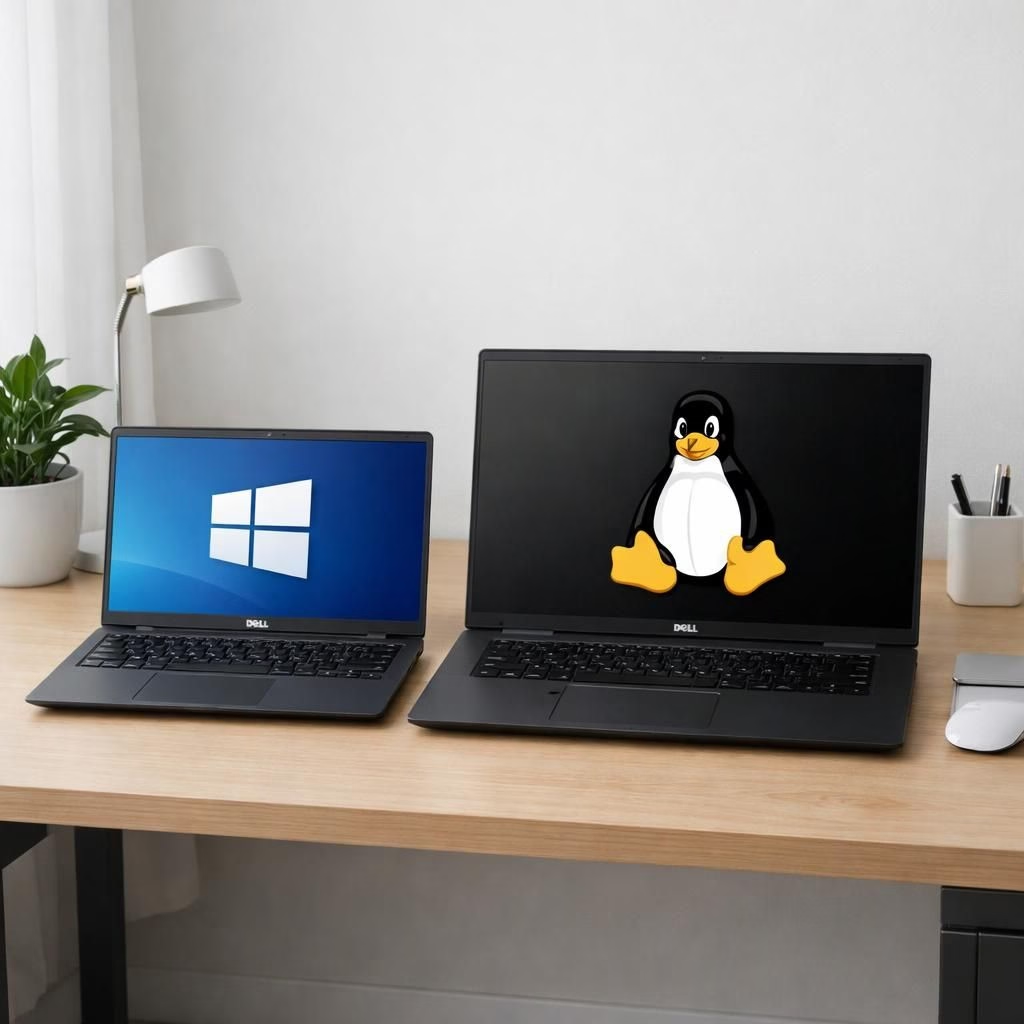
Welcome to our overview of the Dell Pro lineup and the refreshed Workstation-focused Precision family arriving in 2026. Dell Pro embraces a modular design that fits all sizes, while Workstation capabilities get a clear spotlight in the refreshed Precision family. The new Pro models include the Dell Pro 3, Dell Pro 5, and Dell Pro 7, available in 14- and 16-inch configurations, with the Pro 7 also offered as a 13- or 14-inch 2-in-1 convertible. All models come with options for Windows 11 or Ubuntu Linux, and prices are TBD as May approaches.


The lineup flexes with a mix of AMD Ryzen AI 400 series “Gorgon Point” CPUs and Intel Core Ultra Series 3 “Panther Lake” CPUs. Dell trimmed the motherboard into a modular drop-in design that can be used across the family, freeing space for larger cooling fans and denser, thinner batteries and enabling slimmer chassis. The Pro 5 gets LPCAMM2 RAM, a feature that allows for user-replaceable memory and faster memory speeds, a welcome upgrade for power users who like to tinker. That modular mindset carries into the Workstation range, where reliability and upgrade paths matter.
Accompanying the new Pro models are the Dell Pro Precision 5 14S and 16S laptops. When they arrive in May, they will serve as the entry point into the revitalized Precision line. The 5S variants can be configured with Intel Panther Lake or AMD Gorgon Point chips, focusing on integrated graphics for lighter Workstation tasks rather than discrete GPUs. The Intel version can be optioned with a Core Ultra X9 Panther Lake chip using Arc B390 graphics.


Meanwhile, the Dell Pro 14 Premium remains in the lineup with Panther Lake, and it tips the scales at just over 2.2 pounds (about 1 kilogram) — the lightest Dell has yet offered in this class. The 14 Premium is expected to launch on March 31, with pricing still TBD. Dell has been busy rewriting its brand script by reintroducing XPS and reordering Pro lineups; the goal is a simpler, clearer ladder that makes professional buyers feel good about their choices.
Dell Pro Workstation: A modular leap in 2026
Across the range, Dell keeps chasing efficiency with a keen eye on battery density, cooling, and the balance between weight and durability. The Workstation-oriented Dell Pro line promises a thinner profile without sacrificing thermal margins, and the Precision sub-brand promises reliability for professional workloads. The duality of Windows and Linux options gives teams flexibility, while AMD vs. Intel CPU choices let buyers tailor performance to their workflow. Dell’s strategy here feels less like product obfuscation and more like a thoughtful effort to map a laptop to a job function, which is welcome in a market that often pretends to be all things to all people.
Workstation upgrades: Dell Pro Workstation details for 2026
In practical terms, the Pro family serves as an entry point into a refreshed ecosystem that also respects heavy lifting Workstation tasks via the Precision line. The 5S and 14S can be ordered with different CPU options and graphics configurations; these are designed to deliver robust integrated graphics performance for large-screen productivity and content creation while keeping the machine portable. Dell makes smart choices about RAM, storage, and battery architecture to maximize up-time on the road or in a studio, and the modular approach helps technicians upgrade components as needed without replacing the entire machine.
For readers who crave more context: the Pro 3 and Pro 5 sit in a sweet spot for students and professionals who need portability with respectable power, while the Pro 7 targets Workstation professionals who want a convertible option with strong performance. The 14 Premium remains a featherweight champion in its class, offering a compelling mix of portability and power for creators on the go.
Conclusion: Dell is slowly but surely repairing its brand with clear product naming and a refreshed spread of model tiers. If you’re evaluating a new business laptop in 2026, the Dell Pro and Workstation strategies should weigh into your decision, especially if you desire compatibility with both Windows and Linux ecosystems, a modular upgrade path, and airflow that doesn’t sound like a hair dryer.
Original article: The Verge — thank you for the coverage and the material that inspired this rewrite. The Verge original article.
Interested in your take—share your thoughts in the comments to keep the conversation going.
Practical steps for Dell Pro evaluation
- Evaluate display size and whether a 2-in-1 matters to your workflow.
- Decide between Windows 11 and Ubuntu Linux based on your software stack.
- Review RAM and storage options, including LPCAMM2 paths on the Pro 5.
- Consider a modular upgrade path to lower long-term costs.
FAQs about Dell Pro and Workstation lines
- Q: Are these laptops suitable for professional workloads?
- A: Yes, with careful configuration that matches your software and GPU needs. The lineup offers mixed CPU options, strong RAM choices, and flexible storage.
- Q: Can I run Windows 11 and Ubuntu on the same machine?
- A: Yes, many configurations offer Windows 11 or Ubuntu, or both as optional setups.
- Q: Will the Pro line coexist with Dell’s fleet of XPS machines?
- A: Indeed. Dell aims for clearer laddering between consumer, Pro, and workstation-class devices.