

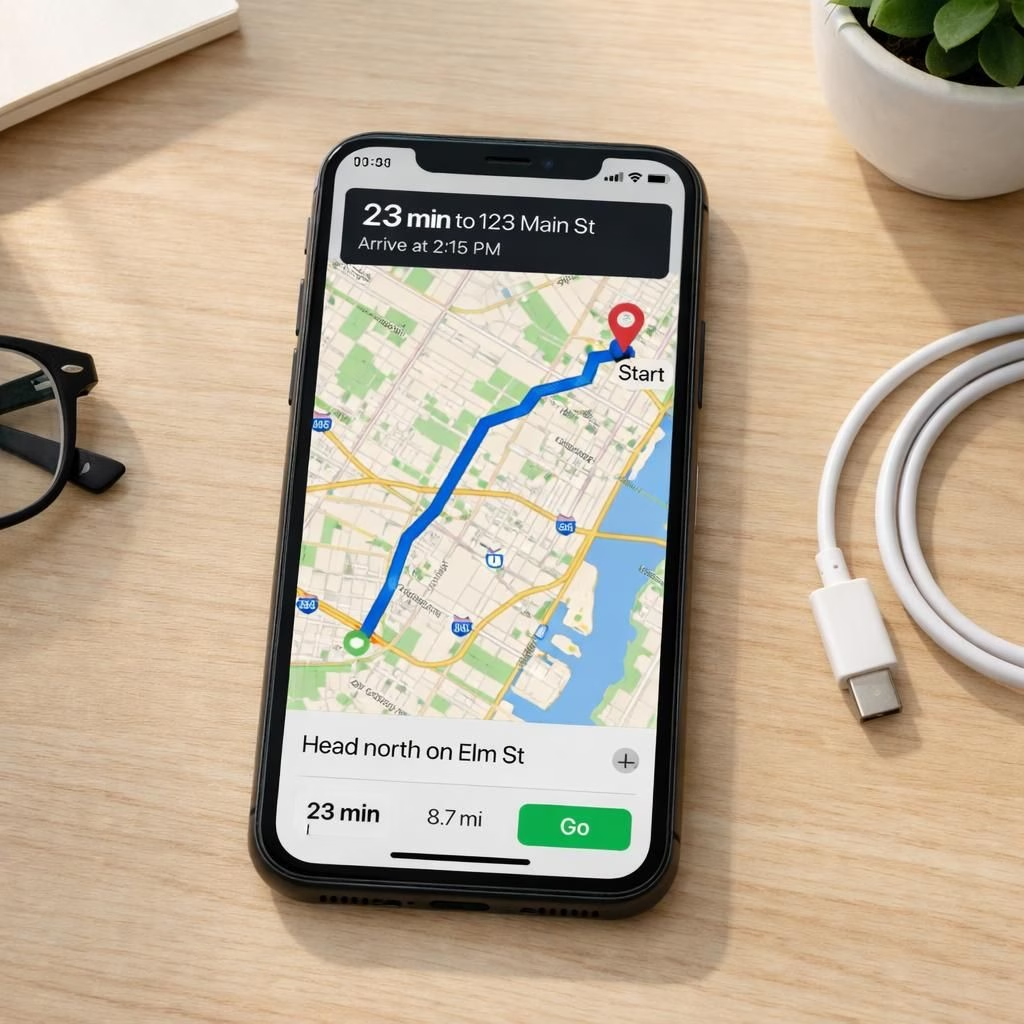
Apple Maps updates continue to show real progress, and iOS 26.5 adds practical features for daily travel. The week’s coverage from 9to5Mac, Business Insider, t3.com, Macworld, and Geeky Gadgets paints a consistent picture: improved maps, evolving ad formats, and a beta that offers tangible upgrades without a full-blown overhaul. The result is a navigation experience that feels more confident and human—a dependable co-pilot rather than a tester with a fraying charger.
Apple Maps upgrades in 2026: more than pretty pins
Apple Maps’ accuracy is up, route suggestions align more consistently with public transit times, and the transition between walking, driving, and transit feels smoother. The UI stays clean, while search results show subtle ad placements that some outlets have flagged, though Apple’s approach remains cautious and opt-in where possible. The real win is context—better lane guidance on highways, more reliable pedestrian routing in dense cities, and a last-mile flow that’s easier to trust across iPhone, iPad, and MacBook screens.
As part of this broader shift, Apple Maps is aligning more closely with real-world routines. You’ll notice improved search results that understand your habits, better labeling of interesting stops, and more reliable recalculation when you miss a turn. Apple Maps remains the star of the show, and you can feel the polish without the whiz-bang theatrics. The small touches add up: faster route loading, more authoritative ETA estimates, and a smoother transition into transit directions when you hop on a bus or train. It’s not a revolution; it’s a quiet, confident upgrade that respects your time and your sanity. And there are occasional experiments with ad formats in search results, which the press has treated with varying degrees of skepticism, but the stance is cautious and opt-in where possible. This is not about shouting about ads; it’s about texture—more useful, less intrusive, and more context-aware.
As you read the previews, one line from the gadget press sticks out: Don’t rush to install iOS 26.5 Beta 2 yet—unless you want to carry a charger for the first time this year. The sentiment captures the vibe: progress is real, but early builds can demand extra care. The Beta 2 chatter from Macworld suggests there’s room to refine, but the direction is clear: smarter defaults, fewer headaches, and a calmer interface that still invites exploration. Apple Maps doesn’t just show you a route anymore; it suggests better options and adapts to your day with a quiet confidence, which is exactly the sort of upgrade that makes you smile while you’re stuck in traffic.
iOS 26.5: a controversial yet practical feature set
The iOS 26.5 update arrives with a mix of tweaks that some call subtle and others call significant. The update broadens the scope of what Apple can surface in ads, but it does so with an emphasis on relevance and control. Privacy guardrails tighten without turning the device into a locked cabinet, and energy-conscious background activity improvements promise better battery life in shared use cases. The feature set leans toward pragmatic enhancements: smarter notifications, more predictable app behavior, and a smoother overall rhythm when moving between apps and Maps. The result is a platform that feels more cooperative and less clingy, a design goal that many readers will appreciate after years of “just one more alert.”
Apple Maps receives continued attention inside iOS 26.5, tying navigation to a broader ecosystem that encourages seamless handoffs across devices. The combination of Maps plus iOS 26.5 means you can start a route on your iPhone, glance at your Apple Watch for turn-by-turn updates, and finish on an iPad while waiting for coffee. It’s not flashy, but it is practical—a quiet win for daily life. The update’s spirit is efficiency with a human touch: fewer stops-and-stares from the device, more helpful nudges that keep you moving. For power users, the improved memory handling and more cohesive app switching feel like a relief after a season of erratic performance. And for casual users, the transition remains gentle, with fewer surprises and more reliability in everyday tasks, including navigation.
For readers who track how tech companies handle changes to ads and data, 2026 offers a balanced case study. The new approach does not pretend to block every ad; instead, it aims to contextualize ads in a way that respects user intent. The gain is clearer navigation, smoother cross-app experiences, and a user interface that looks like it’s listening—without overcorrecting into a dashboard of notifications. The end result is a platform that helps you accomplish tasks with less friction and more confidence.
Practical tips for users in 2026 follow a simple script. First, test Apple Maps in everyday scenarios: a grocery run, a commute, a weekend trip. Notice whether the route choices feel smarter and whether the transit times line up with real-world delays. Second, keep iOS 26.5 energy-conscious by enabling background activity optimizations, which can shave a few percent off battery drain during a busy day. Third, if ads appear in search results, treat them as optional aids rather than mandatory interruptions. If you dislike them, you can adjust settings later, but give the new layout a fair trial first. Fourth, consider enabling cross-device sync so your favorite addresses, saved routes, and recent trips travel with you, not in a dusty note tucked away in a settings menu. The overall arc is about making navigation less of a quiz and more of a confident compass. Apple Maps remains the central thread in this tapestry, connecting your everyday routes with a calmer, more predictable experience in iOS 26.5.
What does this mean for daily life? It means more reliable recommendations, less battery anxiety, and a navigation co-pilot that speaks in calm, helpful tones rather than squawking prompts. It also means you can reach your destination with fewer detours and more time saved for coffee, playlists, or that podcast you claimed would change your life. As you explore Apple Maps and iOS 26.5, remember that incremental upgrades accumulate into a smarter, friendlier phone. If you’re curious about how this evolves, join the conversation below and share your experiences. Your real-world feedback helps shape the next round of improvements.
Original article reference and gratitude: Special thanks to 9to5Mac for the initial reporting that helped shape this piece. Original article: 9to5Mac coverage of Apple Maps progress and iOS 26.5.
We’d love to hear your thoughts—share them in the comments below.
Practical steps to get the most from Apple Maps and iOS 26.5
- Test Apple Maps in everyday scenarios: grocery runs, your commute, and weekend trips, paying attention to route choices.
- Enable cross-device sync so addresses and routes travel with you across iPhone, iPad, and Mac.
- Review ad settings in search results and adjust them if you find ads distracting.
- Keep iOS 26.5 energy-conscious by enabling background activity optimizations.
Frequently Asked Questions
- Is the iOS version worth updating for Maps improvements?
- In most cases, yes. The update focuses on reliability, smoother handoffs, and a calmer overall experience across devices.
- Will ads affect Maps search results?
- Ads are present but contextual, with options to tweak settings if you prefer fewer prompts.
- How can I test the changes quickly?
- Try a few common routes, compare ETA accuracy, and check cross-device handoffs over a day or two.
Original article reference and gratitude: Special thanks to 9to5Mac for the initial reporting that helped shape this piece. Original article: 9to5Mac coverage of Apple Maps progress and iOS 26.5.
Conclusion
Apple Maps keeps refining real-world usefulness in tandem with iOS 26.5. The upgrades aren’t flashy, but they are tangible: smarter routing, calmer notifications, and a cross-device flow that feels natural. If you’re curious to see the changes for yourself, try a few everyday trips this week and share your impressions with the community.
References
Original source linkback: 9to5Mac original report.