

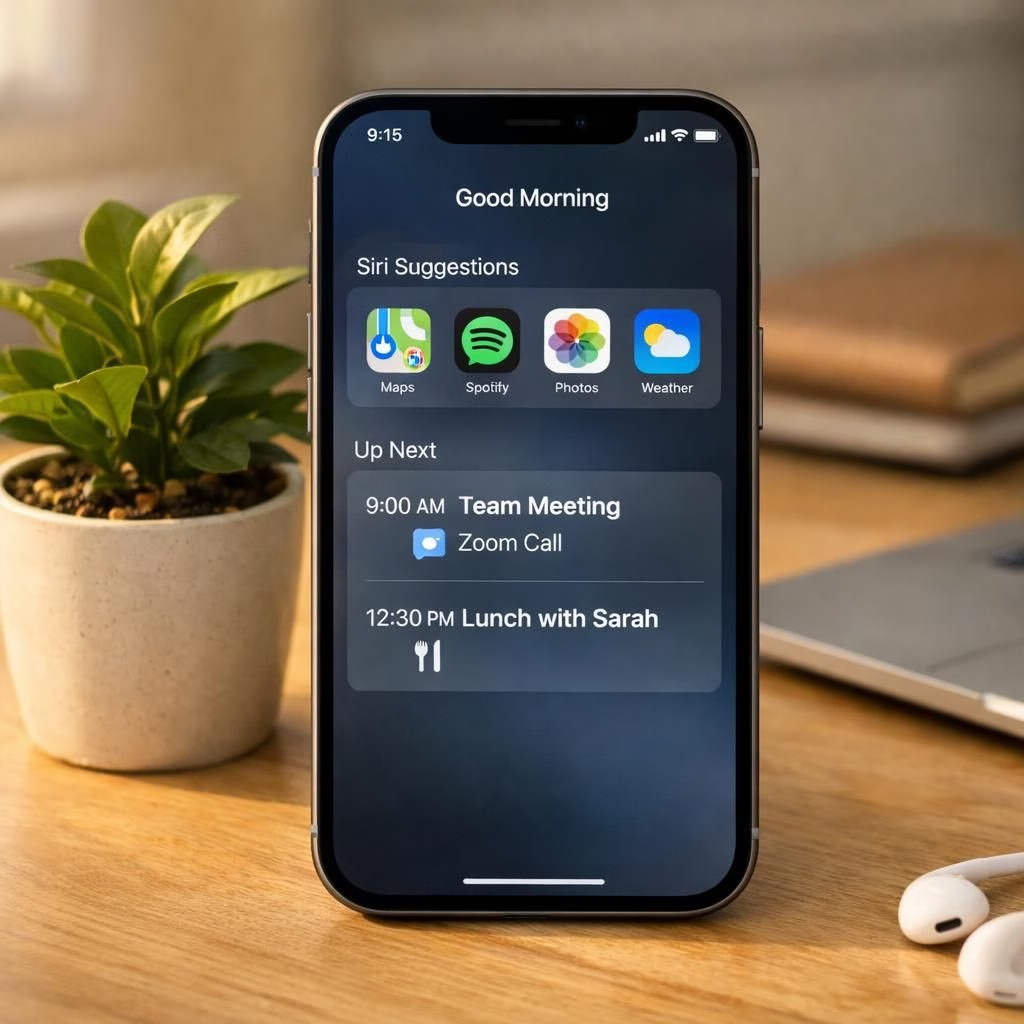
AI Siri and calendar are finally trending in 2026, and yes, the memes are as gentle as they are gleeful. Apple’s upgraded Siri AI can chat about plant health, assemble a shopping list for the hardware store, and set reminders to lay compost in the flower bed. It can reference information in your email and calendar to tailor its advice or answer the question: when should I leave for the airport? In short, this new Siri actually does what it promises, and that feels like progress with a hint of charm.
AI Siri and calendar: Practical notes for 2026
In practice, the new AI Siri uses an on-device data pool; if prompts can’t be handled all on-device, it uses Apple’s Private Cloud Compute with only the relevant personal data attached. It can pull from email and calendar to add events, draft reminders, or suggest the best time to leave. The AI Siri experience feels cohesive when it handles calendar events from email in one flow. The tool’s performance depends heavily on context, and in my tests, AI Siri understood most of what I asked. It felt like AI Siri was finally reading from your inbox and your schedule in a way that respects privacy while staying useful.
Two big parts shape this experience: on-device data and the cloud-based compute. Apple indexes things like your messages to tap into relevant bits on demand. If a prompt can’t be completed entirely on the device, it passes only the necessary fragments to the Private Cloud Compute. This keeps your most sensitive data closer to you while still letting Siri stay helpful. The contrast with Gemini is natural: Google has let Android users press a screenshot and have multiple calendar events pop up for a while now. Still, the new Siri brings its own flavor to the mix. AI Siri helps frame the calendar workflow as a single, practical task rather than a scavenger hunt for answers.
For context, Gemini handles personal data differently: you can opt in to syncing Gmail or calendar and then the AI fetches information from those sources. Siri, by contrast, leans on a hybrid approach with on-device indexing. In practice, that means your prompts about your schedule often get results without touching the cloud, which is comforting and a little cozy. AI Siri maintains a calm, helpful tone, and calendar -aware prompts tend to arrive as clean, actionable steps.
In terms of conversation style, Siri tends toward concise, direct responses, while Gemini often adds a more verbose, exploratory tone. AI Siri is mostly concise, which helps when you want quick answers about a meeting or a deadline. When I asked both about why flowers wilt, Gemini offered a longer line of possible causes, while AI Siri cut to the point and offered practical steps. This difference matters when you want a quick answer versus a longer diagnosis. Still, both are capable, and both reflect the state of AI assistants in 2026: capable, but not perfect.
The real day-to-day wins come when you want to do things with one prompt. I asked AI Siri to locate a garden center near me, create a checklist for a garden rehab, and add a calendar event. It delivered a good garden center suggestion, created a reminder list, and added an event—all in a single chain. It may feel basic, but that is the point: a simple, reliable assistant that actually ships. AI Siri calendar workflow remains the strongest aspect here, turning scattered tasks into a coherent plan.
On the iPhone, Siri now pops up in a more accessible way: swipe or long-press to wake and you will see a conversational prompt instead of a glowing border. This subtle shift makes you feel that Siri is never far away, ready to help with a calendar update or a reminder without forcing you to hunt for the app. It is the not-broken, not-trying-too-hard kind of upgrade Apple tends to nail when it has product focus and data control.
It’s not a magical burrito-dispensing assistant, but this version of Siri remains a credible, privacy-minded companion that ships to customers in 2026. The bar for trust was high after years of over-promises, and Apple deserves some applause for delivering something that actually ships. The first iterations may have fallen short, but this pass earns back some trust through reliability and transparency.
What this means for users is simpler planning, fewer frantic calendar scrambles, and less email flailing. If you are a parent or productivity nerd, you will appreciate the data boundaries and the ease of use. If you are the type to push every feature to the limit, you will want to see how far Apple will let Siri push the envelope in future updates while keeping privacy intact.
Looking ahead, we can expect gradual improvements. The AI Siri you get today is a solid, not flashy, helper that respects your data and your time. And that is a win in 2026, even if it is not the one-click, door-dashing burrito service you might have hoped for. The core promise remains: a practical assistant that works when you need it, and does not embarrass you on a family group chat.
What do you think about this AI Siri calendar combo? Share your thoughts in the comments below.
External references and context can help you decide how to use these tools safely. For example, Apple’s privacy stance and the broader AI assistant landscape have evolved quickly, especially around on-device processing and cloud-enabled features.
Practical steps to use AI Siri with your calendar
- Update to the latest iPhone OS version that includes the new Siri AI features.
- Grant Siri access to your calendar and email in a controlled way to keep personal data private.
- Try a single command like: “Add these events to my calendar and remind me before each one.”
- Ask Siri to create a short checklist for a task and then attach a calendar event to the plan.
FAQ
- Does AI Siri respect my calendar privacy?
- Yes. Apple emphasizes on-device processing and uses a private cloud compute with only the necessary data when needed, reducing exposure of sensitive information.
- Can I add multiple events from an email with one prompt?
- In many cases, yes. The new Siri can extract dates and times from messages and choreograph those into a single calendar flow, including reminders.
- Is this available on all iPhones?
- Availability depends on device compatibility and regional support. Check Apple’s official guidance for details on your model and region.
- How does this compare to Gemini on Android?
- Gemini has long offered multi-event insertion from screenshots and more exploratory vibes. Siri emphasizes concise, actionable results with a privacy-first approach, though both reflect a maturing AI assistant landscape in 2026.
In short, the upgrade is real, practical, and thoughtfully designed for daily planning. It’s not a full-stack automation tool, but it is a credible step toward reliable help when you need it most.
References
- The Verge: Siri AI, Apple Intelligence, iOS 27, WWDC 2026 — original reporting that inspired this recap
- PCMag: WWDC 2026 coverage on Siri AI and Apple Intelligence
- Apple Privacy Overview