

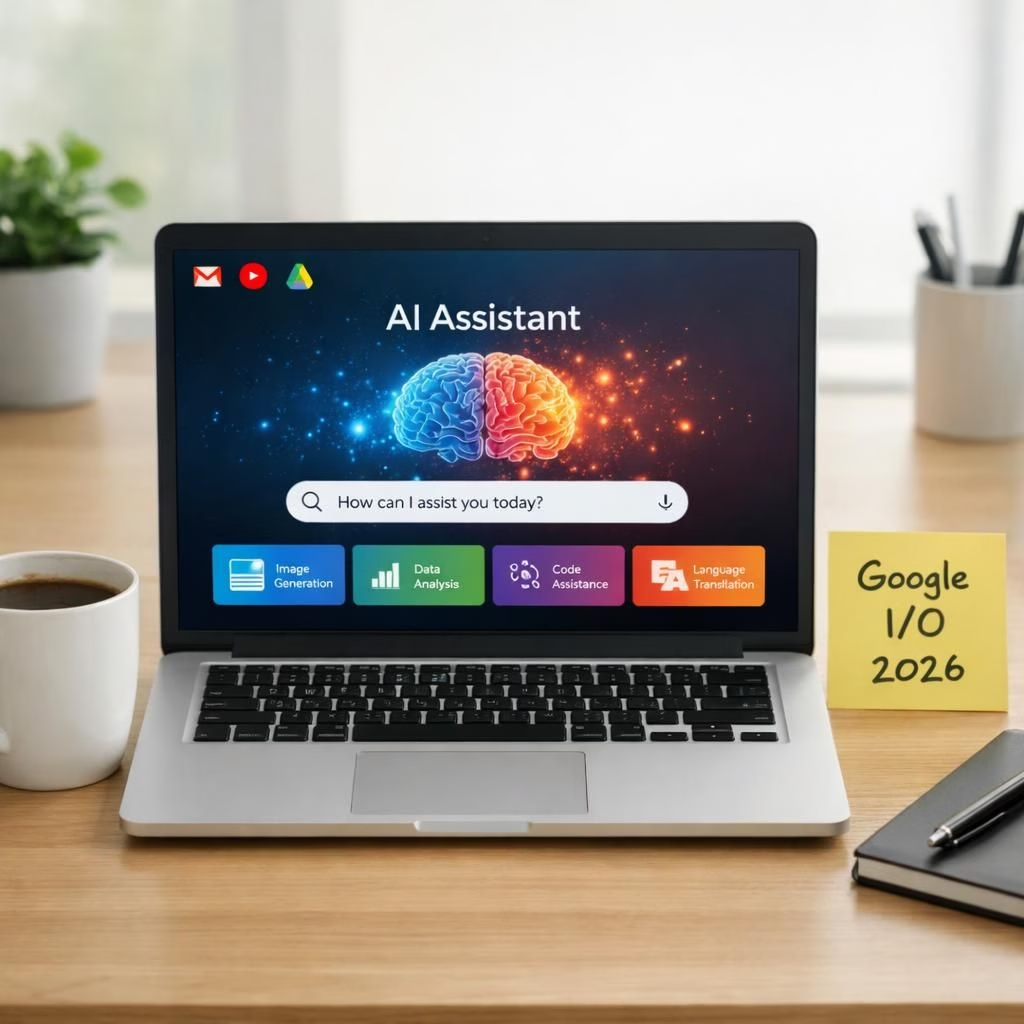
In 2026, AI and Google I/O collide in a cheerful, pragmatic way, showing how a broad push to put AI everywhere is turning everyday software into a smarter, friendlier assistant. The Axios report on Google’s expansive AI ambitions frames the trend, and the rest of the ecosystem glides along—from Gmail to YouTube and beyond. This isn’t a sci‑fi montage; it’s a real‑world, human‑friendly reality check: AI isn’t here to dominate, it’s here to assist—with style, wit, and a polite permission prompt that feels like a librarian with a wink.
As Google leans into the AI wave, the first obvious arena is Google Workspace. At Google I/O, the promise is straightforward: fewer clicks, smarter drafting, and workflows that feel less painful and more productive. Teams should expect context‑aware suggestions, smart templates, and automation that feels like a helpful colleague rather than a bossy intern. It’s not about replacing people; it’s about giving them more bandwidth to focus on thoughtful work—like creative decision making, strategy, and genuine collaboration.
AI-powered UI upgrades in Google I/O 2026
Under the hood, AI is not just a gimmick; it’s a design partner. In Gmail, the voice of your inbox will speak with you, offering smart summaries, proactive scheduling prompts, and tone‑aware drafting. YouTube’s content discovery will learn your tastes and adapt without shouting at you; you get better recommendations, not more noise. In Google I/O workspace, smart templates, auto‑completion in Sheets and Docs, and contextual data pulls will appear like quiet assistants who never interrupt. The tone stays pragmatic, humorous even — a reminder that AI is a tool, not a tyrant. The takeaway is clear: AI can handle mundane tasks so people can focus on craft and creativity, especially in coding environments where AI‑driven suggestions can speed up debugging and refactoring.
The practical upshot: your apps begin to feel anticipatory, a little intuitive, and a lot less cranky when you forget the exact phrasing of a message. This is not magic; it is pattern recognition packaged with a friendly user experience. Expect better search in Docs, smarter splits in Sheets, and tiny nudges that remind teams to validate outputs before sharing them with the world. It’s a gentle shift toward efficiency, with a wink and a nudge that says, yes, we can do this, and you don’t have to suffer for it.
Google I/O gains AI muscle in Gmail, YouTube, and Workspace
The keynote emphasizes a future where AI assists coders and consumers alike. For developers, AI‑assisted code suggestions, smarter debugging prompts, and faster scaffolding can shave hours off boilerplate work. For everyday users, Gmail might draft replies that match your tone, YouTube will surface creator notes and contextual hints, and Google I/O Workspace will orchestrate multi‑app flows that previously required heroic manual effort. The humor is deliberate: a world where apps feel anticipatory rather than clingy. The real impact is speed, accuracy, and decision support, all while keeping privacy‑by‑design prompts front and center, so control stays with the user.
YouTube remains a central stage for AI evolution, with captions and translations getting smarter and searchable transcripts enabling easier discovery of content themes. Creators will benefit from insights about audience engagement, helping them iterate faster without turning analytics into a mystery novel. The balance of automation and human judgment remains vital; AI is a collaboration partner, not a replacement for human editors, creators, and decision makers.
For teams and individuals tracking this shift, the practical implication is simple: design for AI as a collaborator, not a passenger. Build clear opt‑ins, transparent data usage notes, and straightforward ways to override or customize AI suggestions. When done right, AI becomes a quiet coworker who trims red tape, highlights meaningful patterns, and frees you to do the kind of problem‑solving that machines still struggle with—creativity, nuance, and strategic thinking.
Beyond the buzz, there is a call for responsible deployment. Privacy, security, and ethical use are not afterthoughts; they shape the day‑to‑day experience of AI in your tools. The 2026 I/O moment is less about a single blockbuster feature and more about a durable baseline: AI everywhere, deployed with care, and designed to augment human capability while preserving autonomy and trust.
From a product‑level perspective, the lesson is practical: integrate AI in a way that complements your existing workflows instead of forcing a new rhythm. If you can maintain speed without sacrificing clarity, the AI push becomes not a gimmick but a genuine productivity amplifier. The result? A calmer, more capable daily toolset that feels like a cooperative partner rather than a mischievous helper that misreads intent.
Original reporting and inspiration come from the broader coverage, especially Axios’ article documenting Google’s AI push. Read the Axios original here.
Practical steps for teams adopting AI
- Map tasks to AI capabilities with clear boundaries and fallback options.
- Set opt‑ins and transparent data usage notes to build trust quickly.
- Use smart templates and templates libraries to accelerate routine work.
- Establish quick ways to review and override AI suggestions when needed.
FAQ about Google’s AI push at I/O 2026
Q: What does this AI push mean for everyday users?
A: It aims to reduce repetitive tasks, speed up communication, and help you work more efficiently while keeping control with clear privacy and data‑use prompts.
Q: How is privacy handled with AI features?
A: Google emphasizes privacy‑by‑design, with visible controls to review data and opt out of analysis that isn’t essential to your work.
Q: Can I customize AI suggestions?
A: Yes. Expect settings to tailor tone, style, and level of automation, plus easy overrides for any suggestion.
Q: What should teams measure to judge success?
A: Look for time saved, error reductions, improved collaboration, and user satisfaction with the AI features.
For readers who want more context, the broader I/O coverage and product demos from the event are worth exploring. You can also follow official coverage on the YouTube Official Blog and Google’s own Workspace updates for ongoing details.