

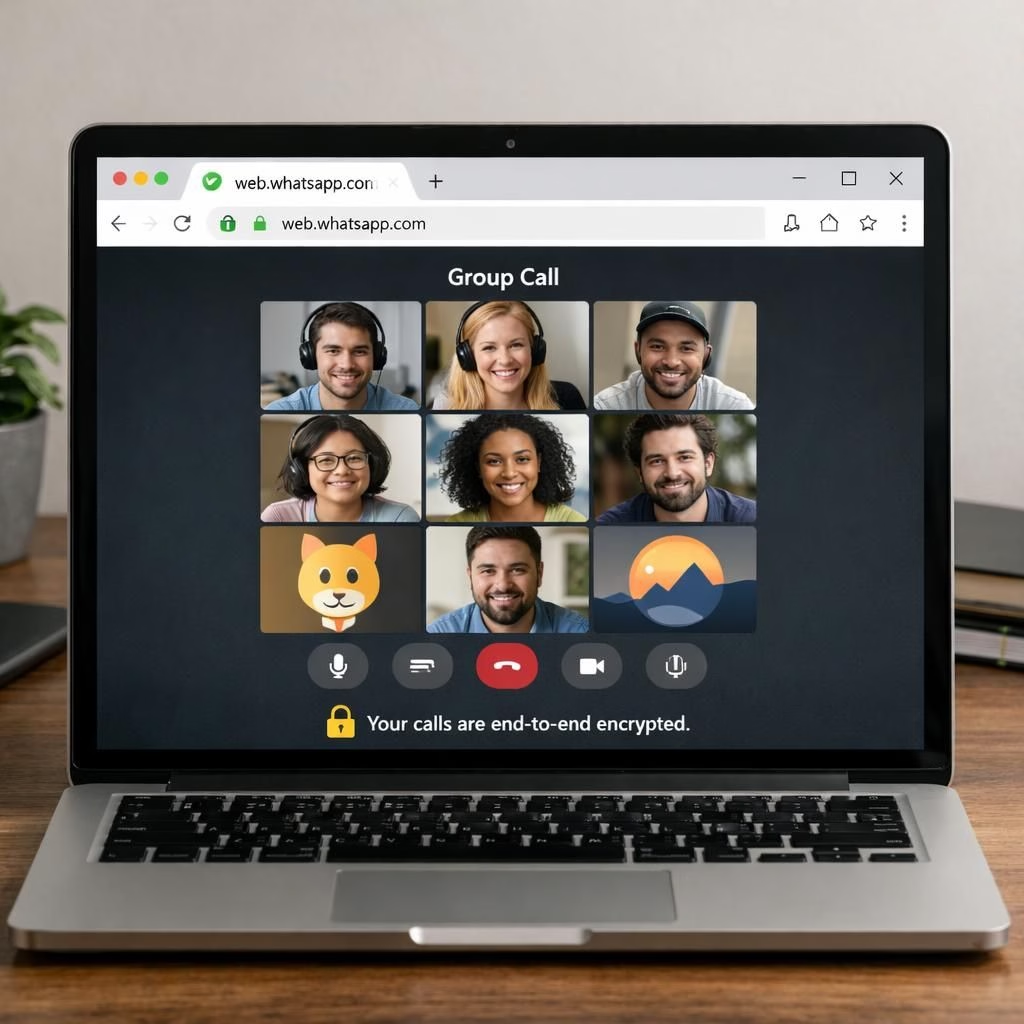
WhatsApp expands its web experience with Group Calls, letting you host group chats from the browser. This browser-first upgrade brings the energy of group conversations to WhatsApp on the desktop, a practical boost for anyone who types faster than they speak. In 2026, WhatsApp broadened web calling, and select users are testing Group Calls on WhatsApp Web before a wider rollout. The change keeps WhatsApp consistent across devices as you move between mobile apps, desktop, and the web.
WhatsApp Group Calls on Web: A Rollout Primer
The latest beta adds Group Calls to WhatsApp Web, previously limited to one-to-one calls. Now up to 32 participants can join a single session, matching the mobile and desktop versions. The design stays consistent across platforms, so friends won’t have to relearn the interface when they switch devices. The call button sits at the top of a group chat window, and you can choose who joins rather than inviting everyone by default.
Security stays tight: Group Calls on the web are protected by end-to-end encryption based on the Signal protocol. This means only the participants can access the audio, video, and shared content. WhatsApp and its parent company, Meta, can’t peek. The web version also supports call links with URLs that expire after 30 days of inactivity. A waiting room gives extra control over who hops in, reducing surprise drop-ins. Video calls support screen sharing for slides or documents, though voice-only sessions do not.
For those who obsess over cross-platform parity, this update is a win. Group Calls on the web give Windows users the same capabilities as desktop apps, and Linux users gain parity. The rollout remains in the WhatsApp Web beta program, with a wider release promised but not timestamped. If you don’t see the Group Calls option yet, WhatsApp says access will arrive in a future update.
Beyond the basics, the group-call experience stays practical. You can generate and share call links for quick invites, then dial in or out as needed. The 32-participant limit matches mobile and desktop versions, avoiding capacity surprises when guests join. End-to-end encryption keeps conversations private even as you share a screen during a video call.
In case you’re curious about what comes next, the team seems focused on consistency across platforms and a smoother web experience. The rollout favors gradual improvements over dramatic changes. If you rely on WhatsApp Web to organize meetings, this upgrade should feel like a natural extension of your workflow, not a detour toward a separate app.
Why WhatsApp and Group Calls on Web Matter in 2026
Group Calls on Web are part of a broader industry push toward browser-first collaboration. Starting a video or voice meeting directly from the browser reduces friction for remote teams, families, and hobby groups who live in their inboxes. With 32 participants, you can host a lively session without leaving the keyboard. The web experience keeps pace with mobile and desktop apps, ensuring you aren’t juggling two ecosystems just to stay connected with friends who use WhatsApp.
As a user, you gain practical flexibility: you can share a secure link, invite participants without forcing everyone to install an app, and still benefit from end-to-end encryption. This is appealing to users who like browser-based tools but want to avoid cross-platform friction. The 2026 rollout signals a thoughtful, user-centric approach rather than a mystery-box release. For those who value privacy and simplicity, WhatsApp’s Group Calls on Web offer a reliable option.
Practical Tips for Using WhatsApp Web Group Calls
- Keep your browser up to date and test audio before starting a call.
- Use the waiting room if you’re expecting late arrivals, and pre-select participants you want to hear.
- Present content by using screen sharing on Group Calls video sessions, and prep slides in advance.
- Limit the meeting to 32 participants to avoid chaos and echoes.
- Ensure a stable connection and good microphone placement before you click Join.
For power users across Windows, macOS, and Linux, this update provides a single, familiar interface across platforms. The consistency helps avoid accidental muting, misrouted screenshares, or unexpected echoes. If you rely on WhatsApp Web to organize meetings, this upgrade fits naturally into your workflow with Group Calls.
We invite you to share your thoughts in the comments about how you plan to use WhatsApp Group Calls on Web in 2026. Will you host family conferences, team standups, or book clubs? Jump in with your ideas and experiences, and let’s compare notes.
Special thanks to Shivani P Menon and The Indian Express for the original article.
References
- Original source: The Indian Express
- WhatsApp Help Center: WhatsApp Help Center
- The Verge coverage of WhatsApp updates