

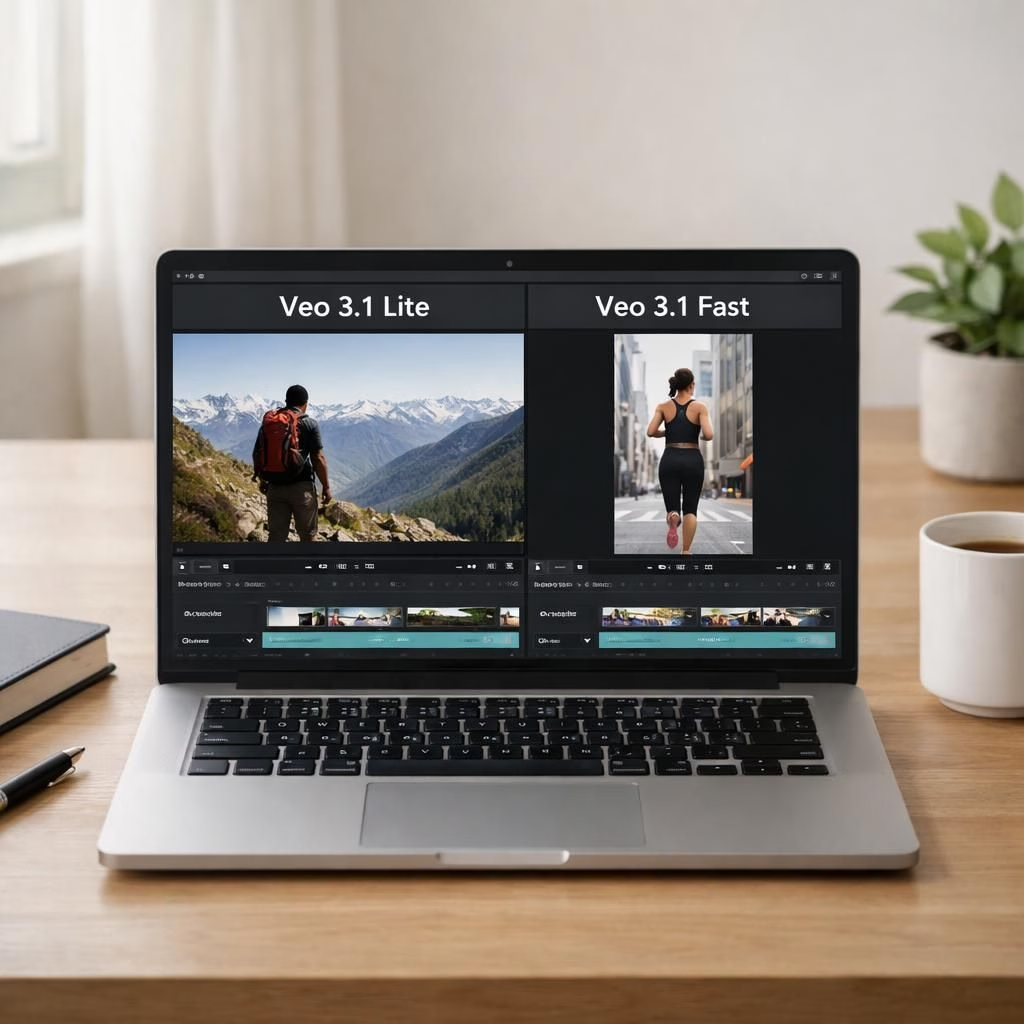
In 2026, Google rolled out two updates for Veo: Veo 3.1 Lite, the budget-friendly option, and a price drop for Veo 3.1 Fast, the speed-focused workhorse. These moves aim to widen access to AI-powered video creation while keeping performance intact. The rollout signals Google’s intent to keep pace with developers building high-volume video apps and to counter chatter about pricier tools. If you’re scouting for a scalable, affordable way to generate video from text or from images, this is worth a closer look at what Veo 3.1 Lite and Veo 3.1 Fast bring to the table.
Veo 3.1 Lite: A Budget-Friendly Path to AI Video
Veo 3.1 Lite is Google’s most cost-effective video generation model to date. It costs less than 50% of Veo 3.1 Fast while matching it in speed, which is a tidy bit of engineering optimism turned practical. The model is designed for developers who need to power high-volume video applications without letting costs spiral. The key selling point is clear: you can scale production without dialing back on quality or throughput. Developers can create video from a text prompt (Text-to-Video) or from an existing image (Image-to-Video), which means you can prototype from a storyboard or turn a single frame into a full clip in seconds. The Lite variant also offers flexible aspect ratios—landscape at 16:9 and portrait at 9:16—and supports both 720p HD and 1080p FHD resolutions. Three clip lengths—4, 6, or 8 seconds—let you tailor the content to banners, ads, or social formats, with pricing that adjusts by duration. It’s available now through the paid tier on the Gemini API and Google AI Studio, making the path from idea to output smoother for teams of all sizes. In practical terms, Veo 3.1 Lite lowers the barrier to entry for AI-generated video, enabling startups, educators, and hobbyist developers to experiment with fewer financial scar tissue. You’ll hear about Veo 3.1 Lite in developer communities as a reliable, cost-conscious option that doesn’t force you to sacrifice speed or scale. And yes, you’ll likely start hearing the phrase Veo 3.1 Lite more often than you expect as you plan experiments, proofs of concept, and production pilots.
Veo 3.1 Fast Price Cut: Making Speed More Affordable
Coinciding with the Lite rollout, Google announced a pricing reduction for Veo 3.1 Fast starting April 7. That means faster, more capable video generation becomes accessible to developers who previously balked at the cost of peak performance. The move reinforces Google’s commitment to widening access to video creation tech. In their words, the aim is to keep video generation broadly available, especially for teams working on real-time or near-real-time production pipelines. The price cut is not simply a sticker move; it’s a structural adjustment intended to spur experimentation, adoption, and faster iteration cycles. For teams comparing options, Veo 3.1 Fast becomes the value choice for those who need speed without paying a premium that stings project budgets. It’s a balanced bet: you get performance now, with room to grow your video workloads later.
OpenAI Jab and the Competitive Landscape
Alongside the pricing news, a subtle jab landed that positioned Google as a reliable, available, and affordable alternative. A Google AI Studio and Gemini API executive underscored, in a post on X, that “Video’s here to stay,” while highlighting Veo 3.1 Lite as our most cost-efficient model to date and noting the April 7 price cut for Veo 3.1 Fast. The remarks demonstrated a confident stance toward competition and a willingness to foreground value over hype. If you’re tracking the competitive landscape, you’ll see this as a reminder that AI video generation isn’t a one-tool race; it’s a field of evolving pricing, features, and integration options that reward builders who stay agile and cost-aware.
What This Means for Developers
The practical implications of Veo 3.1 Lite and Veo 3.1 Fast are real for developers who juggle budget, speed, and scale. The Lite model targets high-volume video tasks where latency and throughput matter more than a few extra frames of polish. By delivering Text-to-Video and Image-to-Video capabilities, Lite enables a wide range of workflows—from turning blog posts into short marketing clips to generating quick tutorials from storyboard frames. The fact that Lite supports both 16:9 and 9:16 caters to desktop-centric marketing content and mobile-first social media formats alike, while 720p and 1080p provide a spectrum of quality-to-cost trade-offs. When you combine Lite’s price advantage with its speed parity compared to Veo 3.1 Fast, you get a compelling option for batch processing, automated video generation in CI pipelines, and rapid experimentation without ballooning budgets.
For teams already using Veo 3.1 Fast or contemplating a fast ramp of video generation capabilities, the price cut lowers the barrier to test more ambitious workflows. It becomes easier to iterate on edits, test creative variations, and deploy more aggressive A/B testing in live campaigns. In short, Veo 3.1 Lite and Veo 3.1 Fast together offer a spectrum of choices—from cost-conscious, high-volume production to speed-optimized production—so you can align your toolset with your product roadmap rather than your budget ceiling. If you’re evaluating options for your next video project, you’ll want to map your clip length needs, resolution expectations, and aspect ratio requirements to the Lite and Fast profiles to maximize outcomes.
- Identify top use cases that benefit from rapid video outputs and scale up gradually.
- Estimate costs per video at 4, 6, and 8 seconds across 720p and 1080p.
- Prototype with both Text-to-Video and Image-to-Video workflows.
- Experiment with 16:9 and 9:16 formats to support multi-channel campaigns.
- When speed matters, run parallel renders with Veo 3.1 Fast to compare outcomes quickly.
Two Subtle Truths About AI Video Right Now
First, AI video generation is moving from a “trial phase” to production-ready capability for more teams. The Lite option makes this transition less daunting, especially for educational programs or startups operating with lean budgets. Second, speed matters—not just for immediate delivery but for tight feedback loops. The faster you generate, the faster your team can test prompts, refine creative variations, and optimize results. The Veo 3.1 family is designed with that reality in mind: you can push more content through your pipeline, learn faster, and still keep costs predictable.
Integrations, Accessibility, and Real-World Scenarios
Both Veo 3.1 Lite and Veo 3.1 Fast slot nicely into modern development ecosystems. The Lite option is accessible via the Gemini API and Google AI Studio, making it feasible to incorporate AI video into existing workflows, dashboards, or customer-facing products. The Fast variant maintains high throughput for applications that demand crisp visuals and near-instant turnarounds. In practical setups, a content team can draft a storyboard, another team can input the prompts, and an automated pipeline can render multiple variations in parallel, letting human reviewers focus on selecting winners rather than babysitting render queues. The ability to choose between 16:9 and 9:16 ensures content is adaptable across platforms—from YouTube and websites to vertical feeds on mobile apps. This flexibility is essential for teams tackling multi-channel campaigns or learning modules where the same asset gets repurposed across formats.
What to Watch Next and Final Thoughts
Looking ahead, expect more updates as Google continues refining Veo’s capabilities and pricing. The Veo 3.1 Lite and Veo 3.1 Fast launch sets a tone: the company wants to democratize access to AI video with thoughtful price signals and robust performance. If you’re building a video product or piloting an AI content workflow, these options invite experimentation without the typical sticker shock. The combination of Text-to-Video and Image-to-Video in Lite, along with the speed and cost improvements for Fast, gives teams a practical toolkit to explore, test, and scale.
We’d love to hear how you’re applying Veo 3.1 Lite and Veo 3.1 Fast in your projects. Share your experiences and questions below as you experiment with prompts, clip lengths, and aspect ratios. Your feedback helps everyone learn faster and build better AI video experiences.